Thingiverse is a large open digital design repository with over 2.5 million free buildable models, pioneering the birth of desktop 3D printing (additive manufacturing) and the DIY / Maker movement[1][2]. Launched for the MakerBot community in 2008 and owned by MyMiniFactory since February 2026, it forms the backbone of the global 3D printing ecosystem with its in-browser OpenSCAD-based Customizer tool and Creative Commons open licensing culture[2][3].
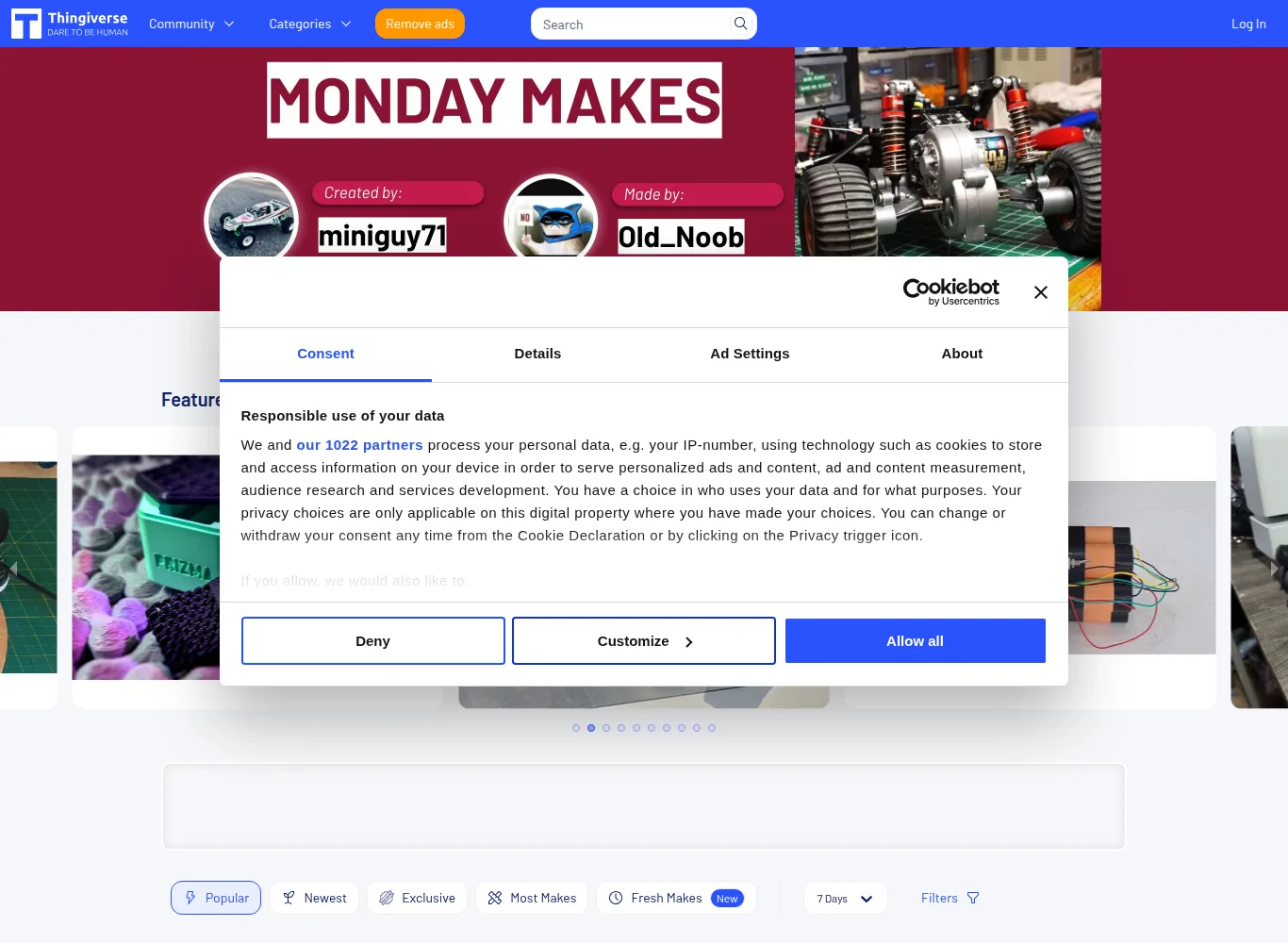
⚡ Thingiverse Data at a Glance
Founding History: From MakerBot to UltiMaker Era
Thingiverse was founded in Brooklyn in November 2008 by Zach Smith, one of the pioneers of the open source RepRap project, along with Bre Pettis and Adam Mayer[2][4].When it was first established, the goal was to provide a simple repository where users of the Cupcake CNC and Replicator series home 3D printers within the newly established MakerBot Industries could exchange the digital files they printed with each other[4].
With the massive explosion in the world of 3D printing, Thingiverse has quickly become a daily destination for millions of users. In 2013, industrial 3D printing giant Stratasys acquired MakerBot and Thingiverse for $403 million. In 2022, two pioneers of the industry, MakerBot and Netherlands-based Ultimaker, joined forces and established the umbrella company UltiMaker[3][5]. On 12 February 2026 UltiMaker sold Thingiverse to MyMiniFactory, which says the site will keep its free, open sharing model and run as a separate business (press release, 3Dnatives).

OpenSCAD Customizer: Code-Based Parametric Customization
One of the most groundbreaking innovations that sets Thingiverse apart from other static 3D model repositories is the MakerBot Customizer tool added to the platform in 2013[4][7]:
- OpenSCAD Integration: Designers prepare code-based OpenSCAD (`.scad`) scripts instead of using complex CAD software. Variables within the script (e.g. box width, length, wall thickness or screw pitch) are defined with special tags[7].
- In-Browser Visual Interface: An ordinary user can format the model according to himself by moving the sliders in the web interface and writing his own name in the text boxes, without needing any programming knowledge[4][7].
- STL Generation in the Cloud: The parameters specified by the user are compiled on Thingiverse cloud servers and a personalized STL file ready to be printed directly is produced[7].
Makes and Remix Culture: Real World Validation
The biggest community mechanism that makes Thingiverse a reliable resource is the “Makes” and “Remix” system[1][2]:
| Community Feature | How Does It Work? | Contribution to the User |
|---|---|---|
| Makes (Print Proof) | Users who print the model upload actual print photos and slicer settings[1] | It proves that the model is indeed printable and at what infill/temperature it works. |
| Remix Tree | Users who develop and modify an existing model attribute the work to the original design[1][2] | It shows the evolution of design;provides quick access to alternative assembly and different part adaptations. |
| Printing Tips (Print Settings) | Designer specifies recommended layer height, nozzle temperature, and support requirement[1] | It minimizes filament waste and non-sticking errors to the printing plate. |
Licensing Standards: Open Source Philosophy
Designs in the Thingiverse library are predominantly protected by Creative Commons (CC) licenses[1][8].Designers choose from these license modules when uploading models:
- CC-BY (Attribution): The model may be used for any commercial or personal purpose; The only requirement is that the name of the original designer be stated[8].
- CC-BY-SA (Share with the Same License): When changes are made to the model, the resulting new design must also be distributed under the same open license[8].
- CC-BY-NC (Non-Commercial): Model for personal use only; Commercial sale of physical prints or files is prohibited[8].
- Public Domain (CC0): These are models that do not claim any rights and are completely open to free use[8].
STL Mesh Integrity, Non-Manifold Geometry & Slicer Repair Pipelines
Because Thingiverse originated in the formative era of desktop 3D printing (2008–2015), millions of its legacy uploads consist of raw, unverified STL meshes. Early design software frequently produced non-manifold geometry, including self-intersecting triangles, inverted surface normals, internal zero-thickness faces, and unclosed boundary holes.
Modern slicing engines like PrusaSlicer, OrcaSlicer, and Bambu Studio incorporate automatic Netfabb mesh-repair algorithms to resolve common topology errors on import. However, for complex engineering models or articulated assemblies, opening legacy STL files in Windows 3D Builder or Blender’s 3D Print Toolbox is recommended to ensure airtight, watertight solids prior to slicing.
3D Printing Repositories Technical Benchmark Matrix
| Technical Feature | Thingiverse (MyMiniFactory) | Printables (Prusa Research) | MakerWorld (Bambu Lab) | Cults3D |
|---|---|---|---|---|
| Primary Philosophy | 100% Free Open-Access Community Library | Curated Open-Source Community with Quality Proof | Hardware-Integrated Multi-Color Printing Ecosystem | Commercial Digital Marketplace with Free Tier |
| Catalog Volume | 2,500,000+ Free Models (Largest in History) | 600,000+ Verified Printable Designs | 400,000+ Multi-Color & Maker’s Supply Models | 1,000,000+ Commercial & Free 3D Assets |
| In-Browser Parametric CAD | MakerBot Customizer (OpenSCAD .scad Engine) | PrusaSlicer Parametric Web Integration | WebAssembly OpenSCAD Engine | None (Static File Downloads Only) |
| File Standard Distribution | .STL (Dominant), .OBJ, Legacy .3MF | .3MF, .STEP, .STL, Binary G-Code (.BGCODE) | .3MF (Bambu Studio Native), .STEP, .SCAD | .STL, .OBJ, Native CAD Archives |
| Reward / Monetization | Tip Jar (Voluntary tips) / 100% Free | Prusameters (Physical Filament) & Clubs | MakerWorld Points (Bambu Store Vouchers) | Direct Digital Sales (80%-85% Author Split) |
| Slicer Integration | UltiMaker Cura Integration & Legacy Direct Export | PrusaSlicer & Prusa Connect 1-Click Upload | Bambu Studio & Bambu Handy Cloud Printing | Manual Web Browser Downloads Only |
🛠️ Technical Troubleshooting & Slicer Preparation Guide
- Resolving Non-Manifold STL Errors: If your slicer reports ‘Mesh has non-manifold edges’, right-click the model in PrusaSlicer or Bambu Studio and select ‘Fix through Netfabb’ to rebuild missing faces.
- Debugging Customizer Timeout Failures: In-browser OpenSCAD Customizer can fail on scripts with excessive recursive loops; download the raw
.scadfile and render locally using OpenSCAD desktop. - Correcting Print Bed Orientation: Older Thingiverse designs are often exported with origin planes aligned vertically (Z-forward); use the ‘Place on Face’ tool in your slicer to properly seat the flat base onto the build plate.
✅ Strengths
- The world’s largest open-access 3D model repository with over 2.5 million free designs.
- Pioneering in-browser OpenSCAD Customizer allows instant parametric dimensions without CAD software.
- Comprehensive ‘Makes’ and ‘Remix Tree’ community validation proves real-world printability.
- Strict adherence to Creative Commons licensing protects open-source redistribution.
⚠️ Considerations
- Aging database contains unmoderated legacy STLs with frequent non-manifold geometry flaws.
- Fewer native multi-color .3MF or direct CAD (.STEP) files compared to newer modern repositories.
- Search and discovery algorithms can occasionally surface duplicate or low-effort remixed models.
References and Verified Sources
[1] Thingiverse Official Platform and Open Design Repository: thingiverse.com
[2] All3DP, Thingiverse Platform History and Alternatives: all3dp.com
[3] MakerBot and Ultimaker Announce Closing of Merger: makerbot.com
[4] MakerBot Stories and Company History: makerbot.com
[5] Stratasys Investor Relations, Press Releases: investors.stratasys.com
[6] 3D Printing Industry, News and Analysis: 3dprintingindustry.com
[7] Adafruit Learning System, 3D Printing Tutorials: learn.adafruit.com
[8] Creative Commons Licensing Standards: creativecommons.org
More platforms like this one are compared in our list of 3D model sites.