




DAZ 3D is an industry-defining digital asset and software platform renowned for its modular anatomical modeling ecosystem, GPU-accelerated staging, and flagship Genesis figure architecture [1][2]. Combining the free DAZ Studio character suite with an expansive commercial marketplace, DAZ 3D provides game studios, illustrators, concept artists, and animators with hyper-realistic digital humans, morph-driven topology, and automated clothing conforming pipelines [2][3].

DAZ 3D Data at a Glance
Founding Story: From Zygote Anatomy to Global Freemium Powerhouse
DAZ 3D (originally Digital Art Zone) was established in Utah in 2000 by Dan Farr and Chris Creek [2][4]. The enterprise branched out from Zygote Media Group, an anatomical modeling pioneer celebrated for medical visualizations [2]. A legendary historical detail from this formative era: the platform’s first iconic male figure, Millennium Man (the direct ancestor of the Michael series), was developed from a direct 3D scan of co-founder Dan Farr’s face [4].
In 2006, DAZ 3D broadened its technological footprint by acquiring Bryce, Carrara, and Hexagon modeling software from Eovia [10]. In 2012, management enacted a disruptive strategic pivot by making DAZ Studio completely free [3]. This freemium model unlocked a massive global user base, transforming the marketplace of premium clothing, characters, poses, and props into the company’s economic engine [3][4].
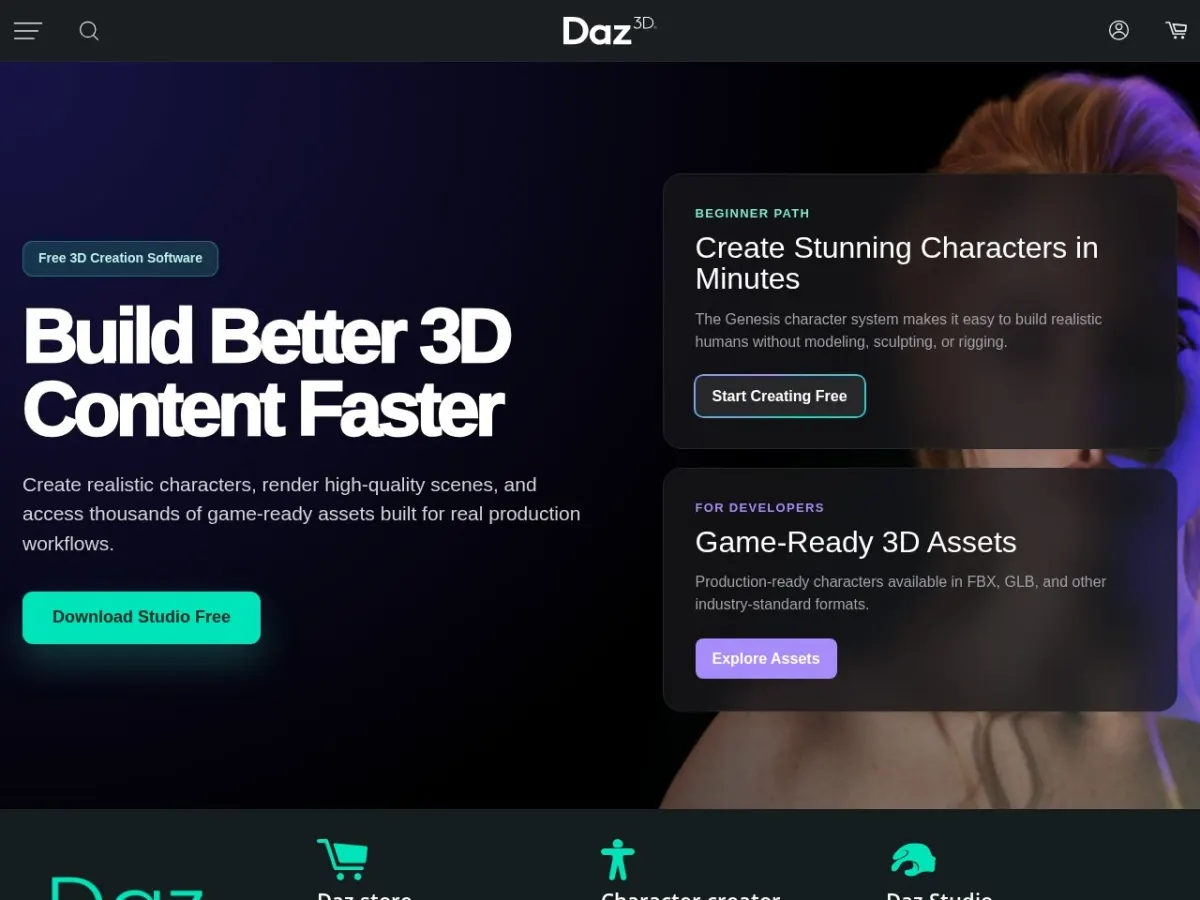
Genesis Figure Architecture: The Genesis 9 Technical Paradigm
In conventional character rigging pipelines, different human archetypes (muscular warriors, elderly elders, stylized figures) necessitate distinct skeletons and non-transferable polygon meshes [5]. The Genesis architecture revolutionized this workflow through three core innovations [5][6]:
- Unified Single Base Mesh: A master quad-dominant mesh adapts seamlessly into diverse body proportions and facial topologies using non-destructive blendshape morph sliders [5].
- Automated Auto-Fitting & Weight Transfer: Outfits, armor, and footwear automatically stretch to match modified figure dimensions, automatically calculating bone vertex weight maps [1][5].
- Genesis 9 Unified Base & FACS: Launched in late 2022, Genesis 9 returned to a unified, gender-neutral base mesh equipped with Facial Action Coding System (FACS) facial micro-expressions, native asymmetric morphing, 8K PBR multi-specular skin maps, and dual-layer cornea eye structures [6].
Daz Bridges: Exporting to Blender, Unreal Engine & Unity
DAZ Studio is fully integrated into AAA game and film production through official open-source Daz Bridges [1][8]:
| Target DCC / Engine | Automated Conversion Mechanism | Production Pipeline Role |
|---|---|---|
| Blender (Daz to Blender) | Converts bone hierarchy to Rigify-compatible armature and rebuilds Cycles Principled BSDF node trees [8] | Advanced keyframe animation, procedural hair simulation, and sculpting in Blender. |
| Unreal Engine (Daz to Unreal) | Retargets skeleton to UE Mannequin / Control Rig, compiles native SSS subsurface skin shaders [8] | Deploying playable game characters, cinematic cutscenes, and virtual production. |
| Unity (Daz to Unity) | Generates Mecanim-compatible Humanoid avatar rigs and compiles URP/HDRP lit shaders [8] | Mobile and PC game character integration with ragdoll physics compatibility. |
| Autodesk Maya (Daz to Maya) | HumanIK skeleton mapping and automated Arnold / V-Ray shader material assignment [8] | Studio VFX character pipelines and high-end feature film staging. |
3D Character & Digital Human Platforms Benchmark Matrix
To evaluate how DAZ 3D compares against specialized character generators and commercial marketplaces, consider this benchmark comparison [1][3][8]:
| Platform | Base Mesh Architecture | Physics / Dynamics | Game Engine Pipeline | Cost Structure | Licensing Flexibility |
|---|---|---|---|---|---|
| DAZ 3D | Genesis 9 Unified Mesh (FACS, 8K PBR) [6] | dForce GPU (OpenCL cloth & hair) [1] | Automated via Daz Bridges [8] | Free Studio + Paid Assets [3] | Standard (2D) / Interactive (3D) [9] |
| Reallusion CC4 | CC3+ / CC4 Quad Topology | PhysX Soft Cloth & Dynamic Hair | Native Unreal Live Link | Paid Commercial Software ($299+) | Royalty-free baked export |
| Epic MetaHuman | Rig Logic Photogrammetry Topology | Chaos Cloth & Strand-based Hair | Native Unreal Engine Only | Free for Unreal Engine projects | Restricted to UE ecosystem |
| RenderHub | Mixed Daz, Poser & FBX Rigs | Varies by model author | Manual Retargeting Required | Direct Model Purchase ($10-$90) | Royalty-Free Commercial |
| TurboSquid | Custom Rigged Bipeds / CAT Rigs | Varies by package | Manual FBX Import | Premium ($99-$499+) | Royalty-Free Commercial with Indemnity |
Technical Diagnostic & Workflow Troubleshooting Guide
When staging Genesis characters, running dForce simulations, or transferring rigs through Daz Bridges, observe these critical technical remedies [1][7][8]:
| Issue & Symptom | Underlying Technical Cause | Standard Technical Solution |
|---|---|---|
| Mesh poke-through around armpits and groin during auto-fit | Extreme morph slider values exceed clothing smoothing iteration thresholds [1]. | Enable “Collision Distance” in Parameters, increase Collision Iterations to 4, or apply a Mesh Smoothing modifier with Push Modifier. |
| dForce cloth simulation explodes into violent geometry spikes | The initial pose has garment vertices intersecting directly inside the body collision mesh [1][6]. | Start simulation from a clean A-pose or T-pose at frame 0 and animate the figure into the final pose across 30 frames using timeline simulation. |
| Iray skin render appears chalky, wax-like, or overly translucent | Subsurface Scattering (SSS) transmitted measurement distance is mismatched with scene lighting scale [7]. | Adjust Transmitted Distance down to 0.15 – 0.25 cm and balance SSS Amount around 0.35 in the Dual Lobe Iray Uber Surface parameters. |
| Twist-bone deformation in Blender or Unreal Engine during wrist rotation | DAZ dual-quaternion roll twist bones are misinterpreted as linear bone weights upon export [8]. | Check “Enable Twist Bones” and select “Genesis 9 IK Retargeting Preset” in the official Daz to Blender/Unreal bridge export panel. |
Pros & Cons Summary
Strengths
- Free Professional Staging Suite: DAZ Studio is 100% free with integrated NVIDIA Iray path tracing [3][7].
- Genesis 9 Modularity: Unified genderless base mesh with FACS blendshapes and 8K multi-specular PBR maps [6].
- Automated DCC Bridges: 1-click bridge pipelines to Blender, Unreal Engine, Unity, and Maya [8].
- Smart Conforming Outfits: Auto-fitting instantly stretches clothing across extreme body morphs [5].
Considerations
- Interactive License Surcharge: Embedding raw 3D meshes in game engines requires additional commercial licensing [9].
- Hardware Intensive: Real-time Iray viewports and 8K textures require dedicated NVIDIA RTX GPUs [7].
- Proprietary Ecosystem: Storing assets outside the DAZ Content Library requires manual database management [1].
Frequently Asked Questions (FAQ)
Is DAZ Studio really completely free?
Yes, the full DAZ Studio software suite, including the Genesis starter essentials, posing tools, and NVIDIA Iray rendering engine, is 100% free for commercial and personal 2D rendering projects [3].
What is the difference between Standard and Interactive licenses?
The Standard License covers 2D renders, marketing images, book covers, and video renders. The Interactive License is required when exporting 3D asset files, meshes, or character rigs into games, VR apps, or interactive software [9].
Can I use DAZ characters in Blender or Unreal Engine?
Yes, official open-source Daz Bridges automate bone retargeting, FACS blendshape compilation, and material shading directly into Blender, Unreal Engine, Unity, and Maya [8].
What makes Genesis 9 different from Genesis 8?
Genesis 9 merges male and female figures into a single unified base mesh with increased polygon density, native anatomical asymmetry, FACS micro-expressions, and upgraded 8K PBR material shaders [6].
Explore Related 3D Platforms
Compare DAZ 3D with leading digital human and 3D character marketplaces:
- RenderHub 3D Character Marketplace Review
- TurboSquid 3D Models Review
- CGTrader 3D Marketplace Review
- Unity Asset Store Review
References & Technical Sources
- Download Daz 3D Studio Animation Software Free | Daz 3D – Official documentation and software downloads. [1]
- DAZ 3D Corporate History & Zygote Heritage – Founding details and anatomical background. [2]
- CG Channel: DAZ Studio Freemium Transition Analysis – Software pricing evolution and market analysis. [3]
- DAZ 3D Technology Blog: Millennium Man to Genesis Architecture – Historical milestones and character evolution. [4]
- Genesis Character Platform Technical Standards – Morphology slider controls and auto-fit algorithms. [5]
- Genesis 9 Composite Figure Architecture & FACS Specifications – Unified base mesh and dual-lobe SSS shaders. [6]
- NVIDIA Iray GPU Rendering | NVIDIA – Path-tracing SSS parameters and GPU acceleration. [7]
- DAZ Bridges Pipeline Documentation (Blender, Unreal, Maya, Unity) – Skeleton retargeting and material binding. [8]
- DAZ 3D Interactive License Terms & Conditions – 3D asset game embedding legal compliance. [9]
- CreativePro: DAZ 3D Eovia Software Acquisitions – Historical background on Bryce, Carrara, and Hexagon. [10]
DAZ characters need the Interactive licence once they appear in a game, and the specialised assets block names character stores alongside human asset libraries.