 EN
EN TR
TR DE
DE FR
FR ES
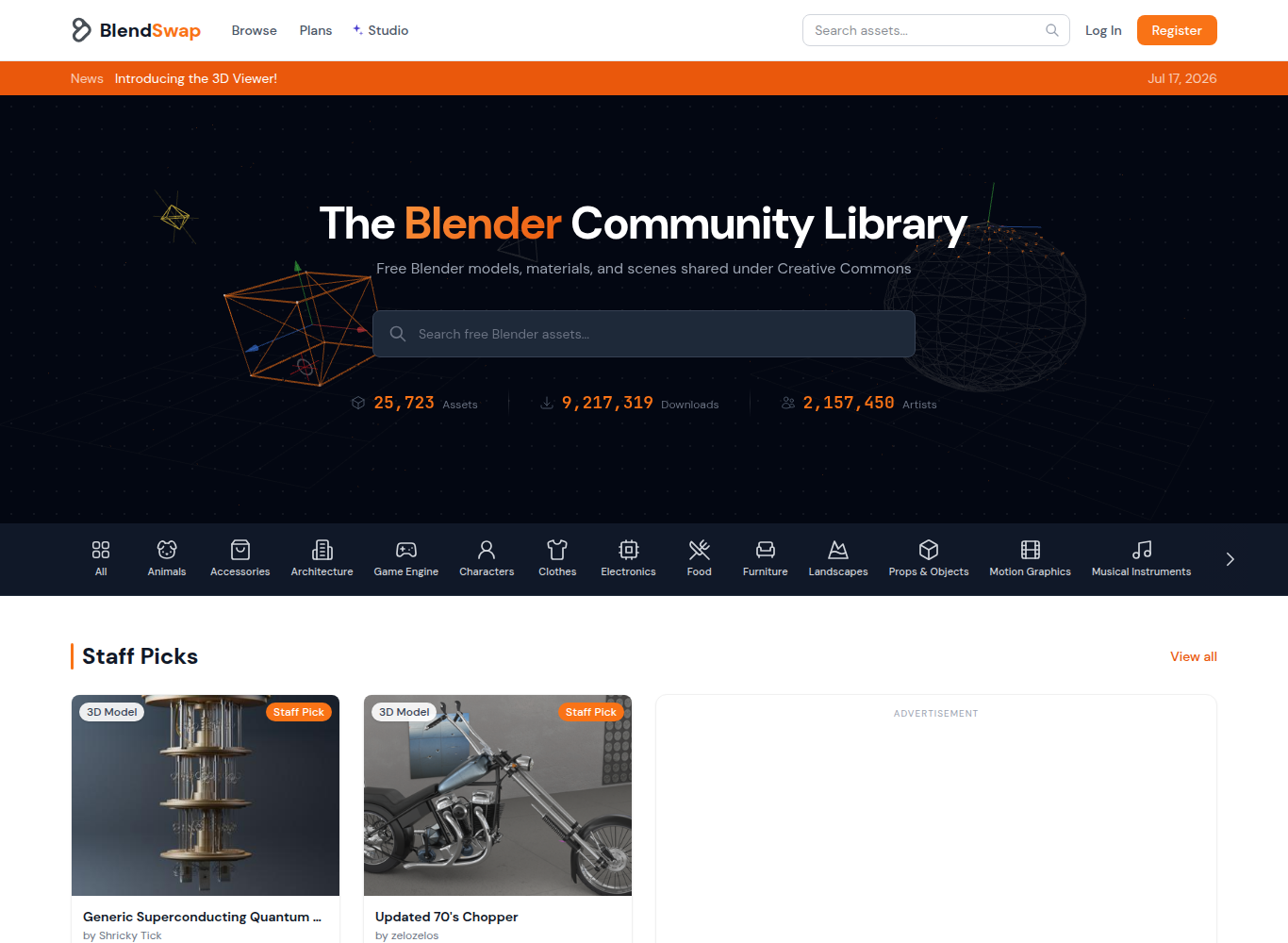
ESGrowing with the open source philosophy, the greatest strength of the Blender community is that developers and artists can freely share their knowledge and assets with each other.Founded in 2010 by Matthew Valenzuela, BlendSwap is the most established and respected grassroots library dedicated exclusively to Blender users[1][2].The platform, where local .blend files are shared directly with Creative Commons licenses instead of commercial sales, has served as an indispensable open school in the Blender learning and production processes of hundreds of thousands of 3D modelers around the world[1][3].
⚡ BlendSwap at a Glance
The Educational Power of Local .blend File Sharing
The most important feature that distinguishes BlendSwap from ordinary 3D model sites is that the models are presented directly as a source .blend file, not in general and layered formats such as FBX or OBJ[1][3].This structure offers users the following unique learning opportunities:
- Modifier Stack Review: You can watch live how the model is built step by step with Subdivision Surface, Bevel, Mirror, Boolean or Array modifiers[2].
- Shader Node Trees: How procedural textures, noise textures and bump maps are constructed in Cycles and Eevee engines can be analyzed[3].
- Character Equipment and Bone Systems (Rigging & Weight Painting): How characters are connected with Rigify or special bone chains and weight painting techniques can be examined[1][4].
Creative Commons and License Transparency
Every work uploaded to BlendSwap is tagged with a clear Creative Commons license[1][4]:
| License Type | Tenure | Legal Liability |
|---|---|---|
| CC-0 (Kamu Malı) | Completely free to use in commercial and personal projects | There is no obligation to cite attribution;The asset is considered public property. |
| CC-BY (Atıf) | Use and modification in any format, including commercial projects | The name of the artist who prepared the model or the BlendSwap profile link must be stated. |
| CC-BY-SA (Share Alike) | Right of use, including commercial projects | If the model is developed and redistributed, it must be made available under the same open license. |
Bandwidth Model and Community Support
Downloading hundreds of thousands of large .blend files incurs huge server bandwidth costs.BlendSwap solves this with a balanced model[2][5]: Users who open a free account have a certain monthly download quota.Users who support us with small monthly donations of a few dollars can access unlimited bandwidth and fast download queues and contribute to covering server costs[1].
Sources and Verification Links
[1] BlendSwap Official Community Repository — Blender open source 3D models, licensing terms and community gallery.
[2] BlenderNation: BlendSwap Platform News &History — Platform developments and community announcements led by Matthew Valenzuela.
[3] BlenderArtists Community Forum: BlendSwap Workflows &Learning — Discussions of node systems and modeling techniques in .blend format.
[4] Creative Commons Official Licensing Standards — Legal scope and terms of use of the CC-0, CC-BY and CC-BY-SA license models.
[5] BlendSwap Help and Bandwidth FAQ — Download quotas, moderation approval mechanisms, and copyright protection processes.