 EN
EN TR
TR DE
DE FR
FR ES
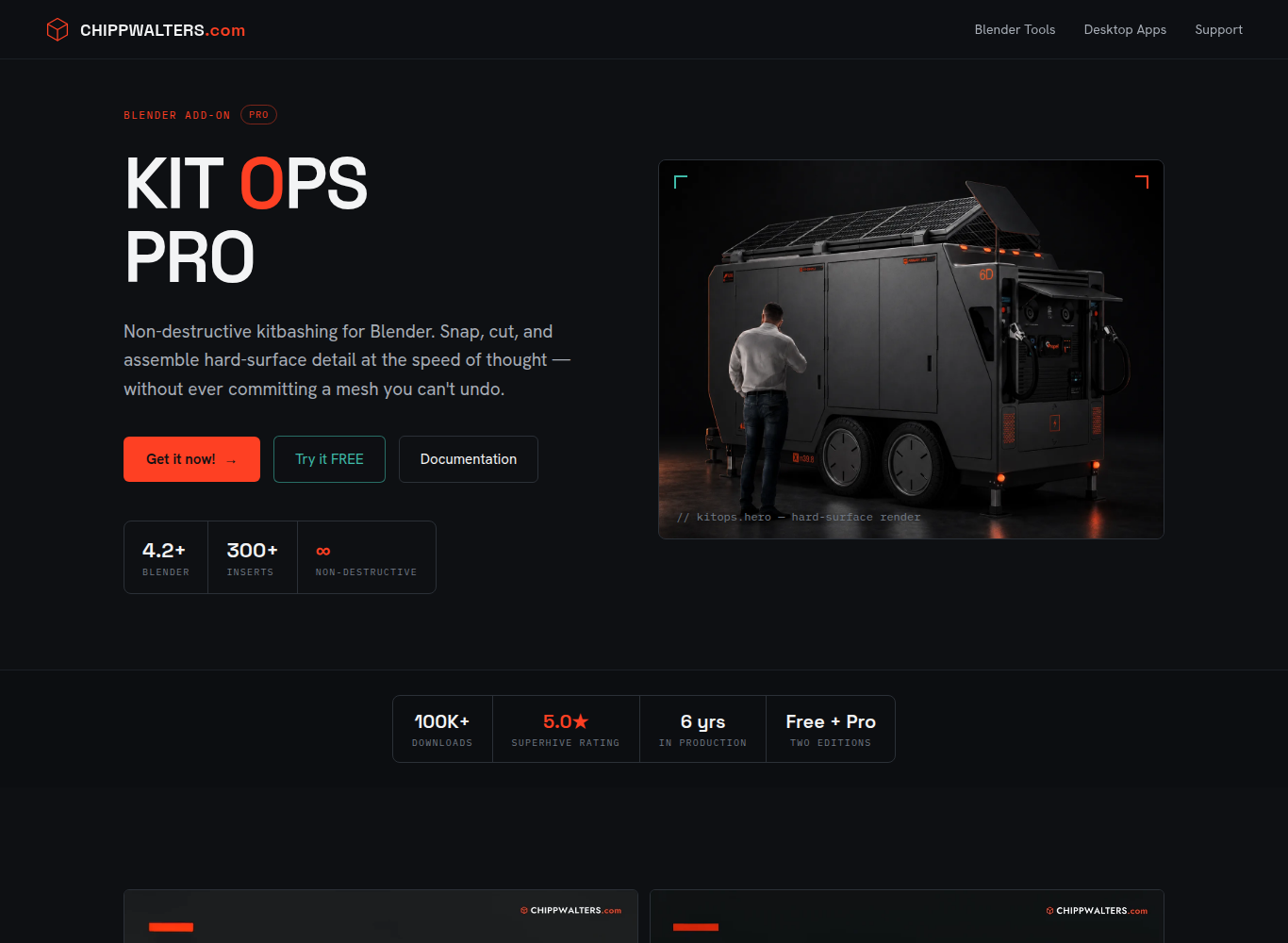
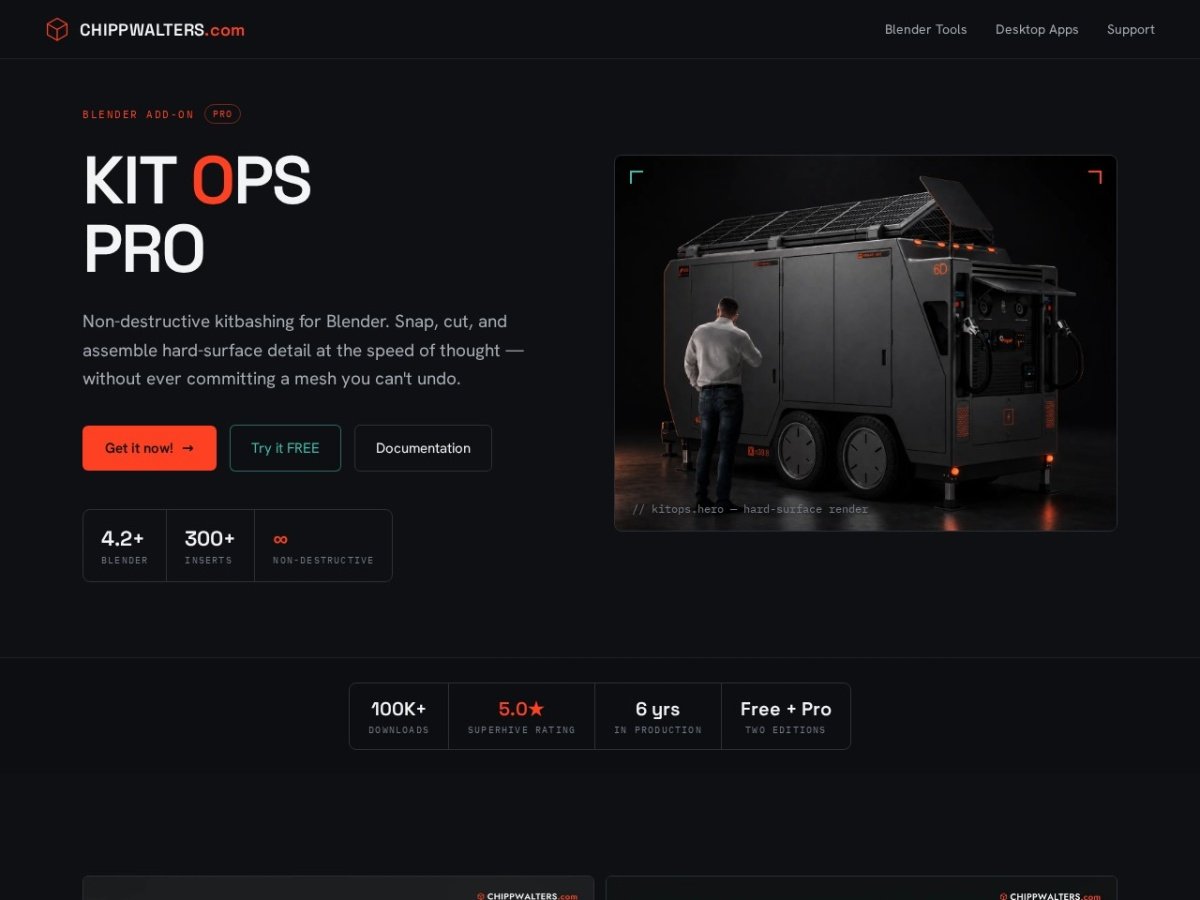
ESFor concept artists, sci-fi environment modelers, and industrial designers, this is the most time-consuming stage when designing a spaceship, robotic armor, or mechanical device;It is the addition of hundreds of small hard-surface details such as ventilation grilles, screw slots, control panels and cable entries to the surfaces.Developed for Blender by veteran industrial designer Chipp Walters and his team KitOpsrevolutionized modern 3D modeling workflows by transforming the “kitbashing” method into a parametric and non-destructive system.[1][2].With smart Boolean cuts, KPACK asset packs, and surface auto-align capabilities, KitOps enables complex industrial designs in minutes[1][3].
⚡ KitOps at a Glance
Smart INSERT Logic and Non-Destructive Modeling
In traditional modeling, it takes hours to drill a hole or add detail to an object, cutting the polygon mesh, adding support loops and correcting the topology.If KitOps INSERTWith its architecture, it reduces this process to seconds.[1][3]:
- Smart Boolean Combination:When you select a vent cover and drop it on a curved body, the plugin detects the surface normal of the body, pastes the part and automatically automatically applies the required negative cuts on the body[2][4].
- Completely Non-Destructive Flow:Cuts and added parts do not directly deform the main polygon mesh;Boolean modifiers remain live so you can move, rotate or delete the piece at any time[1].
- Material Intelligent Integration:The inserted part can automatically inherit materials existing on the target model or maintain its own ready-made photorealistic PBR shader settings[3][5].
KPACK Ecosystem: Community Sharing and Commercial Opportunities
KitOps is not just a software tool, but a global marketplace where 3D artists can package and market their own designed parts kits[1][5]:
| Version Comparison | KitOps FREE | KitOps PRO |
|---|---|---|
| Using Existing KPACKs | Unlimited (Unlocks all free/paid KPACKs)[1] | Unlimited full authority |
| producing Your Own KPACK | Not supported (Consumer mode only) | One-click automatic rendering and KPACK packaging[1][4] |
| SYNTH Procedural Detailing | Not available | Algorithmic automatic detail scattering (SYNTH engine)[4] |
| Alignment and Snapping | Basic surface alignment | Advanced edge, corner and center snapping tools |
Strengths and Limitations of KitOps
✅ Core Strengths
- The fastest and most stable hard surface detailing workflow in Blender.
- Thanks to non-destructive flow, unlimited revision possibilities without disturbing the main topology of the model.
- Thousands of ready-made KPACK assets can be used even with the free version.
- Huge community-curated military, sci-fi and industrial parts libraries.
- Incredible speed increase, reducing concept design times from days to hours.
⚠️ Points to Consider
- The plugin is developed exclusively for Blender;Maya or 3ds Max users cannot run it directly.
- Overly dense Boolean segments may require correction of the model’s subdivision surface topology.
- It is designed for hard surface engineering, not organic character or fabric modeling.
Conclusion and Evaluation
KitOps is one of the most efficient production plugins running on Blender for modern 3D concept artists and modelers[1][2].This intelligent system, which eliminates repetitive modeling steps and allows the artist to focus solely on visual composition and aesthetic design, deserves to be in the essential toolbox of professional modeling studios.[1][3].
Verified Sources and References:
- KitOps Official – The Ultimate Hard Surface Kitbashing System for Blender [kit-ops.com]
- Chipp Walters Official – Industrial Design, Architecture & Blender Tools [chippwalters.com]
- Blender Market – KitOps PRO Asset & Kitbashing Addon Review & Documentation [blendermarket.com]
- CG Channel – Chipp Walters Releases KitOps 2 Pro and SYNTH Automation [cgchannel.com]
- BlenderNation – KitOps 2 Overview, KPACK Ecosystem & Workflow Guide [blendernation.com]