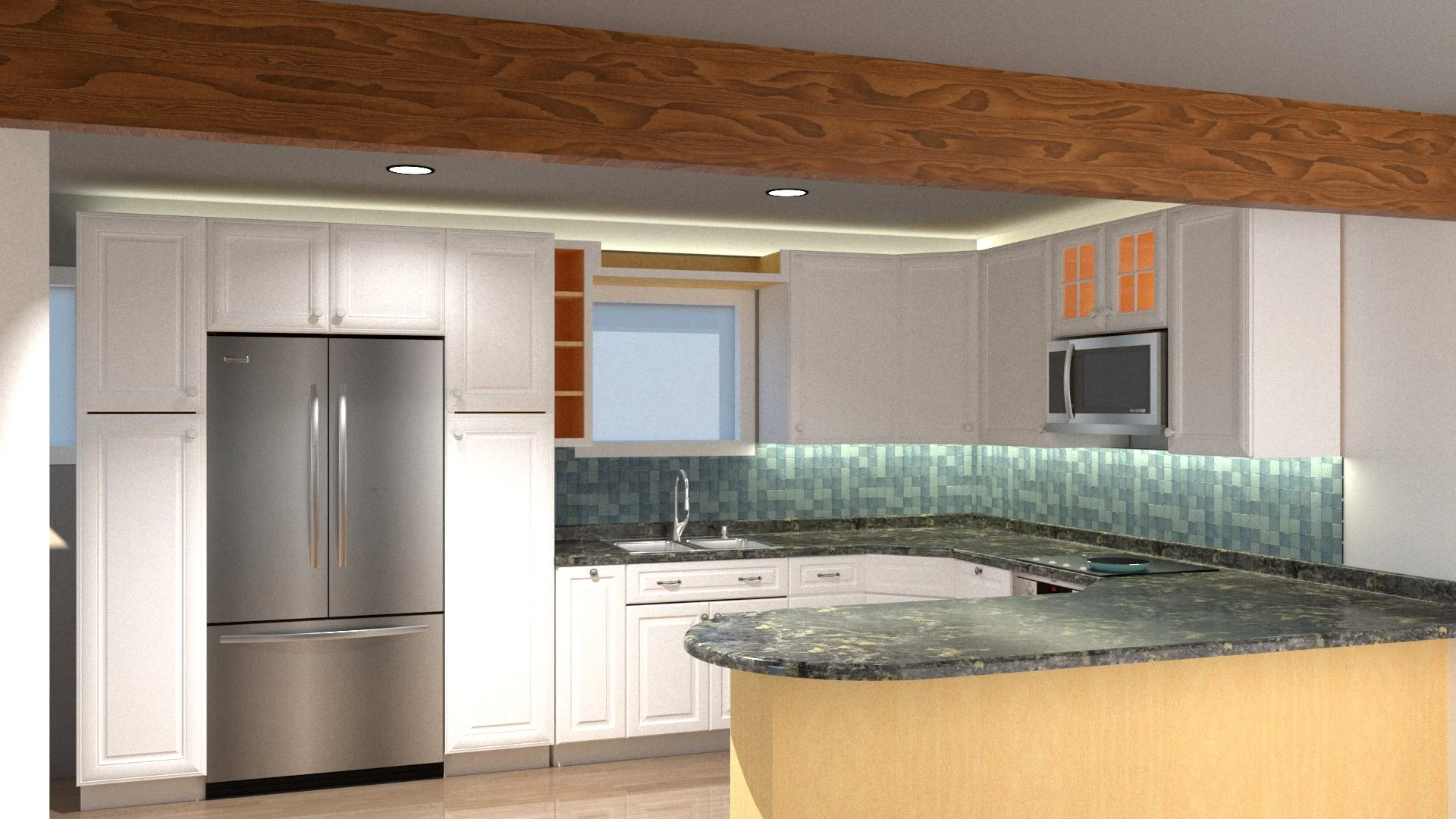





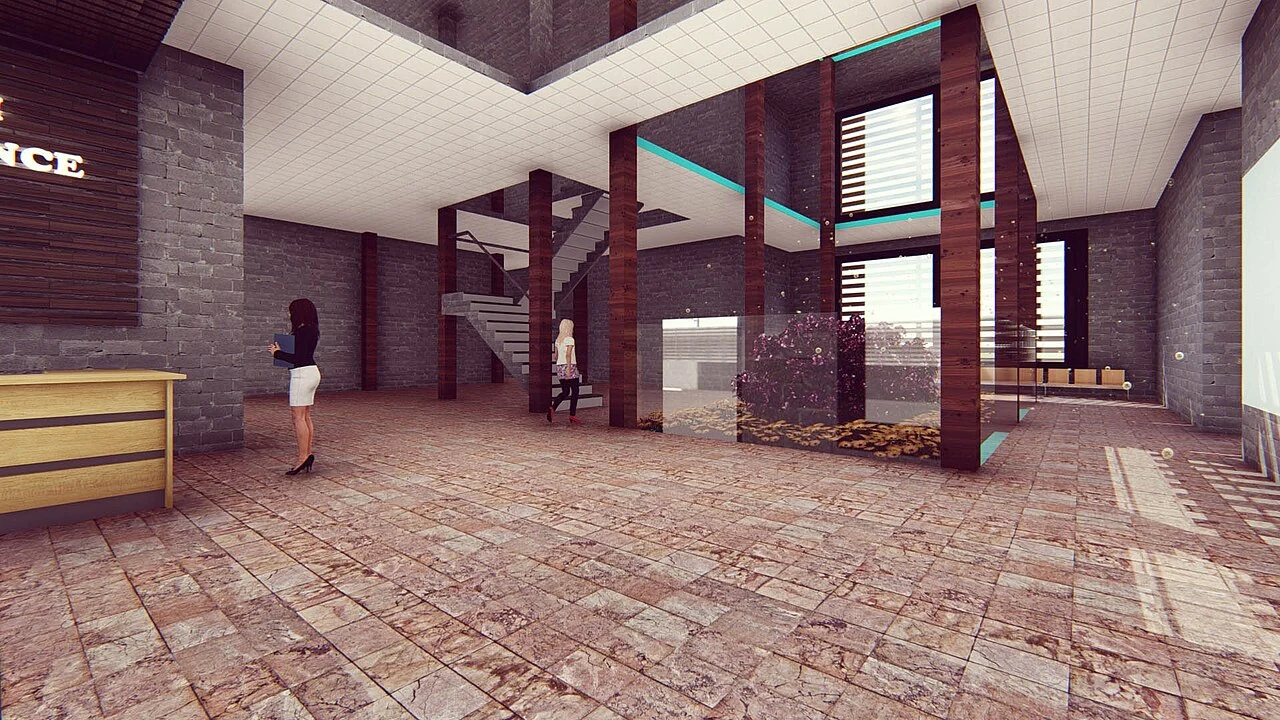
December 2010, Leiden, Netherlands. Two developers at Dutch studio Act-3D B.V.—the team behind the 1998 real-time 3D engine Quest3D—pivoted squarely toward architecture to free architects from shipping Revit or SketchUp models off to render farms for hours, launching the very first version of Lumion [3]. Years later, Lumion Pro 2026.1, announced on July 14, 2026 (release date relies solely on the lumion.com vendor source), leaves old rasterization shortcuts behind and puts full ray-traced 360° VR panoramas and one-click cloud client walkthroughs right onto architectural office desks [1][2].
Lumion at a Glance
| Current release | Lumion Pro 2026.1 — July 14, 2026 (release date relies solely on the vendor source) [1] |
| Developer | Act-3D B.V. (Sassenheim / Leiden, Netherlands) [1][3] |
| Pricing | Pro named user $1,149/year (€999/year); Pro Floating $1,499/year (€1,299/year); 20% savings on 3-year plans; 14-day trial [2] |
| License model | Commercial subscription (no new perpetual licenses sold) [2] |
| Platforms | Windows only (Windows 10 2004+ or Windows 11 24H2+); macOS is not officially supported [1] |
| File formats | LiveSync plugins (SketchUp, Revit, Archicad, Rhino, AutoCAD, FormIt Pro, Allplan, Vectorworks, BricsCAD, 3ds Max) + DAE, SKP, OBJ, FBX, MAX import [1] |
| Typical use | Rapid architectural presentations from BIM/CAD models, urban landscaping, promotional videos, and VR walkthroughs [1] |
| Technical highlights | Real-time ray tracing pipeline; LiveSync live synchronization; 8,000+ assets, 1,500+ PBR materials; 2026.1 adds Ray-Traced 360° Panoramas, Lumion Cloud VR, Material Pattern Editor, and 16K AI image upscaler [1] |
What Lumion Pro 2026.1 changes
Ray-Traced 360° Panoramas and Cloud VR: Real-time architectural tools used to rely on “reflection plane” tricks for crisp reflections while 360° panoramas settled for flat lighting. Lumion Pro 2026.1 brings full ray-traced lighting, soft shadows, and physical reflections directly into 360° panoramic frames [1]. Better yet, clients can open a simple Lumion Cloud link without installing extra software and step straight inside that ray-traced space with a VR headset.
Design-Speed Tools: The new Material Pattern Editor adjusts the width, height, rotation, and offset of brick, tile, and paving finishes on the fly [1]. Custom Effect Presets and Custom Project Templates carry a practice’s signature color and effect look into new projects with one click, while Area Placement populates sprawling landscapes with trees and shrubs in seconds—and the built-in AI upscaler pushes output up to 16K resolution [1].
Product philosophy: Architectural atmosphere without render engineering
Lumion was built for an architectural practice, not for render technical directors. Most architects want to shift a wall in Revit or Archicad in the morning and send a client animation video by late afternoon. The LiveSync plugin mirrors every edit made in Rhino, SketchUp, Revit, or Archicad live inside the Lumion scene [1], while over 8,000 ready-made trees, vehicles, people, and furniture pieces drop in alongside instant rain or sunset atmospheres.
First turn: From the Quest3D game engine to an architecture standard
It is no coincidence that Act-3D traces its roots back to the real-time Quest3D engine developed in 1998 [3]. While most architects spent hours building V-Ray scenes, Lumion filled a huge gap in 2010 with the promise of “outdoor scenes at game-engine speed” [3]. Today, it remains a go-to benchmark for practices producing large site masterplans, landscape flythroughs, and rapid design iterations.
Second turn: Subscription structure and Floating team sharing
Leaving behind the steep upfront perpetual licenses of the past, Lumion now sells strictly by subscription: Pro costs $1,149/year (€999/year) for a named individual user, while Pro Floating runs $1,499/year (€1,299/year) and can be shared across workstations [2]. A 20% discount on three-year upfront plans helps larger studios keep per-seat costs predictable [2].
Third turn: The Windows-only wall and close-up realism gap
Lumion carries three concrete constraints. First, there is no macOS support: architects running Archicad or SketchUp on a MacBook Pro cannot run Lumion natively [1]. Second is GPU appetite: Lumion lives entirely on the graphics card, so frame rates drop quickly in heavy scenes without a capable RTX or Radeon GPU. Third is close-up interior materiality: for rapid delivery and video it is hard to beat, yet for millimeter-level fabric weaves or intricate glass refraction indoors, Chaos Corona or V-Ray still go deeper.
Hardware and performance notes
Official operating system support requires 64-bit Windows 10 (2004+) or Windows 11 (24H2+) [1]. While the entry minimum calls for at least 6 GB VRAM and a G3DMark 8,000+ GPU [1], running Lumion Pro 2026.1’s real-time ray tracing and 4K/16K panoramas smoothly by 2026 standards favors an NVIDIA RTX 4070/4080/5070-class GPU with 12–16 GB VRAM, 32–64 GB of system RAM, and a fast NVMe SSD.
Who should choose it—and who should look elsewhere
| Profile | Fit | Reasoning |
|---|---|---|
| Architecture & landscape practice | Excellent | LiveSync + 8,000+ environment assets + client animations and cloud VR in minutes. |
| Real estate developer & presentation team | Excellent | Ray-traced 360° panoramas and effortless mood shifts for fast sales visuals. |
| SketchUp/Revit/Archicad user on Windows | Very Good | Seamless one-click live synchronization with most major BIM packages. |
| Architect on macOS (Apple Silicon) | Poor | No macOS support; look to Twinmotion, Enscape (Mac-supported pipelines), or Blender. |
| Hyper-photorealistic close-up interior specialist | Conditional | V-Ray or Corona still hold an edge in fine lighting nuance and surface texture depth. |
A quick look at alternatives
| Tool | License model | Where it fits |
|---|---|---|
| Chaos Corona | Subscription ($414/year Solo) | Top interior photorealism inside 3ds Max and Cinema 4D. |
| Chaos V-Ray | Subscription (€474/year Solo) | Deep physical lighting control for SketchUp, Revit, Rhino, and 3ds Max. |
| Unreal Engine (Twinmotion) | Free / Revenue-based | Low-cost interactive real-time architectural visualization with Mac compatibility. |
| SketchUp Pro | Subscription | The fast conceptual architectural modeler most commonly paired with Lumion via LiveSync. |
| Autodesk 3ds Max | Subscription (Windows only) | Bespoke furniture modeling and high-end ArchViz studios built around V-Ray or Corona. |
Verdict
Lumion Pro 2026.1 delivers on its signature promise—”finish modeling in the afternoon, ship a promo video and VR walkthrough by evening”—with noticeably more believable lighting than before. Ray-Traced 360° panoramas and Lumion Cloud VR links streamline client sign-off [1].
Even so, the Windows-only requirement and $1,149/year per-seat price need to be weighed upfront. If you run a Windows architecture practice heavy on landscaping, exterior presentations, and video deliverables, Lumion is a productivity workhorse; if your team relies on macOS or chases magazine-cover interior stillness, V-Ray/Corona or Unreal/Twinmotion are better matches.
Perhaps the real reason architects stay so loyal to Lumion is not its rendering math, but the fact that instead of telling a client “the renders will finish tomorrow morning,” they can say, “let’s walk through the garden together right now.”
Two questions to ask yourself before deciding today:
- Are your office workstations Windows machines equipped with strong RTX GPUs, or do Mac users sit on your design team?
- Does your client output lean toward rapid landscape videos and live BIM revisions, or hyper-detailed still interior frames?
Sources
The release, history, pricing, and 2026.1 feature details above are verified against the sources listed below.