EN
 TR
 DE
 FR
 ES
📌 Part of our comprehensive guide: This review is part of our in-depth series Popular 3D Modeling Software covering the whole 3D software landscape.
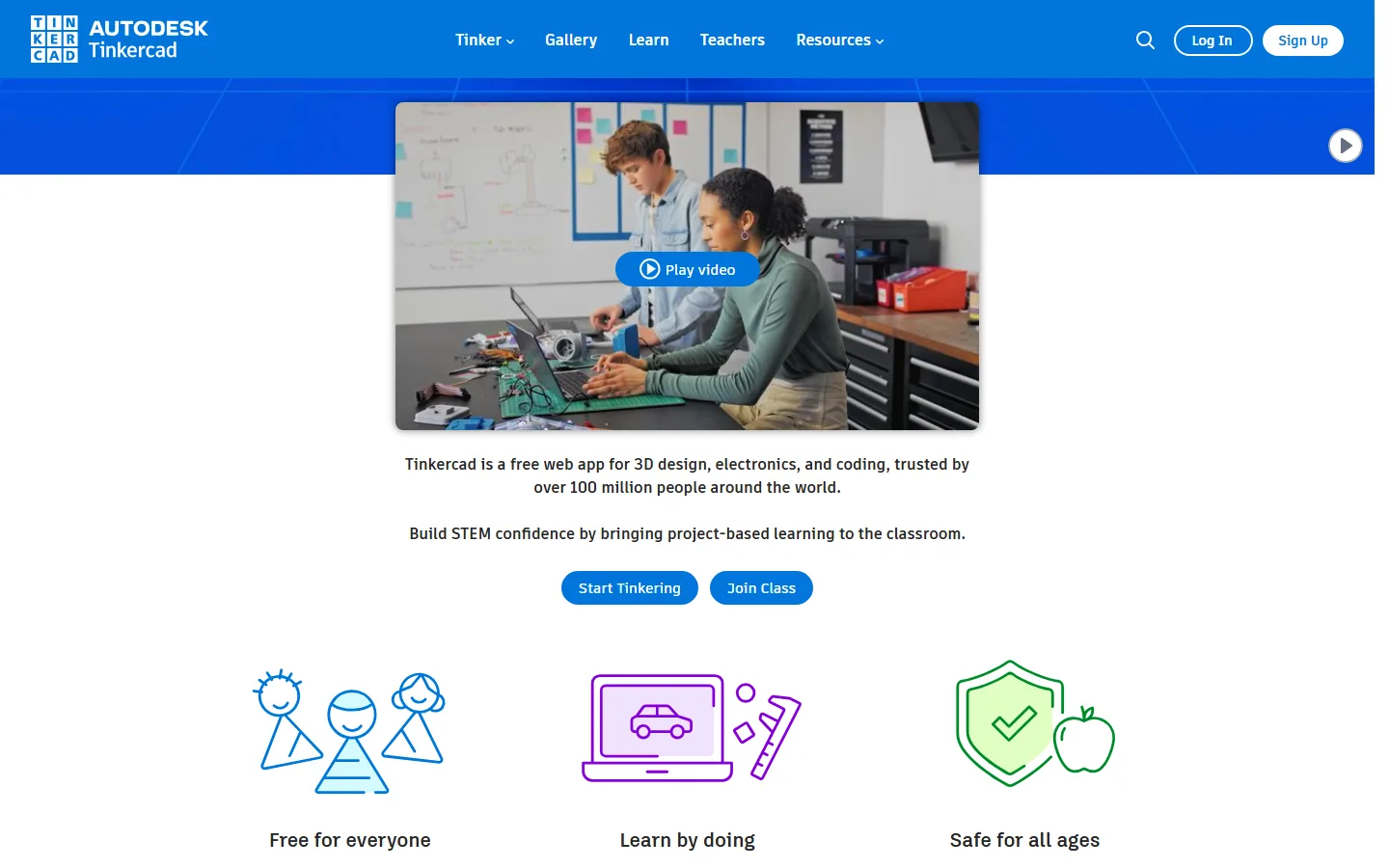
⚡ Tinkercad at a Glance
| Current Version | Sürüm numarası yok (sürekli güncellenen web uygulaması, 2011’de kullanıma açıldı) — 2011 [1][2] |
| Developer | Autodesk [1][2] |
| Pricing | Ücretsiz (kayıt gerekli)[1][2] |
| License | Freeware / web servisi; ticari kullanım için uygun [1][2] |
| Platforms | WebGL destekli her tarayıcı; iOS/Android uygulamaları[1][2] |
| File Formats | STL, OBJ, 2D SVG; Minecraft Java Edition ve Lego brick modu [1][2] |
| Typical Use | Öğrenciler, eğitmenler ve yeni başlayanlar için CAD ve 3D baskıya giriş noktası.[1][2] |
| Technical Detail | NURBS/BRep yerine basitleştirilmiş constructive solid geometry (katılar eksi delikler) kullanır, bu yüzden sıfır CAD eğitimiyle kullanılabilir. Yerleşik JavaScript editörü ile özel şekil üreticileri yazılabilir; Tinkercad Circuits Arduino Uno, micro:bit ve ATtiny destekleyen tarayıcı elektroniği simülatörüdür.[1][2] |
| Important Note | Autodesk, Tinkercad’ı 2013’te Maker Faire’de satın aldı.[1][2] |
History and Background
Tinkercad was developed by a startup based in Reykjavík in 2008 and was acquired by Autodesk at Maker Faire in 2013. Its design philosophy is simplified constructive solid geometry: the user joins solid blocks, subtracts holes and sees the result instantly. Its position in education spread from primary-school teachers to maker workshops. It carries no version number; the application is updated continuously. It is WebGL based and requires no installation.
Strengths
- Learnable with zero CAD training, making it ideal for a first 3D modeling experience.
- Browser based: no installation and no operating system constraints.
- The built-in JavaScript editor allows custom shape generators.
- Tinkercad Circuits simulates electronics in the browser for Arduino Uno and micro:bit.
What You Should Know
- It cannot do NURBS or precision parametric modeling, only simple geometry.
- It is free, but the geometry complexity available for demanding print jobs is limited.
- Advanced design features that require connectivity and compute are not offered.
Who Is It For?
Students, teachers, anyone trying 3D modeling for the first time, and makers.
🔗 Row in the comparison table: Return to the comparison table of all applications
References
The independent sources below were used to verify the version, pricing, license and technical details in this review.