Introduction: The Program on a Floppy Disk
August 2013. SolveSpace source code was released under GPLv3.
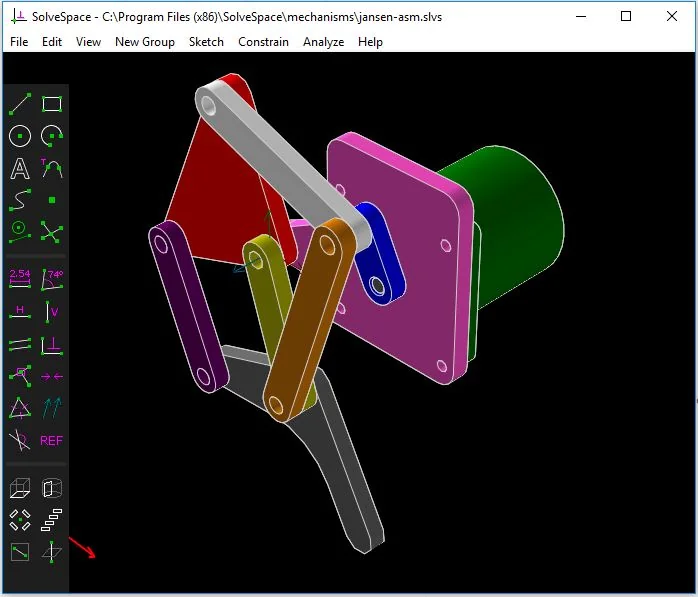
At the time, the most repeated detail about the program was its size: it fit on a floppy disk [6]. An odd compliment for engineering software. But it carried a serious claim. Parametric modeling did not require a huge installer, a licence server or a cloud subscription. One executable, one constraint solver and a drawing area were enough.
Thirteen years later, in October 2026, SolveSpace 3.3 shipped [2][4]. The program still runs as a single file, still needs no installation, and still asks the same question: how small can the core of a CAD program be?
SolveSpace is a constraint-based parametric 2D/3D CAD application. It uses its own geometry solver; it produces solid models, assembly constraints, mechanism simulation and vector output [1]. It is licensed under GPL-3.0-or-later [4][5]. Jonathan Westhues started it in 2008, and today a volunteer community maintains it [5].
The motif of this review is the floppy disk. Because the SolveSpace story is the story of a program that boasted about being small, then had to grow.
SolveSpace at a Glance
| Developer | Jonathan Westhues (founder, 2008); community-maintained since 2013 [5][6] |
|---|---|
| Current Version | 3.3 — 20 October 2026 on the download page; GitHub release published 21 October 2026 [2][4] |
| Licence | GPL-3.0-or-later (free and open source) [4][5] |
| Language / Architecture | C++; its own symbolic-equation constraint solver [3][5] |
| Single-File Size | Windows x64 3.3: 9,545,216 bytes (about 9.1 MiB); x86: 8,804,352 bytes [4] |
| Platforms | Windows Vista–11, Linux, macOS; OpenBSD from source; experimental WebAssembly build [2][4] |
| Modeling | Sketch, extrude, lathe, helix, Boolean (union/difference/intersection), parametric patterns, assemblies [1] |
| Analysis | Degrees-of-freedom check, mechanism trace, area/volume, interference check, STL validation [1] |
| Export | DXF, EPS, PDF, SVG, HPGL, STEP (NURBS), STL, OBJ, G-code toolpaths [1] |
| Missing / Unclear | 3D fillet/chamfer on solids, extrude along a path, full CAM environment, FEA, formal roadmap [5][8] |
First Turn: The Floppy Disk Grew
The size legend is the easiest part of SolveSpace to check, and the easiest to get wrong.
In the 2013 GPL announcement, the program was described as having “a tiny executable file that would fit a floppy disk” [6]. That implies a 1.44 MB ceiling. Today the Windows x64 build of 3.3 is 9,545,216 bytes, about 9.1 MiB [4]. The 32-bit build is 8,804,352 bytes. The single-file architecture survived; the floppy disk did not.
That growth is not a failure. For a CAD program, 9 MB is still almost comical. Compare it with commercial suites that need an installer and carry gigabytes of libraries. A 2022 independent hands-on review of the macOS build noted a footprint under 30 MB installed and a boot time of about one second [7].
Still, the accurate sentence matters: SolveSpace is not “a 3 MB program”. It is a single-file, install-free program of roughly ten megabytes. The distinction matters because the size claim has become folklore, and folklore sets the wrong expectation before the download page even opens.
The real meaning of the size sits elsewhere. On Windows you download an `.exe` and run it. No installer, no registry residue, no licence server [2]. An engineering tool that fits on a USB stick is still a valid idea in 2026.
Second Turn: The Product Is the Solver, Not the Window
SolveSpace’s screen looks like a relic of the 2000s. A dark drafting area, pixel-edged icons, a tabbed property browser [7]. But the value is not in that window. It is in the mathematics underneath.
The constraint solver turns geometric relations into equations. A line length, a distance between points, a tangency or an angle is written as an equation in a symbolic algebra system. The system generally solves those equations numerically with a modified Newton’s method; special cases that can be solved by forward substitution are handled separately [3].
The subtle part appears when a sketch is not fully constrained. The Jacobian is then solved in a least-squares sense, with each equation written so that the quantity being minimised becomes a useful penalty metric. The result is “less surprising” behaviour when dragging points in an underconstrained sketch, compared with approaches that use weak dimensions to keep the sketch always fully constrained [3].
That sounds like a small interaction detail. Yet it was exactly the founder’s motivation in 2013. In most commercial solvers, dragging a point in a partly constrained sketch could satisfy the constraints by moving point A a long distance when moving point B a little would have been enough [6]. SolveSpace was written to fix that behaviour.
The second surprise is that the solver is also offered as a separate library [3]. More importantly, it travelled: FreeCAD’s Assembly3 workbench and the CAD Sketcher add-on for Blender use SolveSpace’s solver, in the Python port known as py-slvs [8].
So SolveSpace’s largest export is not its drawing window. It is the constraint solver. The small program’s real legacy lives inside other programs.
Third Layer: Degrees of Freedom and Mechanisms
What separates SolveSpace is that it makes the question “how many degrees of freedom are left?” visible.
The feature list calls it a “degrees-of-freedom check to show unconstrained points in sketch” [1]. In practice, you see the excess or the gap in your sketch while you draw. Most CAD programs report this in a warning line; SolveSpace puts it on the model.
On the mechanism side, the program can simulate planar or spatial linkages with pin, ball and slide joints [1]. You can link parts, drag them in six degrees of freedom, trace the path of the motion and export that trace to a spreadsheet [1].
The solver’s limit is instructive here too. SolveSpace’s technology page states that a failure to converge “almost always results from a real problem with the specified constraints”. The example is blunt: a linkage model fails to converge when the real linkage would bind [3]. The error message may be the mechanics talking, not the software failing.
When multiple solutions exist, the initial position of the sketch determines which one is chosen. That is the natural result of the numerical method’s basin of attraction; some cases are handled specially [3]. For the user, it means the same constraint set can produce different but valid geometry from different starting positions. That is not a bug. It is the nature of constraint-based modeling.
Fourth Layer: From 2D to 3D, From DXF to STEP
SolveSpace’s workflow resembles the “sketch first, then feature tree” logic of modern parametric CAD, but leaner.
You pick a workplane and draw lines, circles, arcs, cubic Bézier segments and C2 interpolating splines. You add dimensions, angles, tangency, parallel, perpendicular, equal length, symmetry and similar constraints. Lengths can be metric or inch, and arithmetic expressions are accepted [1].
Once the sketch is ready, an extrude, lathe (solid of revolution) or helix produces a body. Boolean union, difference and intersection can be applied; parametric step-and-repeat patterns can be built [1]. In assemblies, parts are linked, placed with constraints, and changes in parts propagate automatically [1].
The output side is the most pragmatic part of the program. 2D vector drawings can be exported as DXF, EPS, PDF, SVG, HPGL and STEP, with cutter-radius compensation and adjustable canvas size. 3D wireframes go to DXF or STEP, triangle meshes to STL or OBJ, and NURBS surfaces to STEP [1].
One correction is necessary here. “SolveSpace has no CAM” is too crude. The program can export G-code toolpaths for 2D contours, with cutter-radius compensation [1]. That means it can prepare work for laser cutting, waterjet or simple 2.5-axis machining. What it lacks is a full CAM environment: tool libraries, roughing strategies, simulation and post-processor management. That distinction matters to anyone evaluating it for a CNC shop.
Third Turn: Limits, Legends and Facts
SolveSpace’s limits show up in bug reports and independent reviews, not in marketing copy.
1. No 3D fillet or chamfer on solids. The 2022 independent review calls this the program’s most serious drawback: you cannot apply a fillet or chamfer to a 3D solid body [7]. A tangent arc can round a corner in a 2D sketch, but the familiar “two clicks for a smooth edge” workflow is absent. The limitation is recorded as of version 3.0 [5].
2. NURBS Booleans are fragile. In 2013 the founder said the biggest practical limitation was NURBS Booleans: slow, restricted to a narrow class of surfaces, and not very robust even there [6]. A 2023 independent CAD survey reports that the NURBS implementation and the user interface account for roughly 10% and 17% of filed bugs and requests respectively [8]. The 3.3 release notes claim “significant reduction in red lines, naked edges, and missing surfaces” [4]. The problem shrank; it did not disappear.
3. Models can explode. The most honest line in the independent survey is a Hacker News quote: “It feels like the program has captured the pure essence of parametric modeling… Lightweight and nimble, nothing extra, just plain fun to use. Until your models start exploding, which happens often in SolveSpace” [8]. That is not an exaggeration. It is the natural consequence of a solver that is sensitive to constraint order.
4. Constraint order teaches, but slows you down. The review notes that dimensions added later arrive as “REF” reference dimensions, meaning you cannot change their value. You have to work in the right order [7]. Educational for a beginner; a time cost for an expert.
5. No full CAM, FEA or drawing-sheet module. The documented feature list contains no finite-element module, no sheet-metal module and no associative drawing sheet [1]. Output comes through 2D vector export and view output.
6. No formal roadmap or corporate structure. The 2023 survey notes that the project has no formal roadmap, does not accept donations and has no foundation-like organisation [8]. That raises the sustainability question common to community projects. Development has not stopped, however: 3.2 arrived in March 2026 and 3.3 in October 2026 [2].
Learning Curve: A Day or a Week?
Two opposite statements about SolveSpace’s learning curve are both true.
The first is that basic use is surprisingly fast. In the 2013 interview, one user reported that his 11-year-old son started using the program effectively after about 30 minutes of tutorials [6]. The founder himself admits the interface is “somewhat unusual” but easy to grasp [6].
The second is the assessment that a person with professional CAD experience could become fluent in a day or two and approach mastery in a week [7]. Against commercial packages that take months to explore, that is a serious advantage.
But “easy” is not “frictionless”. The interface is learnable, not intuitive. Menus and icons are old; some operations require selecting the object first and then running the command; doing it the other way around triggers an instructional popup [7]. That is the kind of friction that turns a one-day introduction into a one-week habit.
In short: learning SolveSpace feels less like learning a CAD suite and more like learning how to hold a hand tool. Few rules, but every rule matters.
Who It Fits, and Who It Does Not
A good fit: mechanical engineers designing a single bracket, flange, mounting plate or simple mechanism; workshops producing 2D DXF for laser cutting and waterjet; makers exporting STL for 3D printing; students who want to understand how a constraint solver works; and anyone who refuses a corporate installation and wants a tool that runs from a USB stick [1][7].
A poor fit: teams designing complex surfaced consumer products; teams that must deliver a packaged, associative drawing set; anyone who cannot produce a production model without 3D fillets and chamfers; users expecting full CAM strategies and post-processor management; and companies that require a long-term corporate support contract.
There is a middle group: people who want to learn parametric modeling but have no commercial licence budget. For them, SolveSpace is valuable as a free teaching tool. But if they are looking for a modeling standard that will feed a production line, they need to know its limits from the start.
A Short Comparison With Alternatives
| Tool | Approach | Difference From SolveSpace |
|---|---|---|
| Autodesk Fusion 360 | Cloud-connected, desktop-first | Far more mature CAM, simulation and surfacing; but it needs installation, a subscription and a heavier ecosystem. |
| FreeCAD | Open source, modular workbenches | A broader tool set and drawing support; a steeper learning curve and a heavier install. It uses the SolveSpace solver in Assembly3. |
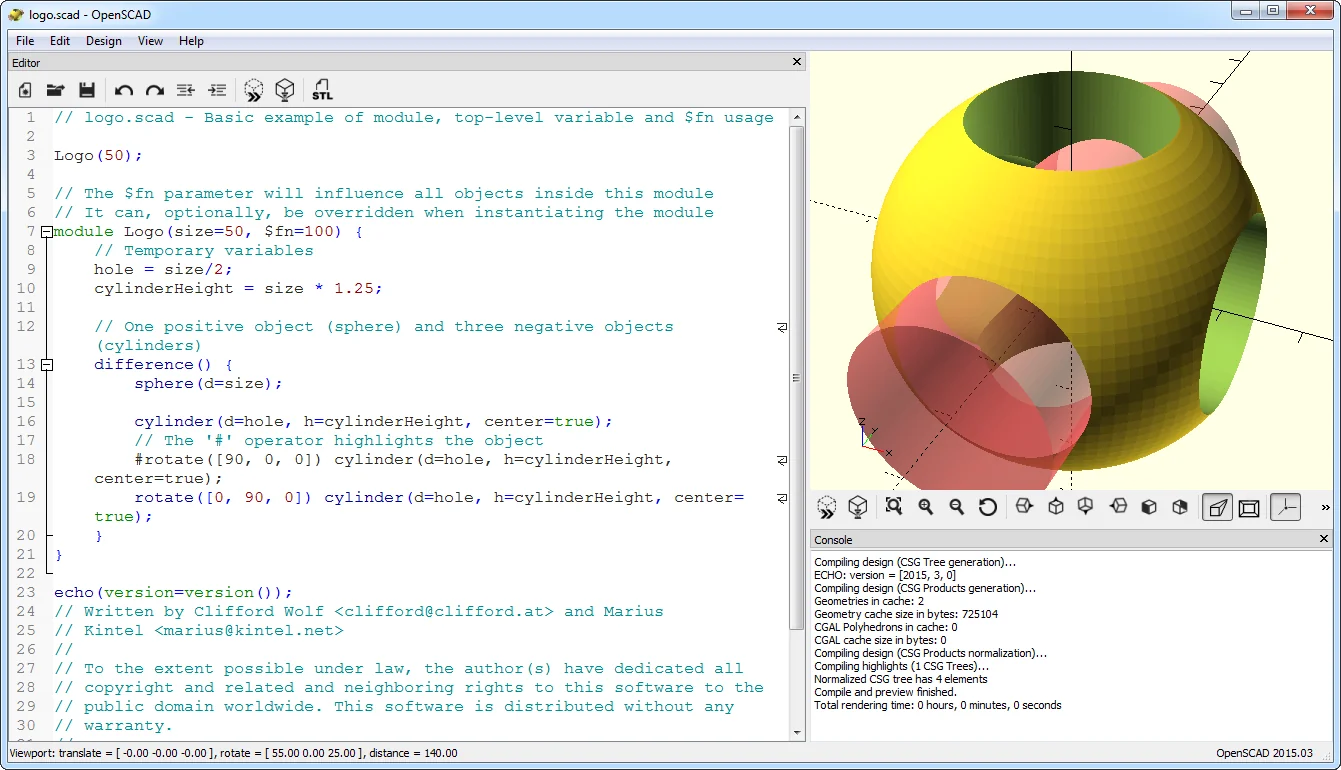
| OpenSCAD | Code-driven CSG | No constraint solver; the model is defined in text. Parametric, but without an interactive sketching experience. |
| SOLIDWORKS | Desktop, industry standard | Full 3D fillets, drawing sets and supply-chain compatibility; much higher cost and hardware load. |
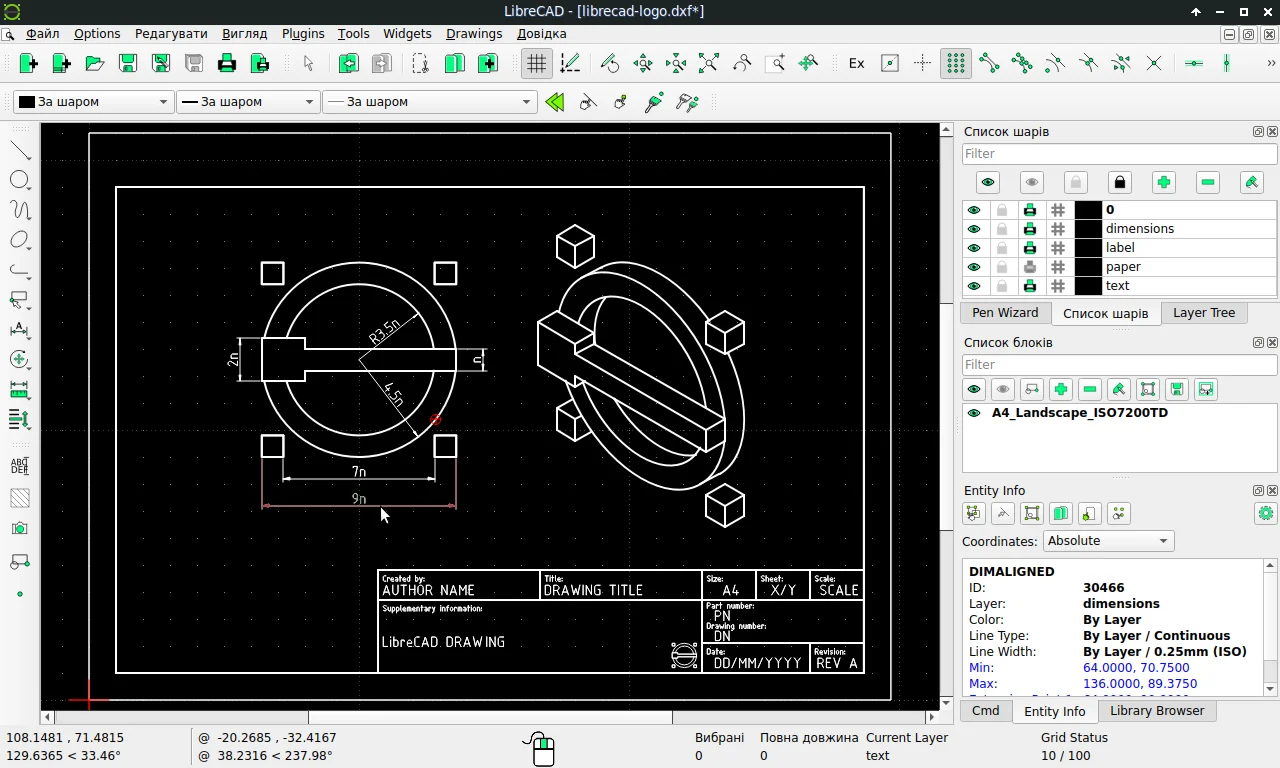
| LibreCAD / QCAD | 2D drafting | More mature 2D tools; no parametric constraints and no 3D solid modeling. |
The decision sentence: SolveSpace is the tool for people who want “small and parametric”. It is not the tool for people who want “comprehensive and industrial”.
Closing: The Floppy Grew, the Habit Did Not Change
In 2013 SolveSpace fit on a floppy disk. In 2026 it is a 9.5 MB single file. The program grew; its habit did not. No installer, no licence server, no cloud. Download, run, draw.
The cost of that simplicity sits in the same place. No 3D fillets, NURBS Booleans still fragile, constraint order still rules you. SolveSpace does not give you everything. What it gives, it does not hide.
One-sentence answer: SolveSpace is a unique tool for learning the essence of parametric modeling and for producing small mechanical parts quickly; for complex surfaces and a complete production chain, it is a deliberate step back.
A step for today: draw a bracket or a mounting plate, export it as DXF and send it to a laser-cutting service. The program’s entire value shows up in that single flow.
Two questions: is understanding the solver’s behaviour a learning investment for you, or a waste of time? And will the missing 3D fillet/chamfer actually matter on your next part?
Sources
- SolveSpace, “Features” — official feature list, accessed 7 November 2026. solvespace.com/features.pl
- SolveSpace, “Download” — version 3.3 and platforms, accessed 7 November 2026. solvespace.com/download.pl
- SolveSpace, “Technology: Solving Constraints” — solver architecture, accessed 7 November 2026. solvespace.com/tech.pl
- GitHub, “solvespace/solvespace — Release v3.3” — published 21 October 2026; binary sizes and release notes. github.com/solvespace/solvespace
- Wikipedia, “SolveSpace” — accessed 7 November 2026; secondary source for version, licence, history and limitations. en.wikipedia.org/wiki/SolveSpace
- Alexandre Prokoudine, “SolveSpace 2D/3D CAD software released under terms of GPL”, Libre Arts — 23 August 2013. librearts.org
- Jeremy S. Cook, “SolveSpace: Light Weight Open Source 3D CAD”, Embedded Computing Design — 1 December 2022. embeddedcomputing.com (archive)
- Alexandre Prokoudine, “A survey of free CAD systems”, LWN.net — 6 February 2023. lwn.net (archive)