



November 2026, Seattle. Rhino 9 is available, and the first thing to notice is how little the pitch has changed. It is still a one-time purchase. It still costs $995 for a commercial seat, with no subscription and no maintenance fee. It still models with NURBS instead of polygons. What has changed is the surface around that core: an AI assistant that reads the open document, a Direct3D display pipeline that replaces OpenGL on Windows, and a drafting system that keeps sections and elevations linked to the model. Rhino has spent three decades arguing that precision does not need a subscription; version 9 argues that it can also absorb modern workflows without becoming one of them.
Rhino 9 at a Glance
| Current version | Rhino 9, available now; the 8.x line finished with 8.33 on 7 July 2026 [1][2] |
| Developer | Robert McNeel & Associates (TLM, Inc.), founded in 1978 [3] |
| Pricing | Commercial: $995 one-time. Students and faculty: $195. Upgrade from any prior version: $595 (promotional $395). Floating licences available; no maintenance fee [1] |
| Licence model | Proprietary perpetual licence; support and service releases for Rhino 9 are included; upgrades are optional [1] |
| Platforms | Windows and macOS; iRhino 3D viewer for iPhone and iPad; Rhino.Compute runs geometry services on Linux servers [1][4] |
| File formats | .3dm, 3MF, 3DS, ACIS, AMF, DWG/DXF, glTF, IGES, OBJ, PLY, STEP, STL, USD/USDZ, VRML and more than 30 CAD formats [1][3] |
| Typical use | Precision NURBS modelling for architecture, industrial and product design, jewellery, footwear, furniture and marine design [1][3] |
| Technical detail | Mathematically exact NURBS and SubD modelling; Grasshopper 1 and Grasshopper 2 visual programming; RhinoAI assistant; openNURBS/.3dm specification; Direct3D display on Windows [1][4] |
What Rhino 9 changes
RhinoAI is the headline. It connects an AI assistant to your open Rhino and Grasshopper document; the assistant can be Claude, Codex, another paid model or a model running locally. You can ask it to build geometry from a sketch or reference image, or describe a tool and save the result as a command. The company publishes “vibe modeling” and “vibe coding” guides. The feature is best understood as a natural-language layer over the existing command set, not as an autonomous modeller: the document state, the command history and the NURBS result still determine whether the output is usable.
Direct3D replaces OpenGL on Windows. This is the least glamorous change and perhaps the most consequential for daily work. OpenGL driver problems have been a recurring source of display bugs; Direct3D is the native Windows pipeline and improves driver support. It also lets Rhino run on Windows on ARM, Parallels, VMware and Remote Desktop, which widens the hardware options without a macOS-like rewrite. macOS remains a native target with the same interface as Windows.
Drafting becomes model-linked. Clipping Drawings produce sections, elevations and reflected ceiling plans from a clipping plane and update when the model changes; the same sections can be generated from Grasshopper, with hatches. Rhino 9 adds GD&T control frames, custom hatch patterns, custom linetypes, Navisworks export, non-rectangular detail borders and a Markup tool for sketching and redlining directly on the model or drawing.
Modelling gets a deep set of refinements: Patch now builds trimmed and untrimmed surfaces that match neighbours up to curvature continuity and can fill three- and five-plus-sided holes with a multiblend; SubD gains Knife and MatchSubD; Rebuild uses an adaptive method; SoftTransform moves control points with a falloff; the Gumball gains UVN editing; Global Edge Continuity checks a whole model at once; and filleting is significantly improved. Grasshopper 2 ships alongside Grasshopper 1, and Grasshopper 1 gains viewport widgets, render materials and ShapeMap.
NURBS is the product
Rhino’s differentiator is not a feature list; it is the geometry kernel. A Rhino curve or surface is a mathematically exact NURBS entity, so a circle is a circle rather than a polygon approximation, and a surface can hold a manufacturing tolerance. That is why the application is used for jewellery, footwear, furniture, marine design and industrial design, where a model has to survive contact with a CNC machine or a mould.
The .3dm format and the openNURBS toolkit are the second half of that argument. McNeel publishes the file format specification and a C++/.NET toolkit so other applications can read and write Rhino geometry accurately. The result is a format that travels well between CAD, CAM and visualization tools, and a community of plugins, from Orca3D for naval architecture to VisualARQ for BIM, that extends the core without changing it.
First turn: thirty years of doing one thing
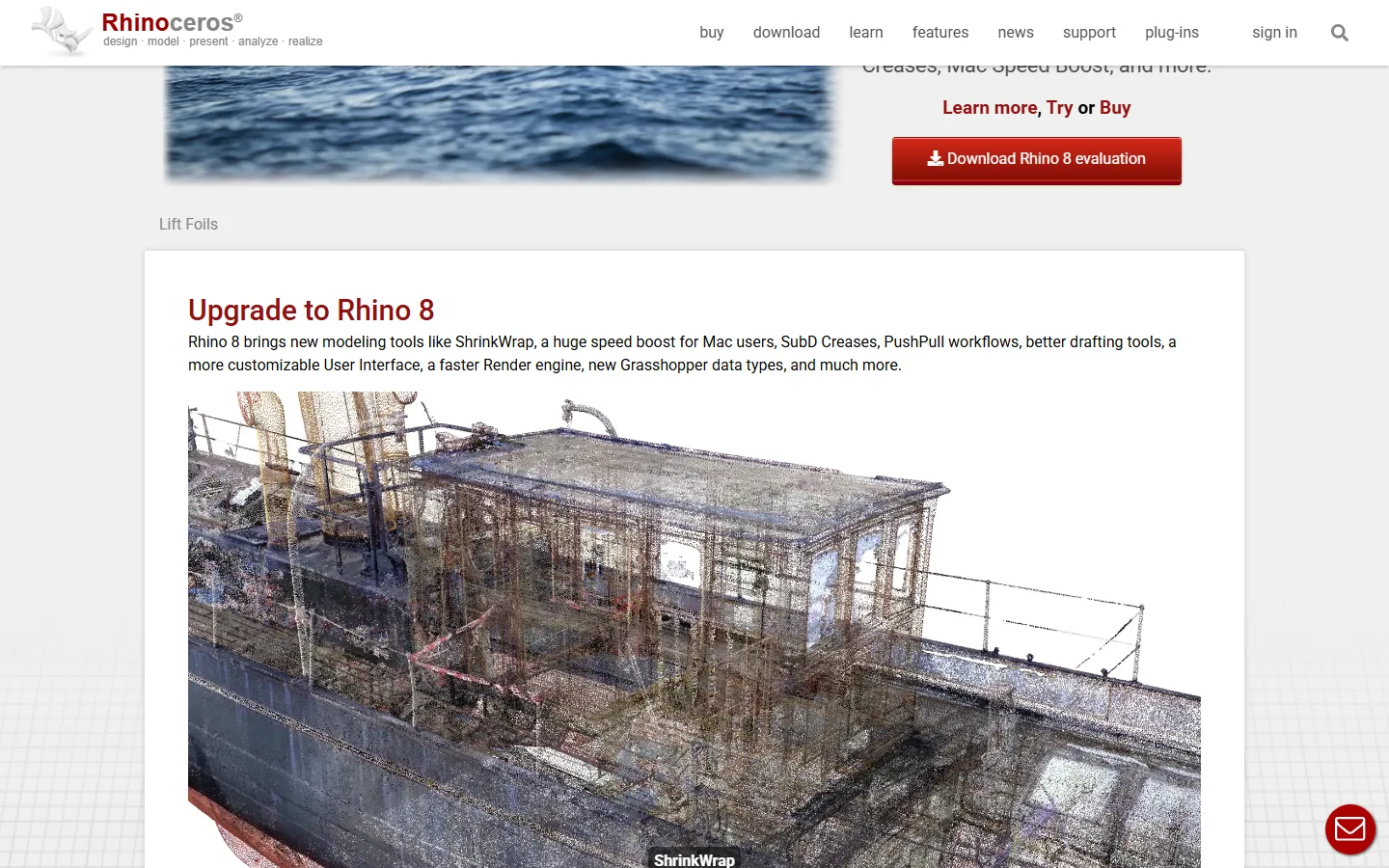
Robert McNeel & Associates was founded in 1978 and released Rhinoceros for Windows in 1998, bringing affordable NURBS modelling to designers who could not justify a high-end CAD seat. The application grew through the 2000s with the openNURBS initiative and a plugin ecosystem, and Grasshopper, the visual programming environment, became the bridge between modelling and computational design. Rhino 8 added SubD modelling, the ShrinkWrap workflow and a rebuilt interface; Rhino 9 continues that line with AI, Direct3D and linked drafting.
The consistency is the strategy. McNeel has not chased a subscription transition, a cloud-only architecture or an annual rebrand. It has shipped a perpetual licence, service releases and optional upgrades, and let the plugin community fill the gaps. That makes Rhino predictable in a way that most CAD suites are not, and it explains why studios keep it next to tools that cost several times more.
Second turn: the perpetual licence is the business model
The pricing is simple enough to quote in one sentence: $995 for a commercial licence, $195 for students and faculty, $595 to upgrade from any prior version, with a promotional $395 upgrade running until 1 March 2027. There is no maintenance fee, and support and service releases for the current version are included. A floating licence can be shared through the LAN Zoo or Cloud Zoo, which lets a small studio buy fewer seats than users.
The hidden cost is not the licence but the ecosystem. Rendering plugins such as V-Ray, Enscape, Octane and KeyShot, BIM tools such as VisualARQ, marine tools such as Orca3D and jewellery plugins all carry their own prices. A studio that needs photoreal rendering and BIM may spend more on plugins than on Rhino itself. The advantage is that those purchases are optional and perpetual; the disadvantage is that the total cost is not the $995 on the website.
Third turn: AI, the command line and the trust problem
RhinoAI is the most interesting bet in Rhino 9 because it attacks the application’s real barrier: the command vocabulary. Rhino has hundreds of commands, and a new user does not know which one to type. An assistant that can read the document, propose a command sequence and save a reusable tool lowers that barrier without replacing the underlying modelling. The risk is trust: an AI-generated command sequence can produce geometry that looks plausible and is dimensionally wrong, and the user still needs the NURBS knowledge to check it.
The same tension appears in Grasshopper 2 and the MCP server. A visual programming graph and an AI assistant can both generate a parametric definition, but a definition is only useful if it is legible to the next person who opens it. Rhino 9 does not resolve that problem; it gives studios more ways to produce definitions and more reasons to document them. The tool remains a precision instrument, and precision still requires a human who understands the tolerance.
Hardware and performance notes
Rhino 9 runs on Windows and macOS, and Direct3D on Windows improves driver support and enables Windows on ARM, Parallels, VMware and Remote Desktop. The application is more dependent on single-core CPU performance and a stable display pipeline than on a large GPU compute budget; large models, dense meshes and Grasshopper definitions benefit from fast CPUs, 16–32 GB of RAM and an SSD. Rendering plugins change that equation: V-Ray, Enscape and KeyShot can use the GPU heavily, and a discrete GPU becomes important for visualization work.
Rhino.Compute runs geometry services on Linux servers, which is useful for automated fabrication and web configurators, but the full Rhino application is still a Windows/macOS desktop product. Large-project tools such as Worksessions, Audit3dmFile and faster file loading are aimed at models that no longer fit comfortably in a single session. The practical baseline for professional work is a recent multi-core CPU, 32 GB of RAM, a discrete GPU and fast storage; a laptop with 16 GB can handle smaller projects but will struggle with large assemblies and rendering.
Who should choose it — and who should not
| Profile | Fit | Reason |
|---|---|---|
| Industrial / product designer | Excellent | NURBS precision, filleting and Class-A surface tools at a perpetual price. |
| Jewellery, footwear or furniture designer | Excellent | ArrayCrv, ScaleEach, InflateCrv and the plugin ecosystem match the workflow. |
| Architect doing complex geometry | Strong | Grasshopper, Clipping Drawings and VisualARQ cover parametric and documentation work. |
| Marine or computational designer | Strong | Orca3D, Rhino.Compute and Grasshopper 2 support advanced workflows. |
| Game or film artist needing subdivision | Conditional | SubD exists, but Blender, Maya or 3ds Max are more direct for animation and rendering pipelines. |
| Studio wanting a cloud-only CAD | Weak | Rhino is a desktop application; Onshape or Fusion are cloud-native alternatives. |
Alternatives at a glance
| Tool | Licence model | Where it fits |
|---|---|---|
| SketchUp | Subscription | Architectural massing and documentation with a lighter learning curve. |
| Autodesk Fusion | Subscription | CAD, CAM, CAE and PCB in one cloud-linked document. |
| SolidWorks | Subscription | Parametric mechanical design with a deep partner ecosystem. |
| Blender | Free / open source | Polygon modelling, sculpting, animation and rendering. |
| Autodesk Alias | Subscription | Automotive Class-A surfacing at a much higher price. |
Verdict
Rhino 9 is a confident update to a tool that has spent three decades refusing to become a subscription. RhinoAI and Direct3D are real changes, not marketing: the first lowers the command barrier, the second removes a long-standing Windows display weakness. The perpetual licence remains the most distinctive thing about the product, and the plugin ecosystem still fills the gaps that a single application cannot.
The decision is straightforward. If your work depends on precise curves, manufacturing tolerances or computational design, Rhino 9 is one of the best-value seats in CAD, and the upgrade is optional. If your work is animation, rendering or a cloud-native pipeline, another tool will fit better. Rhino’s bet is that precision is worth owning outright; version 9 makes that bet easier to defend.
References
The version, pricing, licence and Rhino 9 feature details below were checked against the primary sources listed here.