




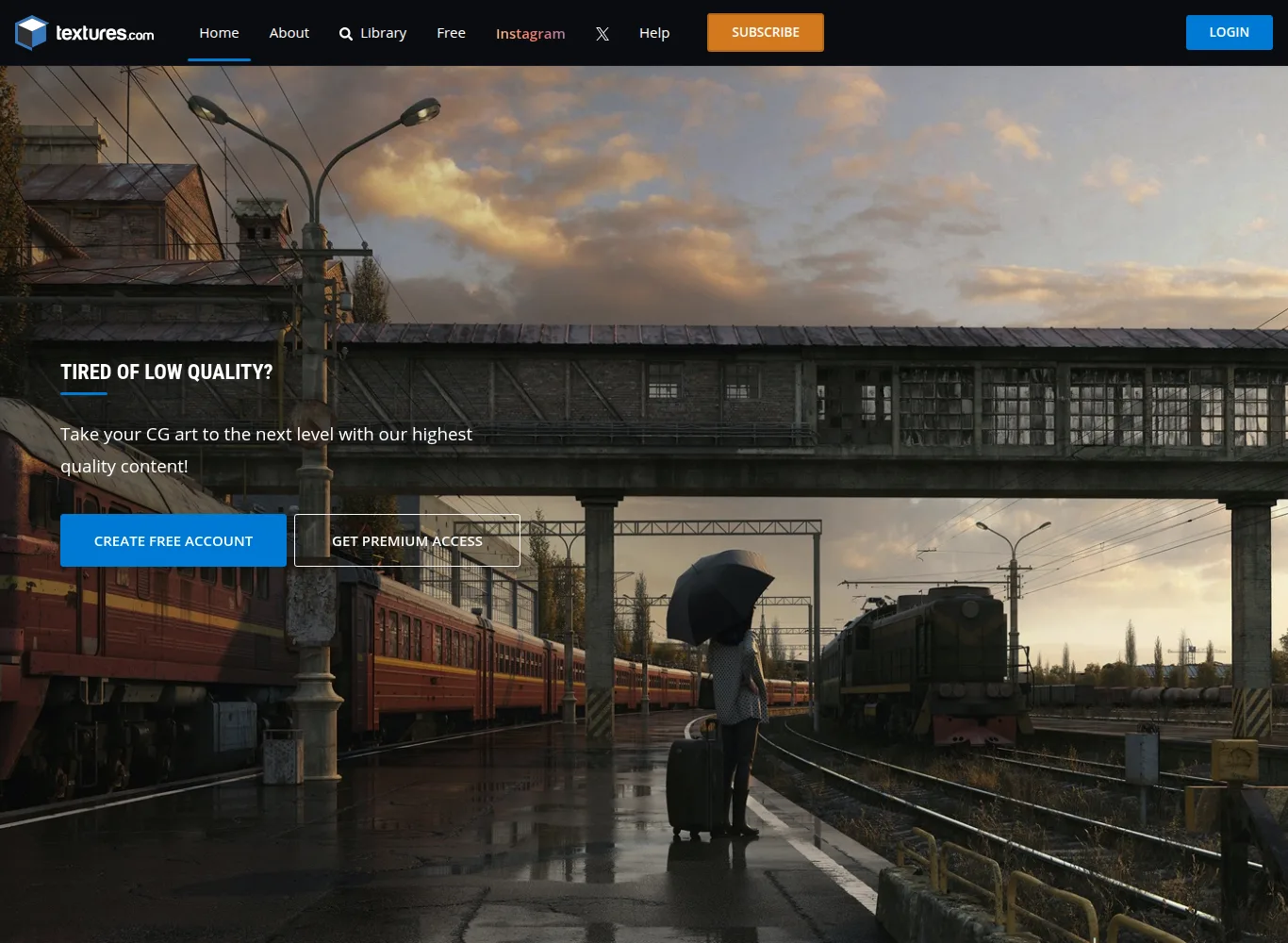
Textures.com (formerly CGTextures) is one of the most respected veteran material and photogrammetry resources in the computer graphics industry. Used by top VFX, game development, and architectural studios worldwide, Textures.com provides over 150,000 high-resolution PBR textures, scanned 3D nature assets, organic surface decals, and unclipped HDRIs.
⚡ Platform At a Glance
From CGTextures to Industry Photogrammetry Powerhouse
For two decades, **Textures.com** has served as the core reference library for texture artists. While it began with seamless photo textures, it has evolved into a cutting-edge **photogrammetry scan and PBR material engine**.
Environment artists working on AAA video games and film sets rely on Textures.com for scanned rock boulders, tree bark meshes, forest floor debris, concrete damage decals, and tileable PBR surfaces with full displacement maps.
Daily Free Credits & Studio Subscriptions
Textures.com operates a generous free model: every registered user receives **15 free download credits every single day**, allowing students and indie artists to build expansive material libraries without financial barriers.
Photogrammetry 3D Scanning & PBR Surface Calibration Pipeline
Founded in 2005 by Marcel Vijfwinkel under the iconic name CGTextures, Textures.com pioneered digital surface texturing for video games, visual effects, and architectural visualization. The platform transitioned from simple photographic textures into an industrial-grade photogrammetry scanning powerhouse.
High-end assets on Textures.com are captured using cross-polarized lighting rigs that cancel diffuse specular reflection at the capture stage. Raw camera sensor data undergoes spherical harmonic de-lighting to extract true chromatic Albedo surfaces free of ambient shadows. Height and displacement maps are baked into calibrated 16-bit TIFF files, preserving microscopic surface relief for real-time tessellation or offline displacement rendering.
Supported Formats & Software Compatibility
| Format | Target Software / Engine | Best Application |
|---|---|---|
| PBR Texture Maps (8K / 4K / 2K) | All DCCs & Game Engines | Albedo, Normal (DirectX/OpenGL), Roughness, Height/Displacement, AO, Metallic |
| .FBX / .OBJ 3D Scans | Blender, Unreal Engine 5, Maya | Photogrammetry scanned nature props with LOD meshes |
Credit Consumption Structure & Free Daily Quota
Textures.com implements a dual-tier credit model designed to accommodate both educational exploration and high-volume commercial production:
| Asset Tier / Resolution | Credit Requirement | File Format & Specifications |
|---|---|---|
| Small Preview / Low-Res Textures | 0 Credits (Free Daily Quota) | Standard resolution JPEG files, 15 daily free credits for registered users. |
| 2K PBR Material Package | 1 – 2 Credits | Full map set: Albedo, Roughness, Normal, AO, and 16-bit Height maps. |
| 4K High-Res PBR Material | 3 – 5 Credits | Ultra-sharp architectural brick, fabric, concrete, or landscape ground sets. |
| 3D Photogrammetry Scan + LODs | 8 – 15 Credits | Full 3D mesh (.FBX/.OBJ), LOD0 to LOD3 decimation, and 8K/4K PBR texture wraps. |
⚖️ Licensing, Copyright & Legal Protection
Royalty-Free Commercial License allows unlimited commercial use in games, films, advertising, and 3D printing. Redistribution of raw texture files is prohibited.
💰 Pricing & artist Royalty Structure
15 free credits renewed daily for registered users. Paid subscriptions start at $14/month for 500-1000 monthly credits.
Pros & Cons Summary
✅ Strengths
- Massive library of 150,000+ verified textures, decals, and 3D photogrammetry scans.
- 15 free download credits every single day for all registered users.
- Industry-standard PBR map sets with calibrated roughness and displacement.
- Decades of proven production reliability in major video games and feature films.
⚠️ Considerations
- High-resolution 8K downloads require a paid credit subscription.
- Fewer complete animated character rigs compared to dedicated character marketplaces.
3D Material & Surface Scan Libraries Comparison Matrix
| Technical Feature | Textures.com | Poly Haven | Poliigon | Quixel Megascans (Fab) |
|---|---|---|---|---|
| Primary Specialization | Photogrammetry 3D Scans, PBR Surfaces & Raw Textures | 100% Free CC0 Public Domain PBR, HDRIs & Models | Architectural & Interior Design PBR Textures | Ultra-Photorealistic Environmental Scans & Decals |
| Catalog Scale | 150,000+ Textures, Decals & 3D Scans | 1,200+ Assets (Curated, Community-Funded) | 5,000+ Curated Materials, Brushes & Assets | 18,000+ Photogrammetry Assets (Migrated to Fab) |
| Pricing & Access | 15 Free Daily Credits + Subscription Packs | 100% Free (No paywalls or account required) | Subscription credits & Individual asset purchasing | Free for Unreal Engine projects / Paid on Fab |
| Licensing Model | Royalty-Free Commercial License | Creative Commons Zero (CC0 / Public Domain) | Standard & Extended Commercial License | Unreal Engine EULA / Fab Standard License |
| Displacement Accuracy | 16-bit TIFF Height Maps (Calibrated) | 32-bit OpenEXR / 16-bit PNG Displacement | 16-bit TIFF / PNG Displacement | 16-bit / 32-bit Displacement & Nanite Meshes |
🛠️ Technical Troubleshooting & Material Calibration Guide
- Inverted Normal Map Green Channel (DirectX vs. OpenGL): If lighting appears concave or inverted, invert the Green channel of the Normal map. Unreal Engine expects DirectX (Y-), while Blender, Maya, and 3ds Max Arnold expect OpenGL (Y+).
- Displacement Map Mid-Level Calibration: Textures.com 16-bit displacement maps utilize a 0.5 (50% gray) mid-level. In Blender Cycles or Arnold, ensure the displacement midpoint is set strictly to
0.5to prevent unnatural geometric inflation. - ACEScg Color Space Alignment: When integrating 8-bit or 16-bit Albedo maps into ACEScg color pipelines, tag the texture input as Utility – sRGB – Texture to ensure accurate chromatic conversion without gamma distortion.
✅ Strengths
- Unrivaled 150,000+ texture library spanning two decades of computer graphics history.
- 15 free download credits renewed daily provide accessible assets for students and indies.
- Physically calibrated photogrammetry scans with true de-lighted Albedo and 16-bit TIFF height maps.
- Extensive collection of transparent alpha decals (cracks, leaks, rust, stains) for detail layering.
⚠️ Considerations
- Daily free credits are limited to medium-resolution textures; 4K and 8K scans require paid subscriptions.
- Credit-based pricing can deplete quickly when downloading multiple high-density 3D scan packs.
- Unused daily free credits do not roll over to subsequent days.
Frequently Asked Questions
How do the free daily credits work on Textures.com?
Every registered free account receives 15 credits every 24 hours. These credits can be used to download small and medium resolution textures for free.
Can I use Textures.com materials in commercial video games?
Yes! All downloaded textures and 3D scans include full commercial usage rights for video games, films, and client projects.
What is the difference between Photo Textures and PBR Materials on the site?
Photo Textures are high-resolution flat reference photos. PBR Materials include a full set of physically accurate texture channels (Albedo, Normal, Roughness, Height) that react realistically to 3D lighting.
Explore Related 3D Platforms
Compare with these top alternative 3D platforms in our directory:
- Poly Haven Review
- Fab (Epic Games) Review
- Blender Market Review
- Browse the full index: Ultimate List of 50+ 3D Model Sites
References & Verified Sources
[1] Textures.com Official Platform and PBR Surface Library: textures.com
[2] CGTextures History, Marcel Vijfwinkel Interview and Evolution: fxguide.com
[3] All3DP, Top PBR Texture Websites for 3D Artists & Game Developers: all3dp.com
[4] Textures.com Official Terms of Service and Commercial Licensing FAQ: textures.com/terms
[5] Blender Manual, PBR Material Nodes, Displacement & Color Space Setup: docs.blender.org
[6] Unreal Engine 5 Documentation, Normal Map Standards & Texture Packing: dev.epicgames.com
[7] ACES Color Management Standards for Computer Graphics & VFX: oscars.org/aces
[8] Photogrammetry De-lighting Workflows & Cross-Polarization Standards: researchgate.net
More platforms like this one are compared in our list of 3D model sites.