



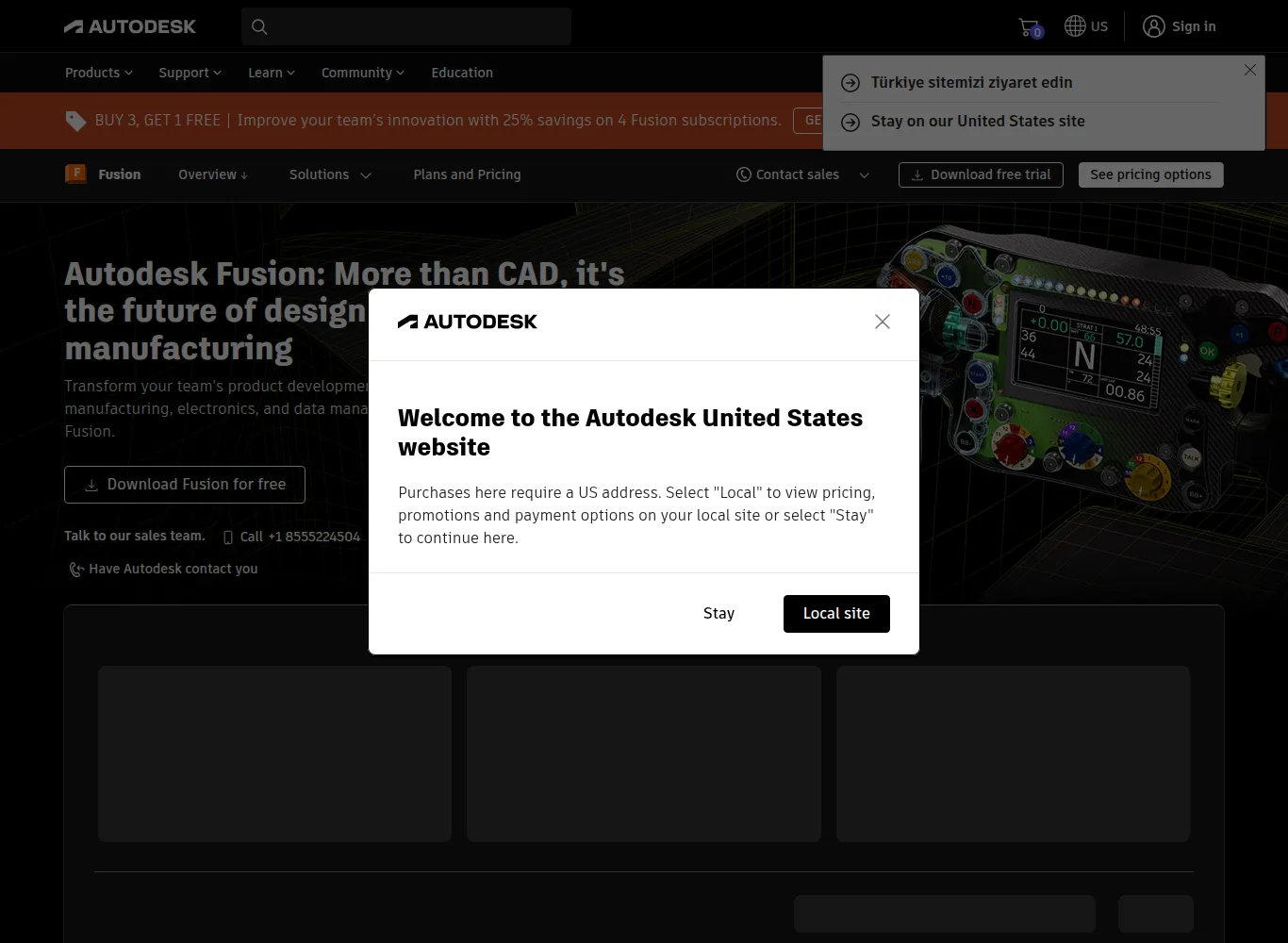

⚡ Autodesk Fusion (Fusion 360) at a Glance
| Current Version | Continuously updated cloud product (monthly releases); last build recorded here: 2.0.21550 — 4 March 2025[1][2] |
|---|---|
| Developer | Autodesk [1][2] |
| Pricing | Monthly $85, annual $680; 3-year $2,040; Startup $150 per user for 3 years; personal-use and education editions free[1][2] |
| License | Commercial subscription plus a free, limited personal-use edition[1][2] |
| Platforms | Windows 11/10, current macOS, browser client; iOS/Android viewer apps[1][2] |
| File Formats | STEP, IGES, SAT (ACIS), SMT, USD/usdz, FBX, OBJ, STL, 3MF, F3D/F3Z, PDF [1][2] |
| Typical Use | Cloud-first CAD/CAM/CAE/PCB for product development, from makers to manufacturers.[1][2] |
| Technical Detail | Combines CAD, CAM, CAE and PCB design in one cloud platform with a browser client and shareable live documents. The F3D/F3Z archive keeps the full design timeline, unlike STEP/IGES.[1][2] |
| Important Note | IGES/SAT/SMT export requires a paid subscription; STEP, F3D/F3Z, USD and PDF work with the free personal-use license.[1][2] |
History and Background
Fusion 360 launched in 2013 as a cloud-based CAD/CAM initiative from Autodesk. In 2024 the “360” was dropped and the product was renamed Autodesk Fusion. The difference is the cloud architecture: the model document lives on a live server, a browser client opens the same document and the parametric history is preserved. The three-year $2,040 payment plan makes the long-term cost markedly lower than the annual subscription. The Startup Program gives small teams access at $150 per user for three years.
Strengths
- CAD, CAM, CAE and PCB are combined on a single cloud platform.
- The browser client means you can work without a powerful laptop.
- The F3D/F3Z archive preserves the full parametric timeline, unlike STEP or IGES.
- Personal-use and education editions are free, making it a genuine starting point for students and makers.
What You Should Know
- The free edition caps you at 10 active documents and disables IGES, SAT and SMT export.
- The annual subscription model costs more without the three-year plan.
- The online document model can make data access harder in environments without a network connection.
Who Is It For?
Makers, product developers, small manufacturing shops and engineering students.
References
The independent sources below were used to verify the version, pricing, license and technical details in this review.
This review belongs to our Popular 3D Modeling Software comparison.