⚡ Rhino 3D at a Glance
| Current Version | 8.33 — 7 July 2026[1][2] |
|---|---|
| Developer | McNeel & Associates[1][2] |
| Pricing | Europe (excl. VAT): single user €995; 10 users €9,950; 50 users €49,750; education €195[1][2] |
| License | Proprietary, perpetual license with no maintenance fee[1][2] |
| Platforms | Windows 11/10 and macOS 12.4–27; no Linux support[1][2] |
| File Formats | 3dm, 3MF, glTF, IGES, OBJ, PLY, STEP, STL, Parasolid, USD, ACIS, DWG/DXF, COLLADA, PDF, SVG, X3D[1][2] |
| Typical Use | Precision NURBS modeling for architecture, industrial/product design, and manufacturing (jewelry, footwear, furniture).[1][2] |
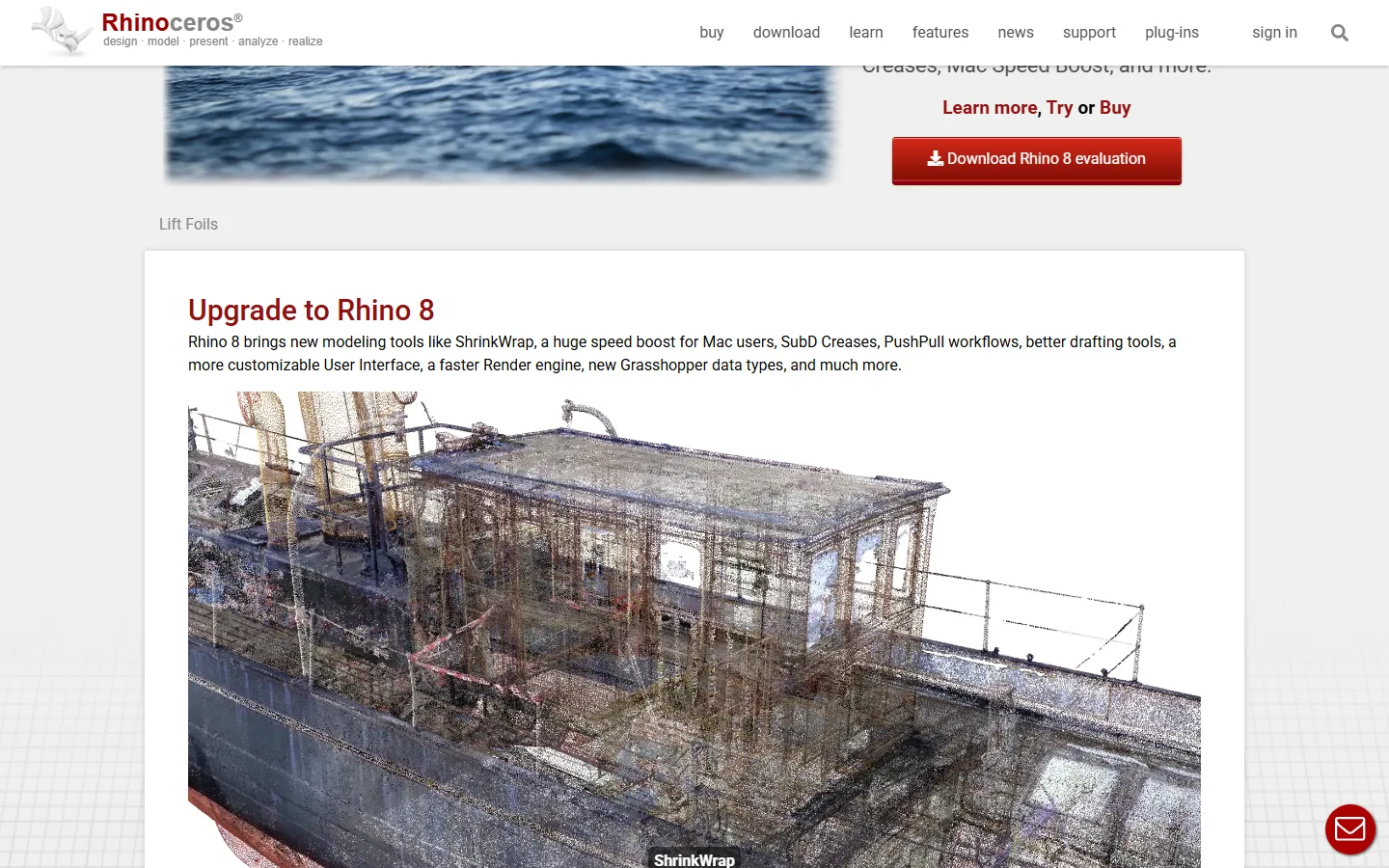
| Technical Detail | Mathematically exact NURBS freeform modeling rather than polygons; Grasshopper visual parametric plugin and open .3dm format specification. Stands out as a major CAD suite with perpetual licensing and zero mandatory maintenance fees.[1][2] |
| Important Note | Price tiers verified only on rhino3d.com/buy (single source).[1][2] |
History and Background
Robert McNeel & Associates, a Seattle firm founded in 1980, began work on NURBS modeling in 1992 together with Applied Geometry. The prototype was nicknamed Rhinoceros in November 1993 and went into public beta in 1994. Rhino 1.0 shipped in October 1998 at USD 795, after a beta that had reached about 100,000 users.
Sources for this section: wiki.mcneel.com, en.wikipedia.org (checked 5 November 2026).
Strengths
- NURBS rather than polygons: mathematically exact freeform surfaces that hold engineering tolerances.
- A perpetual license with no maintenance fees, which makes long-term cost predictable.
- Grasshopper enables visual parametric design, so assembly and manufacturing rules are managed without hand-written code.
- The .3dm format specification and the openNURBS toolkit are published openly.
- Network licenses let a single purchase serve many users.
What You Should Know
- Windows and macOS only; there is no Linux support.
- The NURBS learning curve is steeper than in polygonal tools.
- Game and real-time visualization work still requires export into other tools.
Who Is It For?
Architects, product designers, jewelry and footwear designers, and manufacturing engineers.
🔗 Row in the comparison table: Return to the comparison table of all applications
References
The independent sources below were used to verify the version, pricing, license and technical details in this review.
This review belongs to our Popular 3D Modeling Software comparison.