EN
 TR
 DE
 FR
 ES
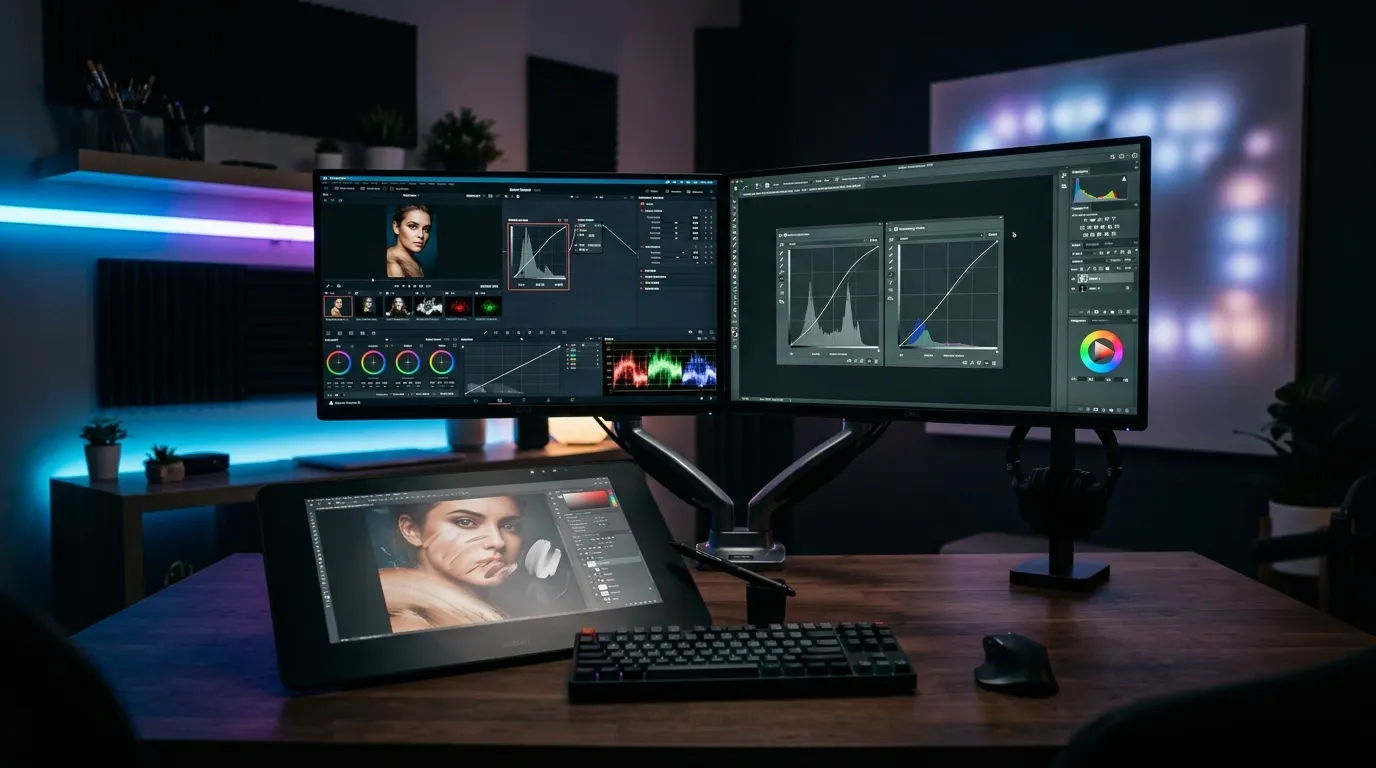
🎯 Professional Image Processing with COLOR: 100 Masters’ Technique Guide
| Software Solution | RENK Professional Image Editor &Photoshop Alternative |
|---|---|
| Scope | Basic Shortcuts, Color Grading, Advanced Masking, Retouching |
| Featured Vehicles | Curves, Blending Modes, Frequency Separation, Liquify |
| Undergraduate &Access | Completely Free, Ad-Free, Lightweight and Cross-Platform |
| Target group | Photographers, Graphic Designers, Web and UI Developers |
| Performance | Zero Latency Layer Management Even on Low Hardware |
Once you understand the mathematical logic underlying industry-standard Photoshop techniques, you can easily realize the same professional results in RENK, a lightweight, fast and free tool.In this guide, we examine the techniques most frequently used by masters in categories.
Introduction: Logic and Software Freedom in Digital Image Processing
Although Photoshop has been a pioneer in the industry for many years, expensive subscription models and heavy hardware requirements direct many designers to alternative solutions.Developed and supported by DigiLiner, RENK offers the universal rules of digital image processing with a modern and optimized core [1].
1. Basic Workflow and Speed Shortcuts (Techniques 1 – 25)
- Non-Destructive Editing: Never directly modify the original pixels.Use a new adjustment layer or mask for each intervention.
- Quick Healing Brush (Spot Healing): Eliminate small blemishes and dust particles with one click, preserving the texture of the surrounding pixels.
- Clipping Masks: Use the clipping mask hierarchy to restrict an effect or painting only to the boundaries of the layer beneath it [2].
2. Advanced Color Grading and Tone Equalization (Techniques 26 – 55)
- Contrast and Tone Balance with Curves: Expand dynamic range with ‘S’ curve;Achieve cinematic green/blue shadows by managing RGB channels independently.
- Color Harmonization with Gradient Map: Instantly produces holistic color gradations by connecting the brightness values of the image to a two-color scale you specify.
- Selective Color: Shift the color of a specific object (for example, green trees in the background) to yellow or autumn tones without affecting the main object.
3. Professional Portrait and Skin Retouching: Frequency Separation (Technique 56 – 80)
Frequency Separation separates the color and tone transitions on the skin (low frequency) from texture details such as pores and hair (high frequency) into two separate layers.In this way:
- In the low-frequency layer, color spots are equalized with a brush or soft blur.
- In the high frequency layer, the natural porous structure of the skin is preserved without any artificial smoothing.
4. Advanced Masking and Compositing (Techniques 81 – 100)
Luminosity Masks and color range selections come into play when separating complex hair strands or translucent glass objects from the background.RENK makes the most difficult decoupage operations effortless with the sensitive edge detection tools it offers.
Independent Sources and References
[1] Professional Retouching Guild: Principles of Frequency Separation and Non-Destructive Editing
[2] Digital Imaging Standards: Cambridge in Colour: Understanding Curves and Digital Color Grading