EN
 TR
 DE
 FR
 ES
📌 At a Glance: The Portable Software Ecosystem
| Software Type | Registry-independent portable applications that run straight from a folder |
|---|---|
| Storage Media | USB flash memory, external SSD, SD card, or a synced cloud folder |
| System Trace | Leaves no temporary files, registry entries, or history on the host machine |
| Management Platforms | PortableApps.com, LiberKey, SyMenu, and plain launcher scripts |
| Licensing | Open source (GPL, MIT, MPL) alongside completely freeware builds |
| Advantages | Runs immediately without administrator rights; the same setup works on any PC |
Portable programs are self-contained: they need no installer, they do not write to the Windows registry, and every setting, profile, and cache they use lives in their own folder. That single property is what makes it possible to carry a complete working environment on one flash drive and open it on a locked-down office, school, or internet-café machine.
Introduction: Digital Mobility and Privacy
The Toolkit at a Glance: 50 Portable Applications
Every entry below was checked against its own download page in October 2026. The screenshots are the real program windows, not marketing renders.
| Tool | Category | Version | Licence | Status |
|---|---|---|---|---|
| Firefox Portable | Browser | 158.0 | MPL 2.0 | Actively maintained |
| Tor Browser | Browser | 15.0.26 | MPL 2.0 | Actively maintained |
| Notepad++ Portable | Text, code and scripting | 8.9.8.1 | GPL 3 | Actively maintained |
| Akelpad Portable | Text, code and scripting | 4.9.9 (PA) / 4.10.0.9 upstream | GPL | Rarely updated |
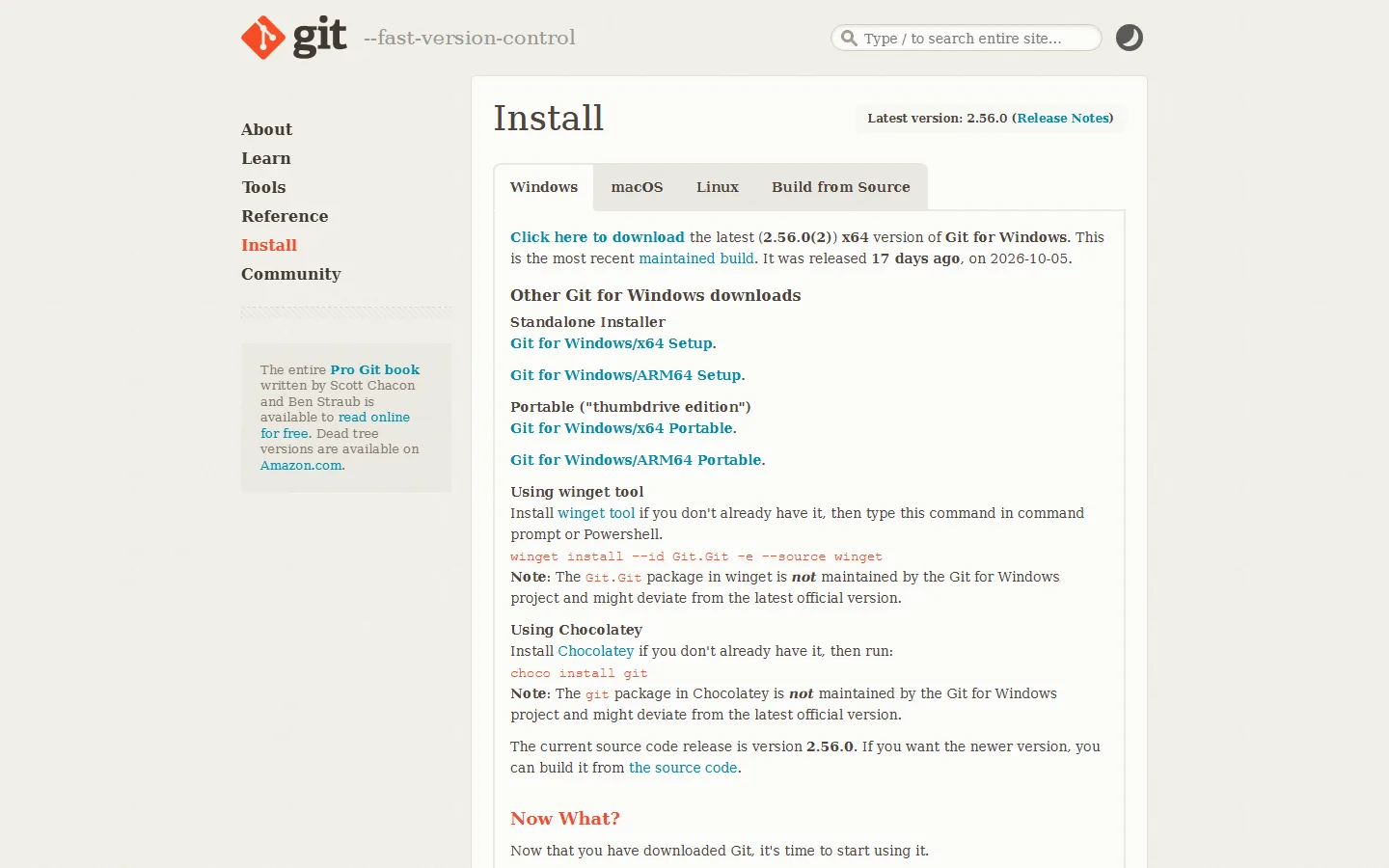
| PortableGit | Text, code and scripting | Git 2.56.0 | GPL 2 | Actively maintained |
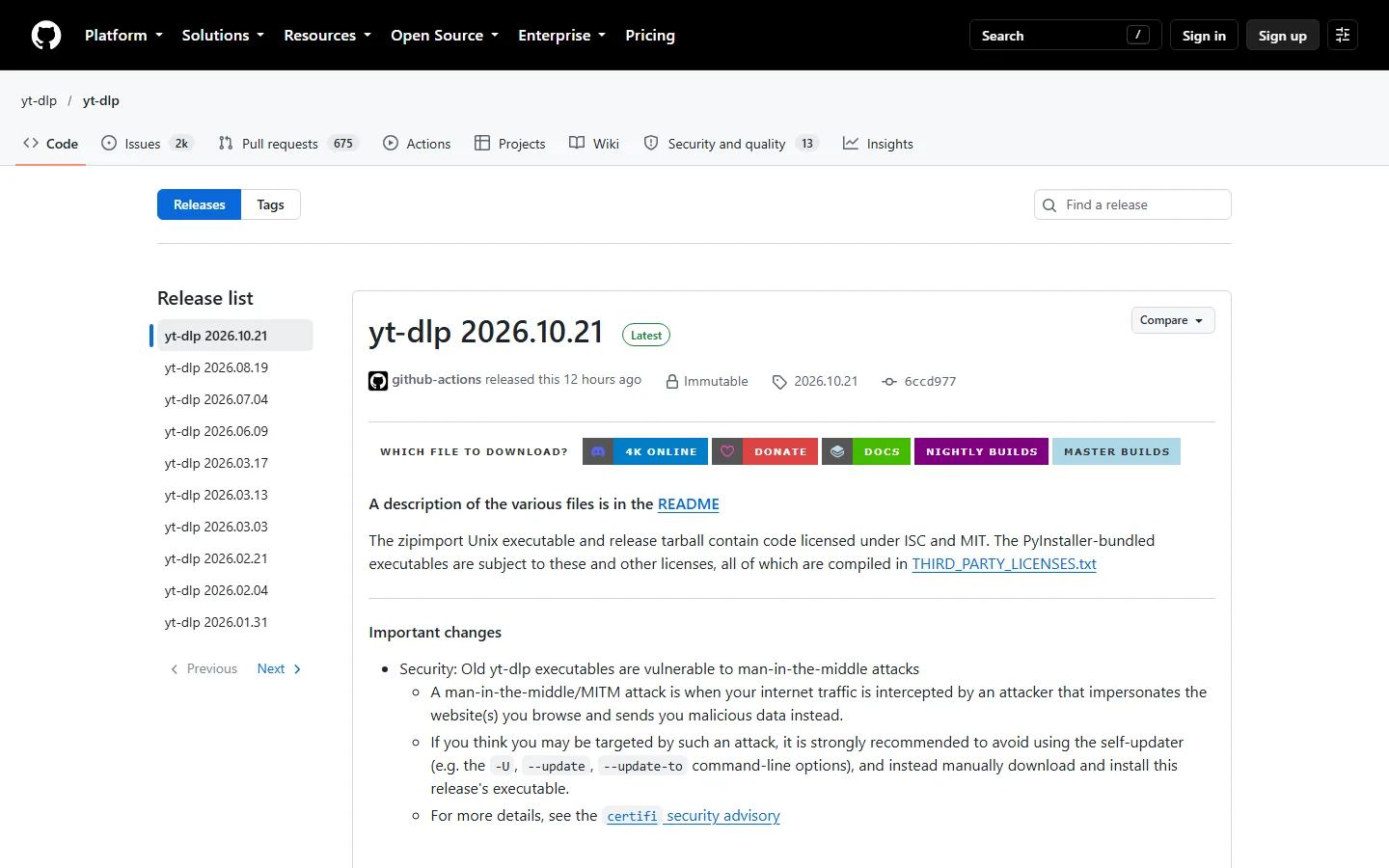
| yt-dlp | Text, code and scripting | 2026.10.21 | Unlicense | Actively maintained |
| 7-Zip Portable | Compression and archives | 26.04 (PA) / 26.05 upstream | LGPL | Actively maintained |
| PeaZip Portable | Compression and archives | 11.2.0 (PA) / 11.4.0 upstream | LGPL | Actively maintained |
| WinRAR Portable | Compression and archives | 7.x | Shareware | Actively maintained |
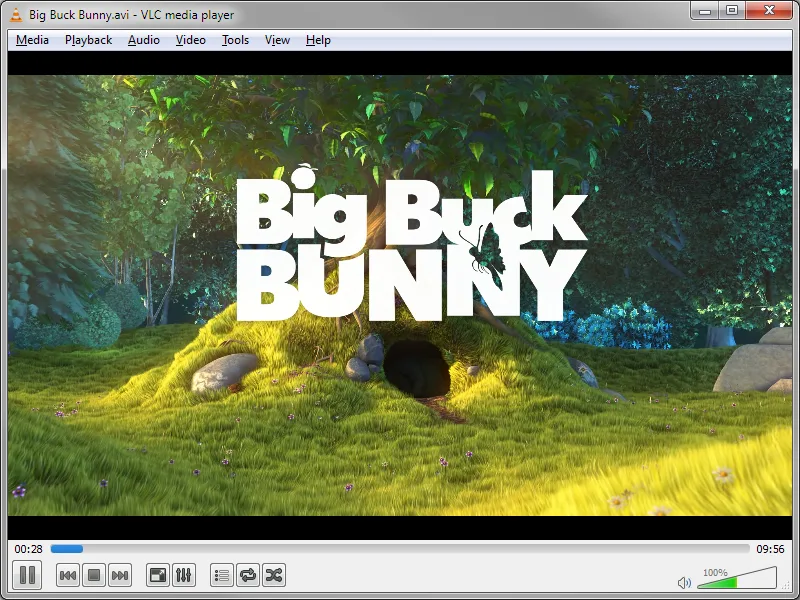
| VLC Media Player Portable | Media, audio and tagging | 3.0.24 | GPL 2 | Actively maintained |
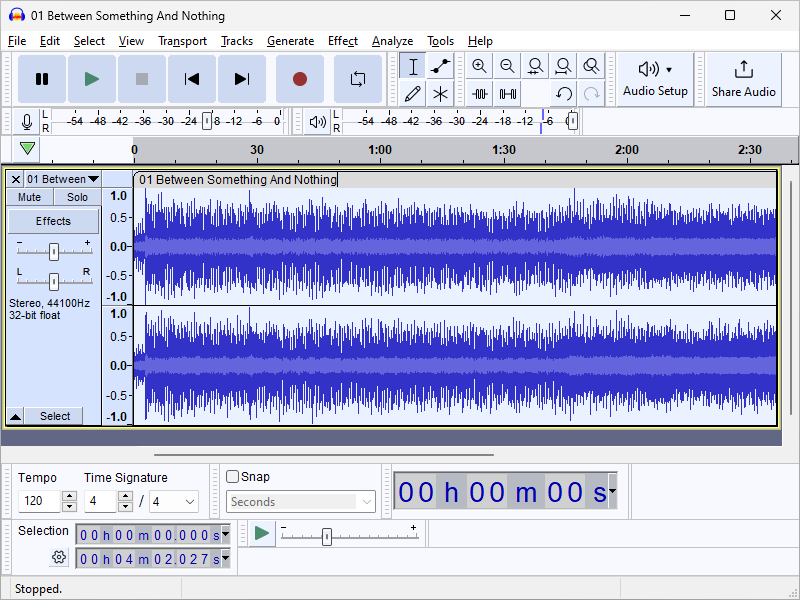
| Audacity Portable | Media, audio and tagging | 3.7.8 (PA) / 4.0.1 upstream | GPL 3 | Rarely updated |
| MusicBrainz Picard | Media, audio and tagging | 2.13.3 (PA) / 3.0.2 upstream | GPL 2 | Rarely updated |
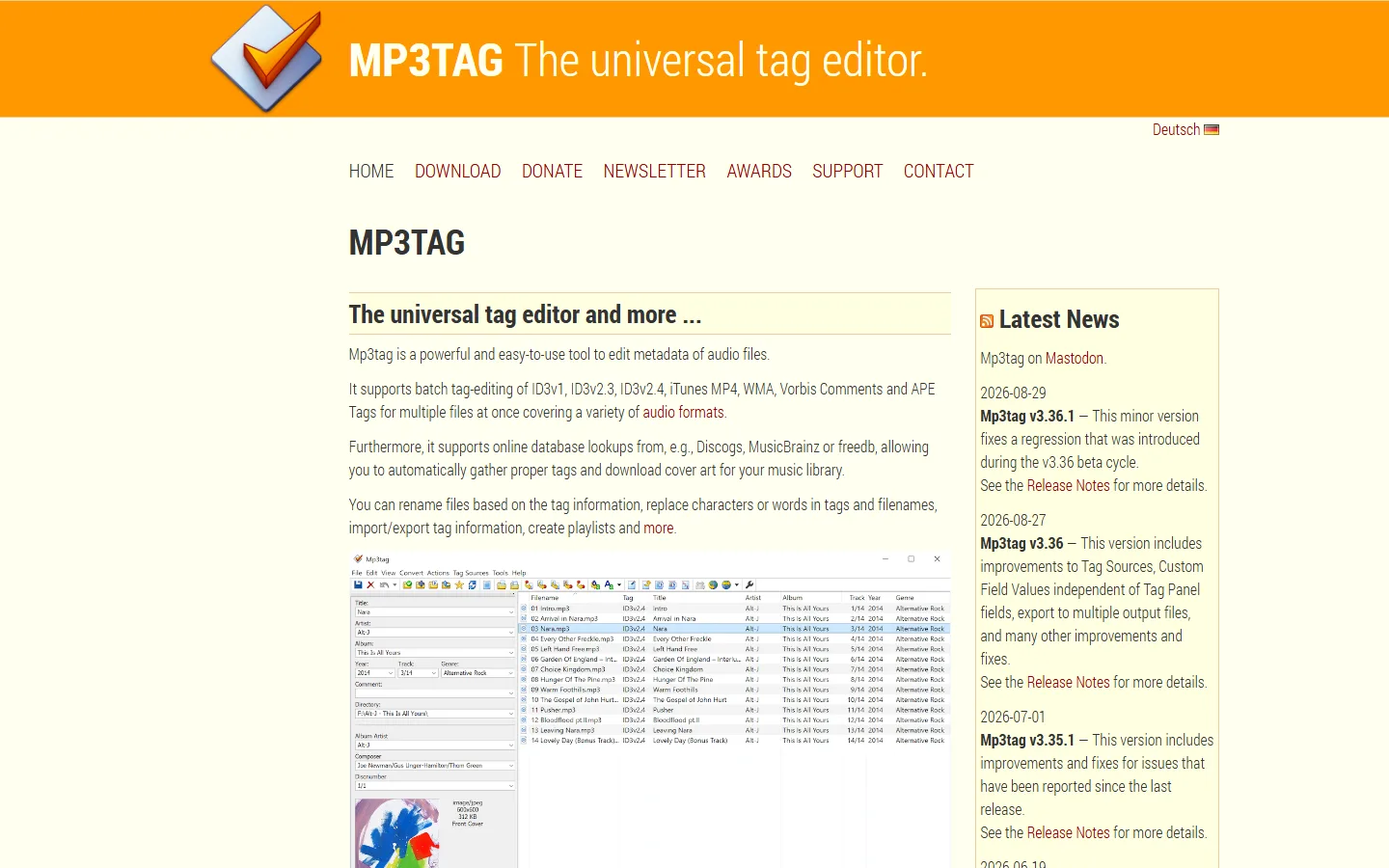
| Mp3tag | Media, audio and tagging | 3.36.1 | Proprietary | Actively maintained |
| SumatraPDF Portable | Documents and PDF | 3.6.1 | GPL 3 | Actively maintained |
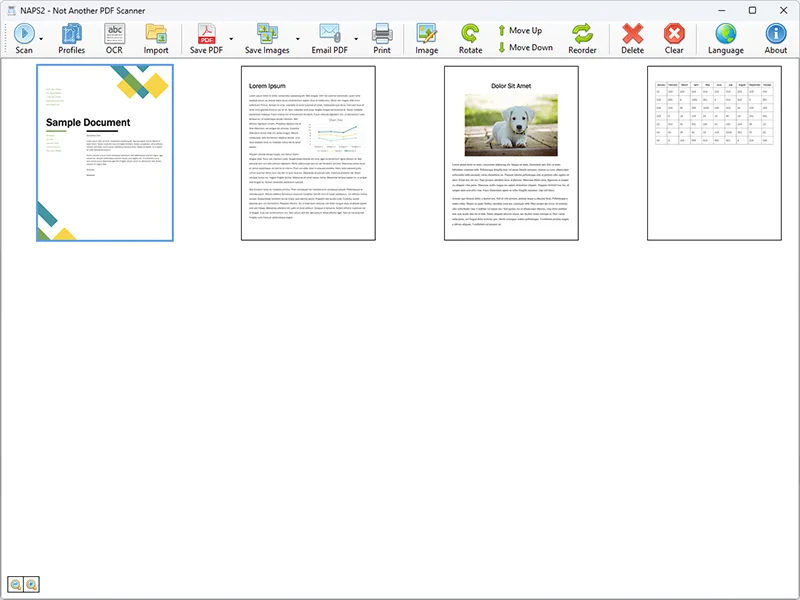
| NAPS2 Portable | Documents and PDF | 8.3.1 (PA) / 8.5.1 upstream | GPL | Rarely updated |
| ShareX | Screen capture and recording | 21.0.0 | GPL 3 | Actively maintained |
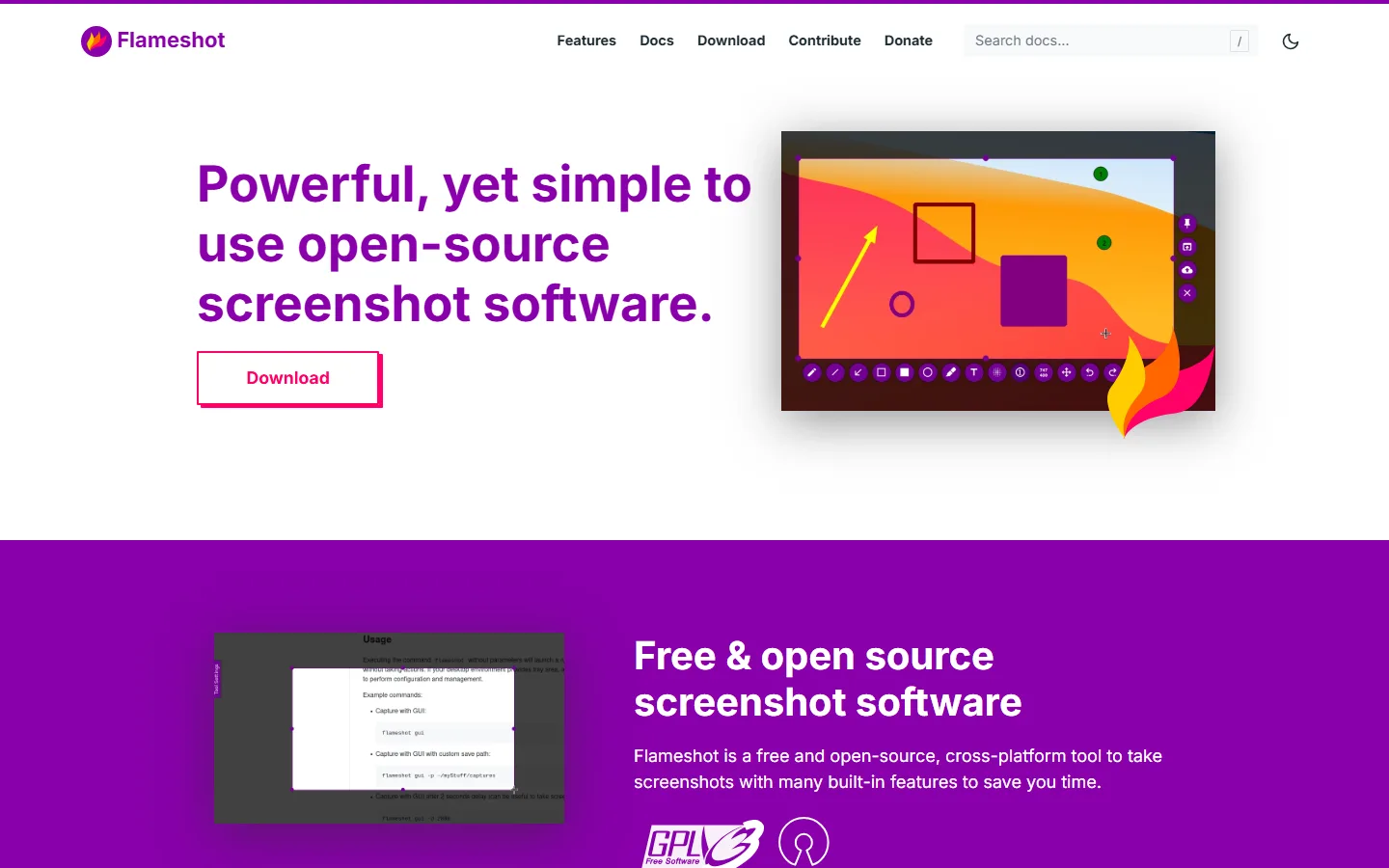
| Flameshot | Screen capture and recording | current release | GPL 3 | Actively maintained |
| ScreenToGif Portable | Screen capture and recording | 2.43.1 | MS-PL | Actively maintained |
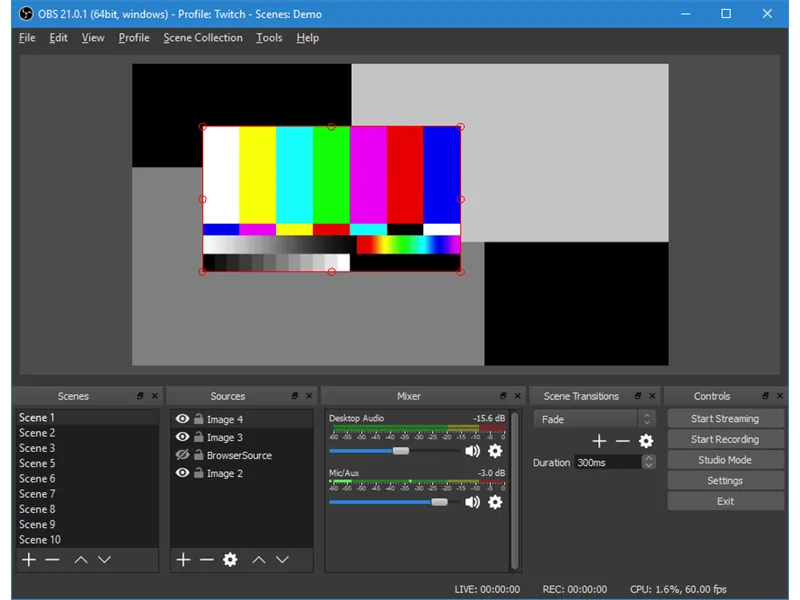
| OBS Studio Portable | Screen capture and recording | 32.2.0 (PA) / 32.2.2 upstream | GPL 2 | Rarely updated |
| scrcpy | Screen capture and recording | 5.0.1 | Apache 2.0 | Actively maintained |
| FreeCommander Portable | File management, search and comparison | 2026 Build 941 | Freeware | Actively maintained |
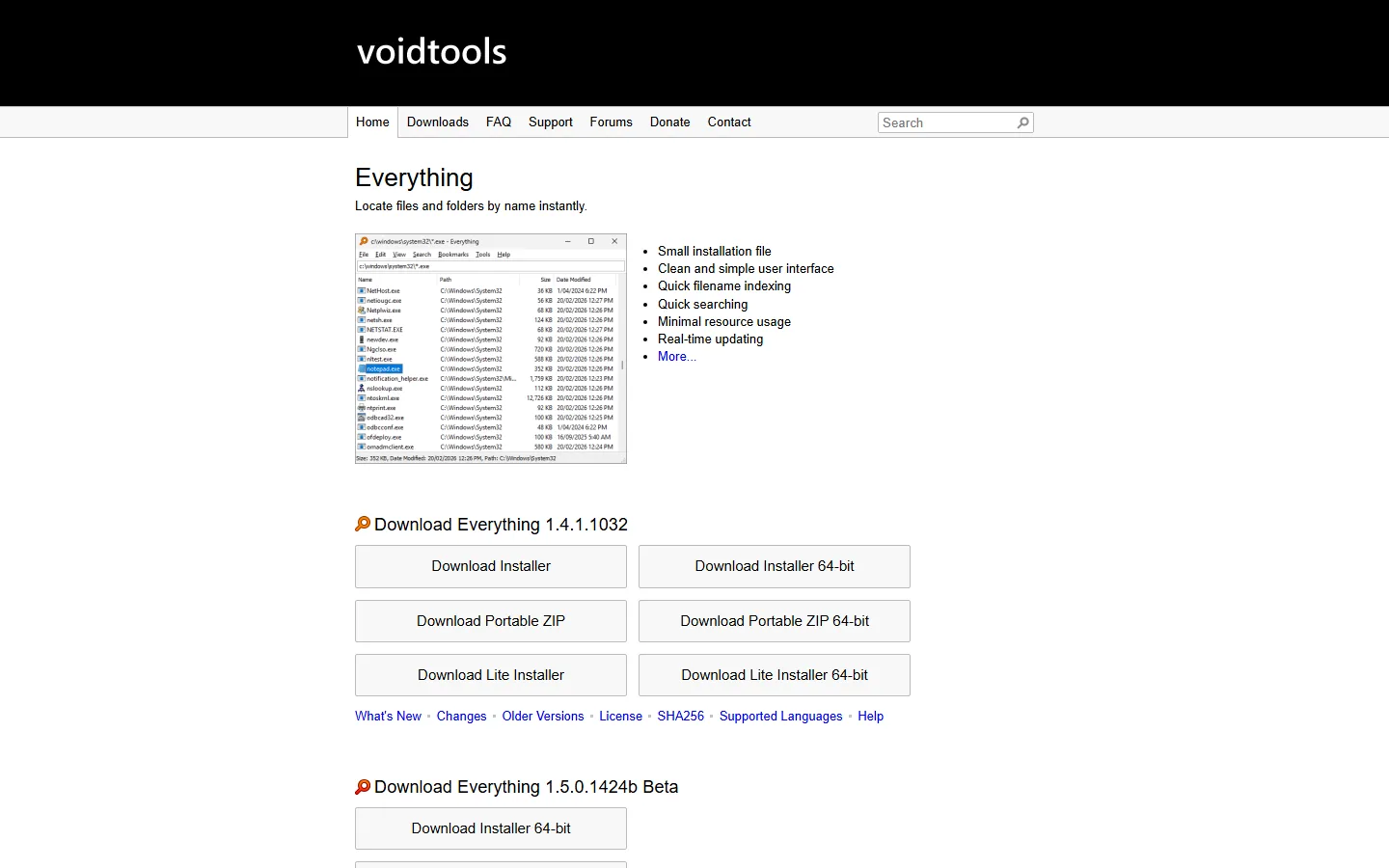
| Everything | File management, search and comparison | 1.4.1.1032 | Freeware | Actively maintained |
| Ditto Portable | File management, search and comparison | 3.25.113 | GPL 3 | Actively maintained |
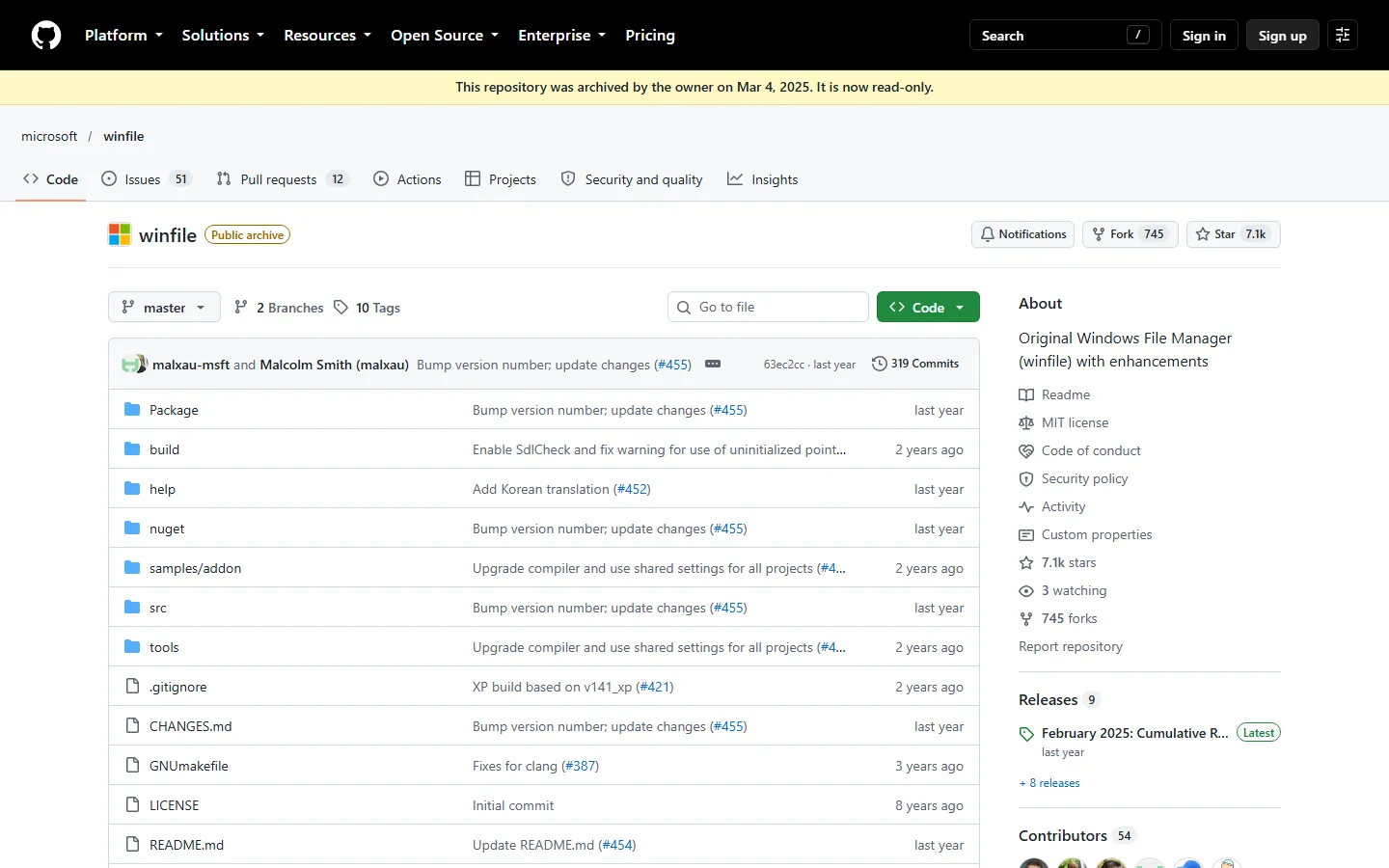
| Microsoft WinFile | File management, search and comparison | 10.4.0.0 | MIT | Rarely updated |
| WinMerge Portable | File management, search and comparison | 2.16.56.2 (PA) / 2.16.59 upstream | GPL 2 | Rarely updated |
| Krokiet | File management, search and comparison | 1.x (successor to Czkawka 12.0.2) | GPL 3 | Actively maintained |
| WinDirStat Portable | Disk usage, drive health and cleanup | 2.7.0 (PA) / 2.9.3 upstream | GPL 3 | Rarely updated |
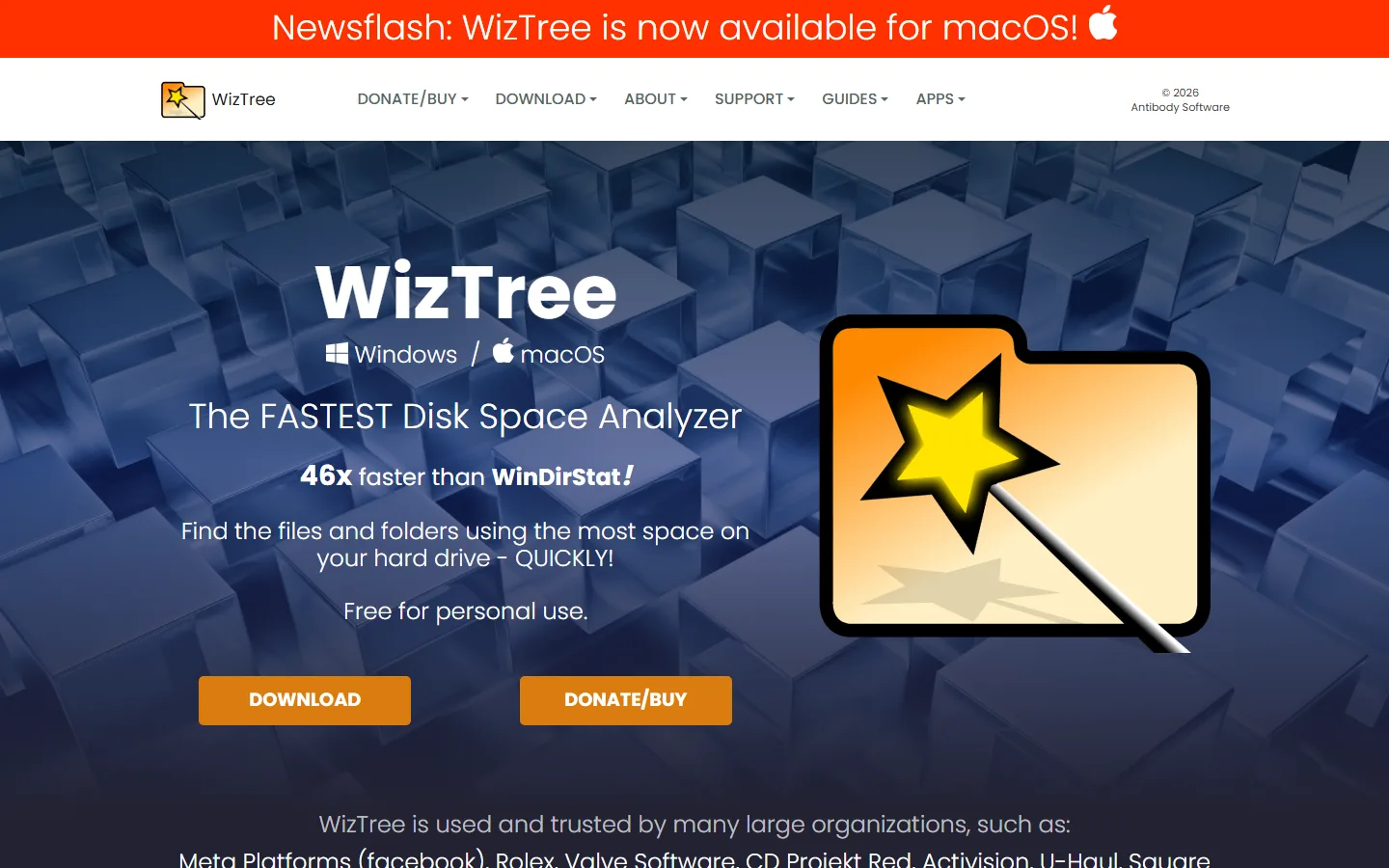
| WizTree | Disk usage, drive health and cleanup | current release | Freeware | Actively maintained |
| CrystalDiskInfo Portable | Disk usage, drive health and cleanup | 9.9.1 (PA) / 9.9.3 upstream | Freeware | Rarely updated |
| F3 / H2testw | Disk usage, drive health and cleanup | H2testw 1.4 | Freeware | Rarely updated |
| BleachBit Portable | Cleanup and recovery | 6.0.2 (PA) / 6.0.6 upstream | GPL 3 | Rarely updated |
| Recuva | Cleanup and recovery | 1.84 | Freeware | Rarely updated |
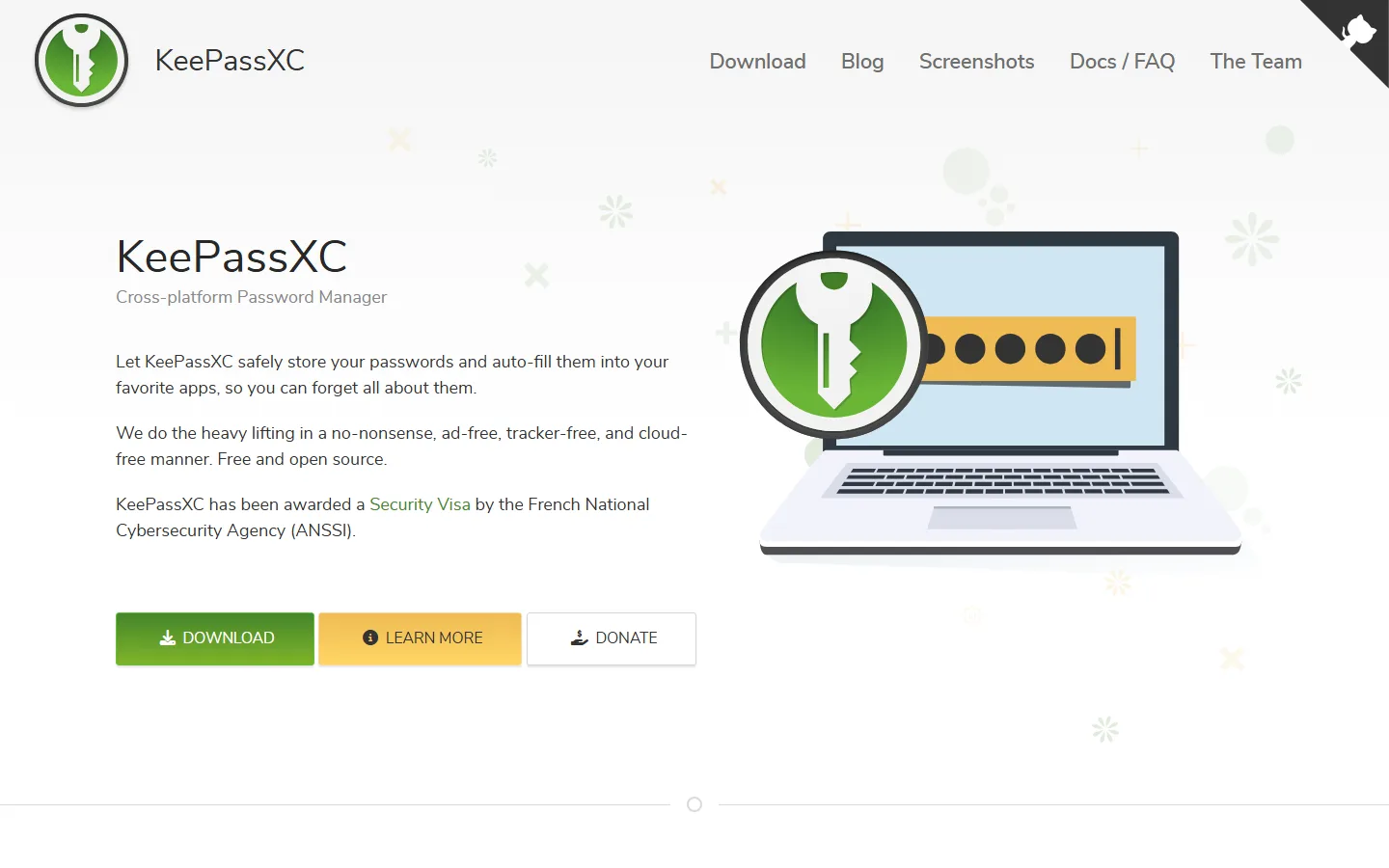
| KeePassXC Portable | Passwords and encrypted vaults | 2.7.12 (PA) / 2.8.0 upstream | GPL 3 | Rarely updated |
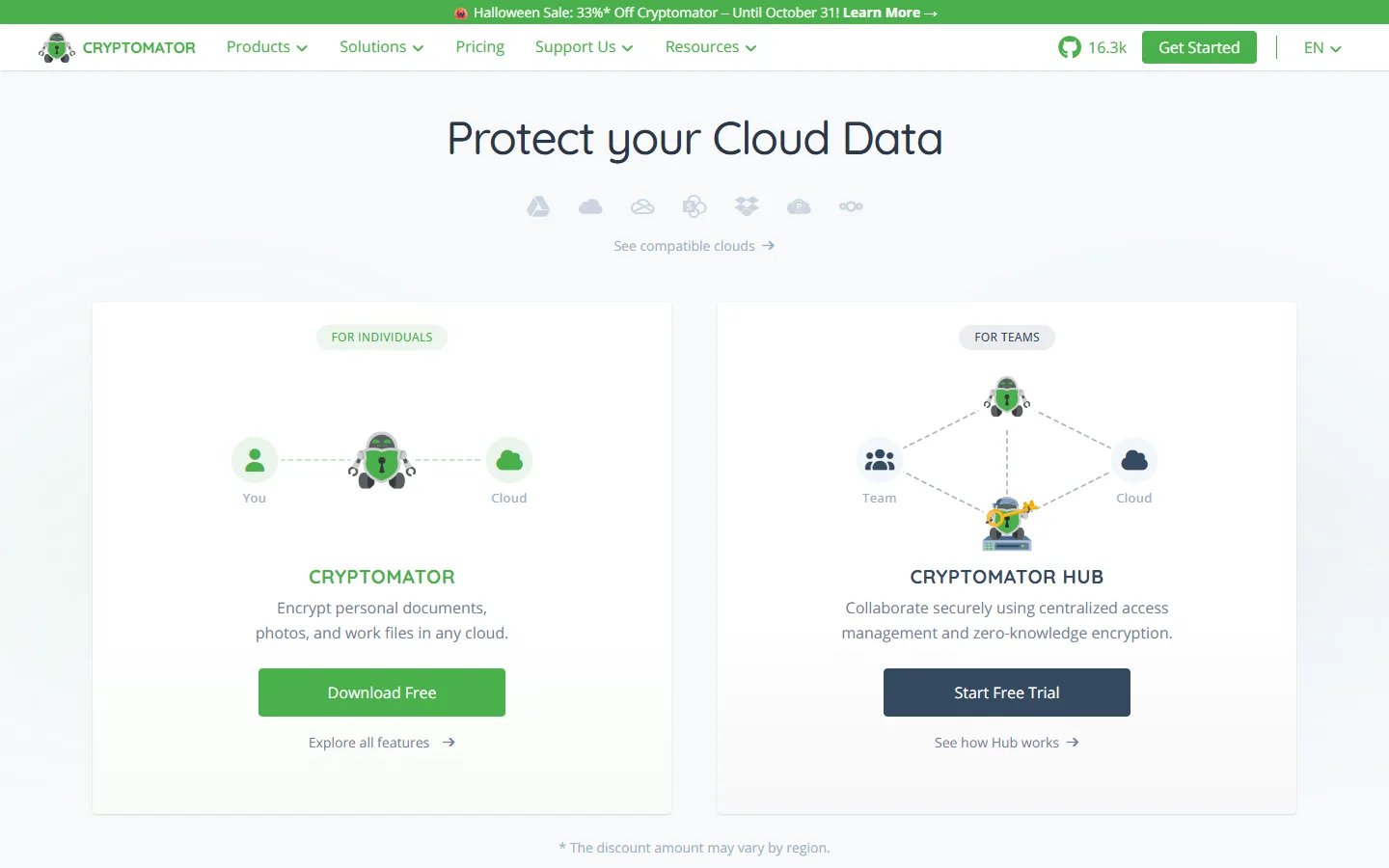
| Cryptomator | Passwords and encrypted vaults | 1.19.4 | GPL 3 | Actively maintained |
| VeraCrypt Portable | Passwords and encrypted vaults | 1.26.29 | VeraCrypt Licence | Actively maintained |
| CherryTree | Secure note-taking | 1.7.1 (PA) / 1.7.2 upstream | GPL 3 | Actively maintained |
| RedNotebook Portable | Secure note-taking | 2.42 (PA) / 2.43 upstream | GPL | Rarely updated |
| IrfanView Portable | Image viewing, editing and metadata | 4.75 (PA) / 4.76 upstream | Freeware | Actively maintained |
| GIMP Portable | Image viewing, editing and metadata | 3.2.6 | GPL 3 | Actively maintained |
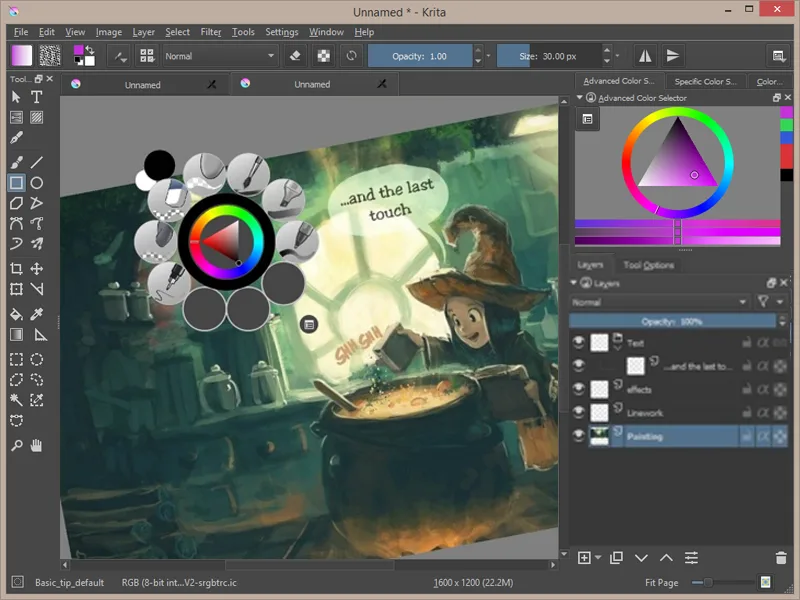
| Krita Portable | Image viewing, editing and metadata | 5.3.2.1 (PA) / 5.3.4.1 upstream | GPL 3 | Rarely updated |
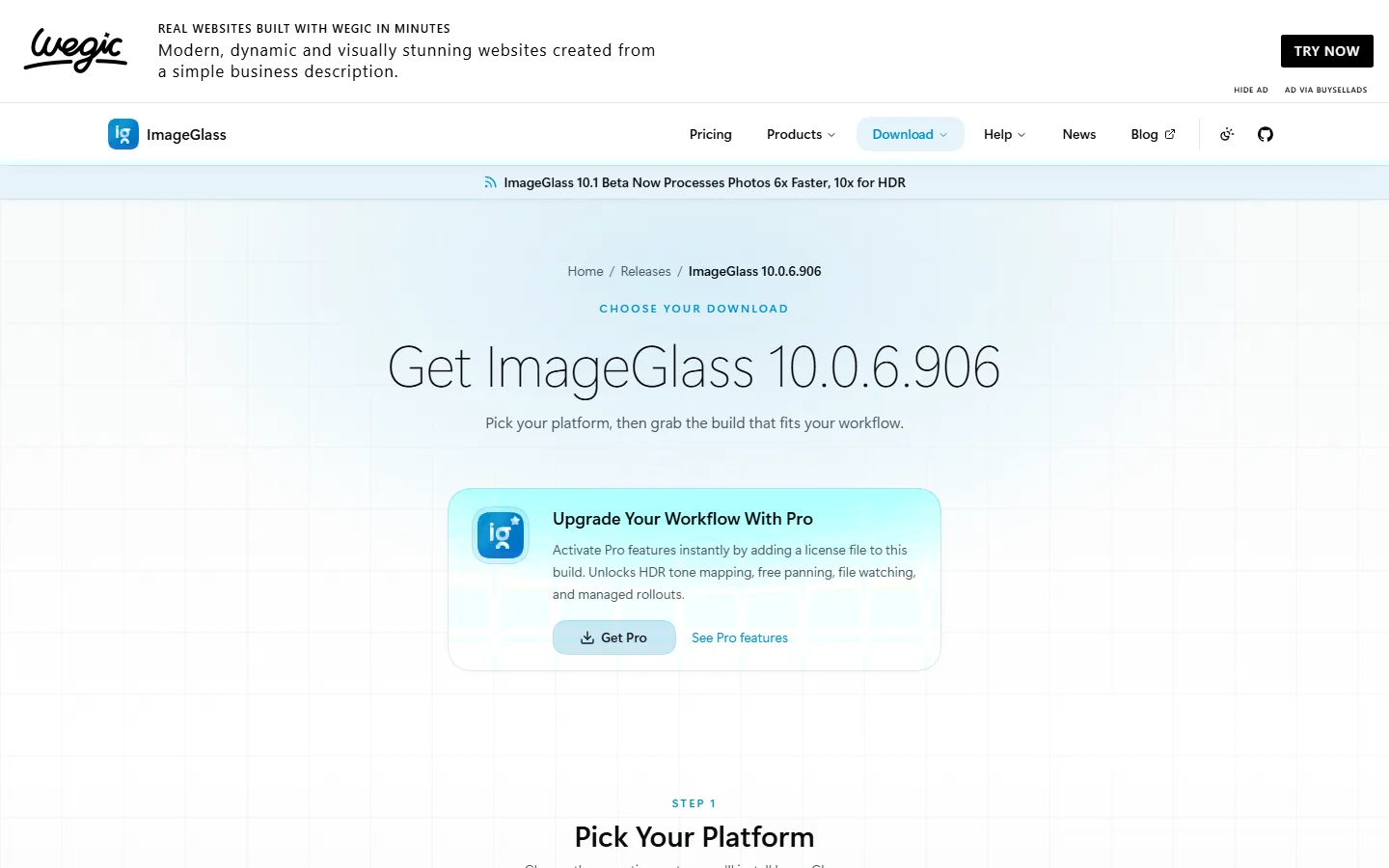
| ImageGlass | Image viewing, editing and metadata | 10.0.6.906 | GPL 3 | Actively maintained |
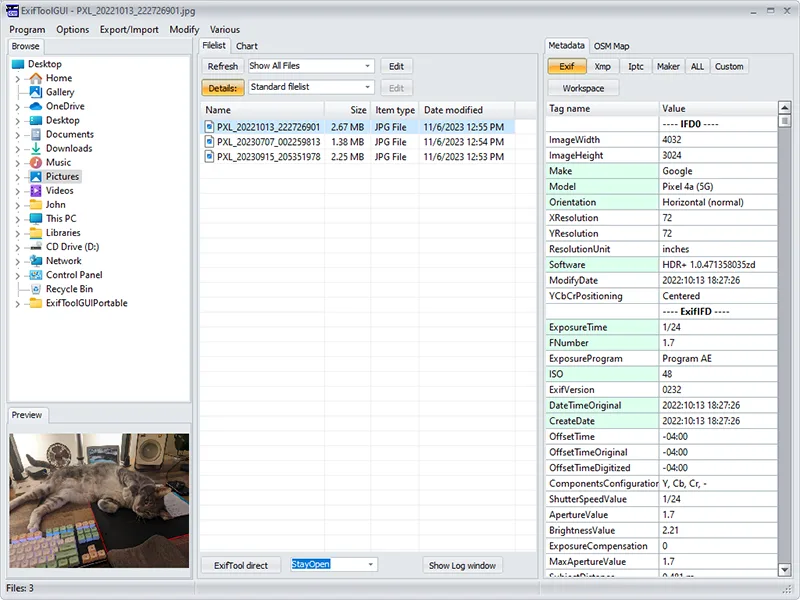
| ExifToolGUI Portable | Image viewing, editing and metadata | 6.3.12 | GPL | Rarely updated |
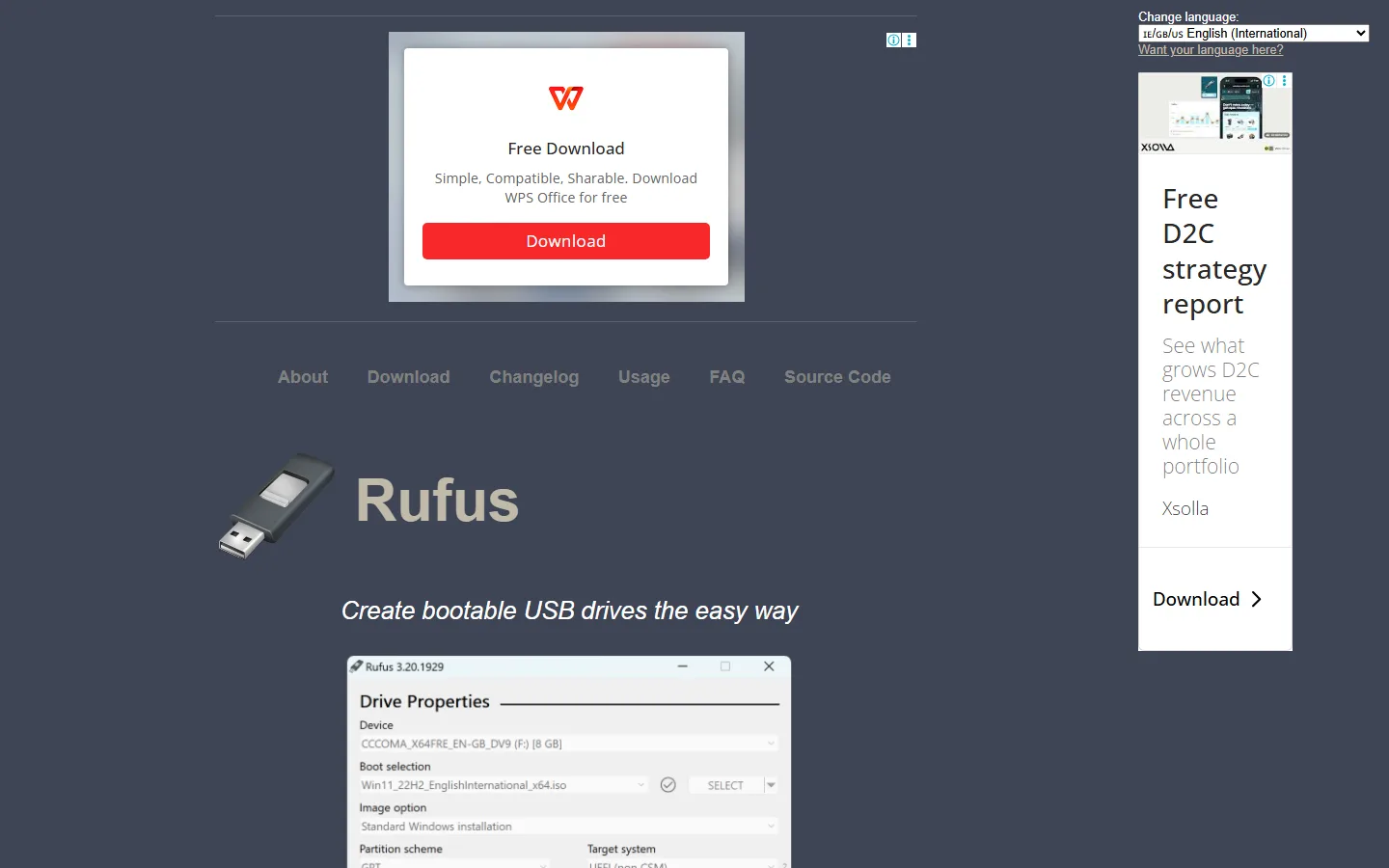
| Rufus | Bootable USB sticks | 4.15 | GPL 3 | Actively maintained |
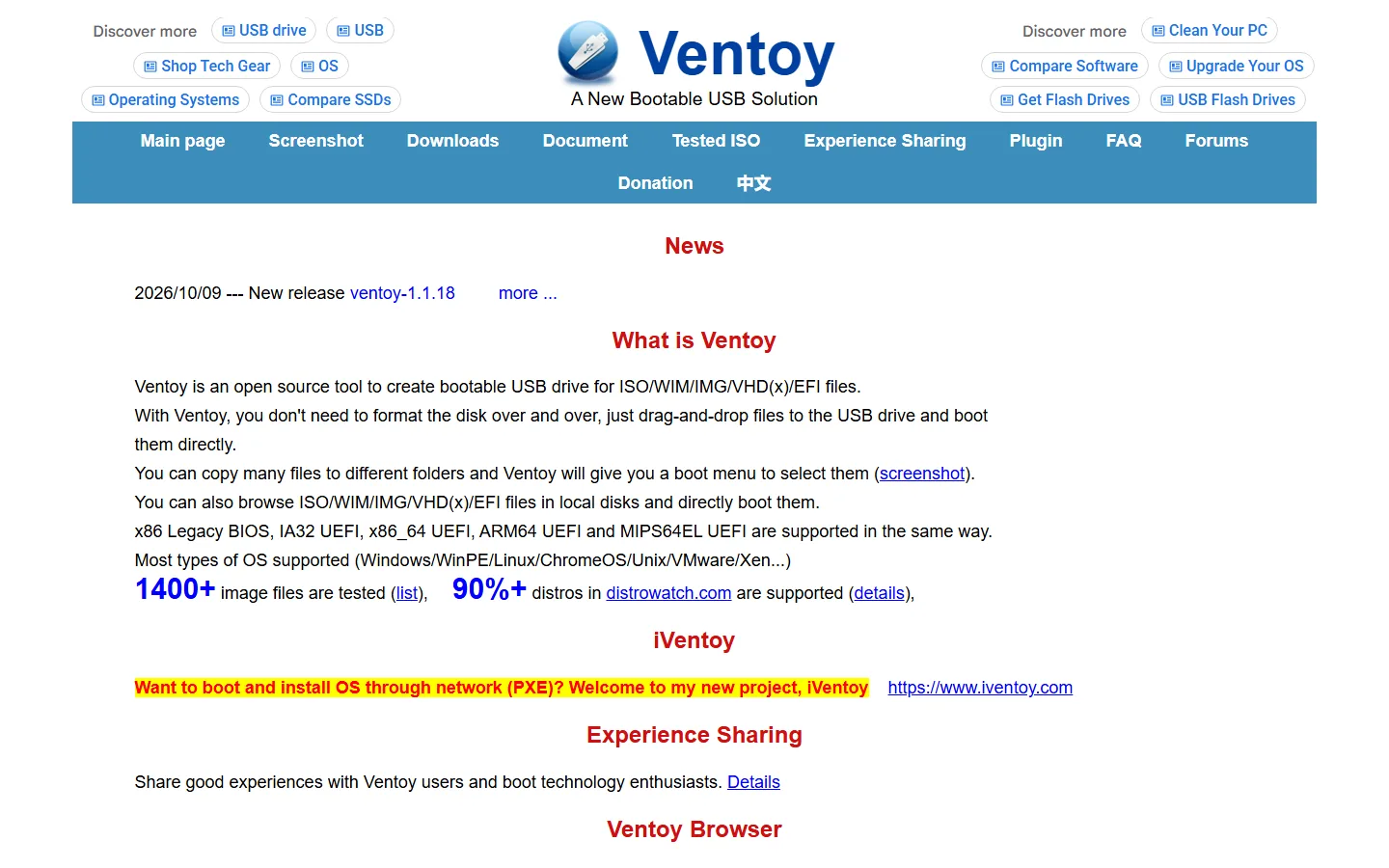
| Ventoy | Bootable USB sticks | 1.1.16 (PA) / 1.1.18 upstream | GPL 3 | Rarely updated |
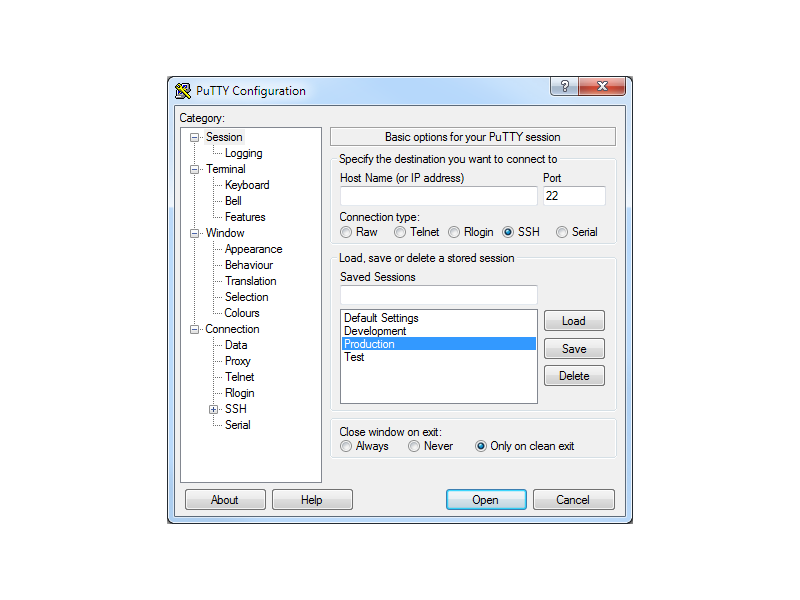
| PuTTY Portable | Network and transfer tools | 0.85 | MIT | Actively maintained |
| WinSCP Portable | Network and transfer tools | 6.5.6 (PA) / 6.7 upstream | GPL 3 | Rarely updated |
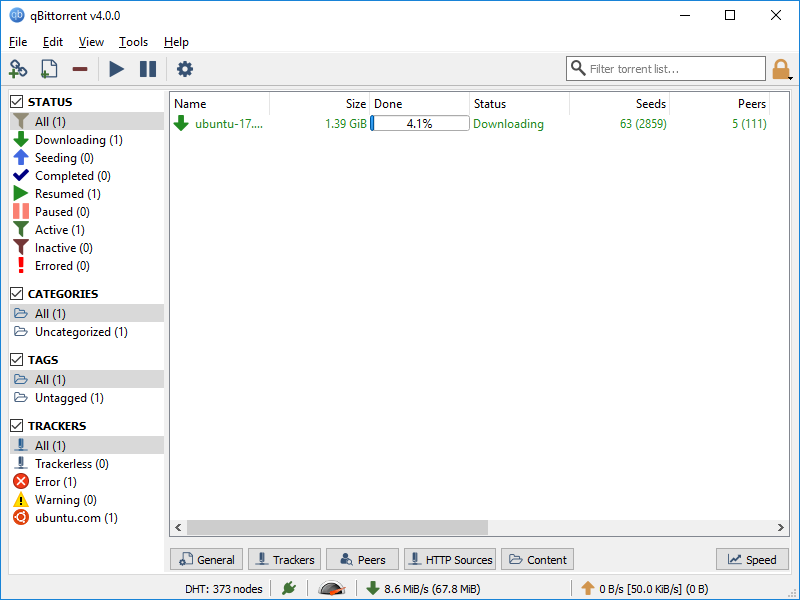
| qBittorrent Portable | Network and transfer tools | 5.2.4 (PA) / 5.3.0 upstream | GPL 3 | Rarely updated |
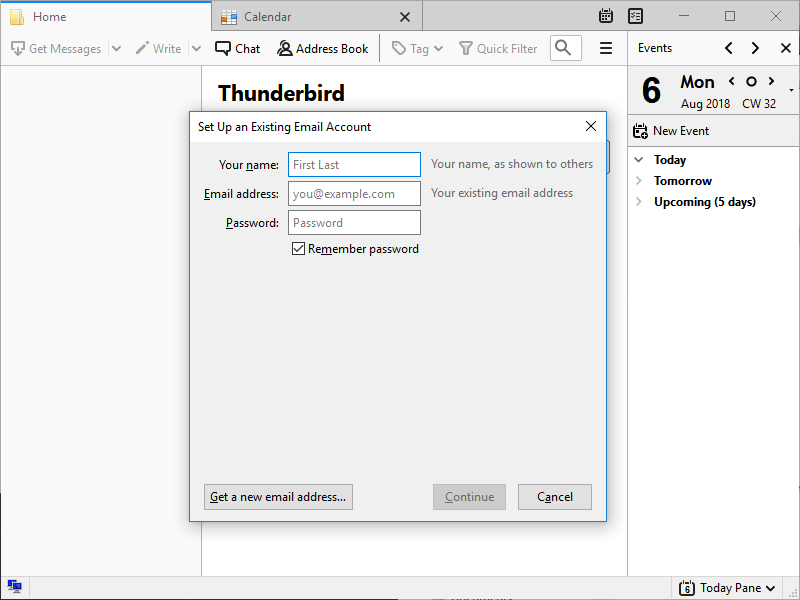
| Thunderbird Portable | Office, mail and system diagnostics | 158.0 (PA) / 158.0.1 upstream | MPL 2.0 | Actively maintained |
| LibreOffice Portable | Office, mail and system diagnostics | 26.2.4 (PA) / 26.8.1 upstream | MPL 2.0 / LGPL 3 | Rarely updated |
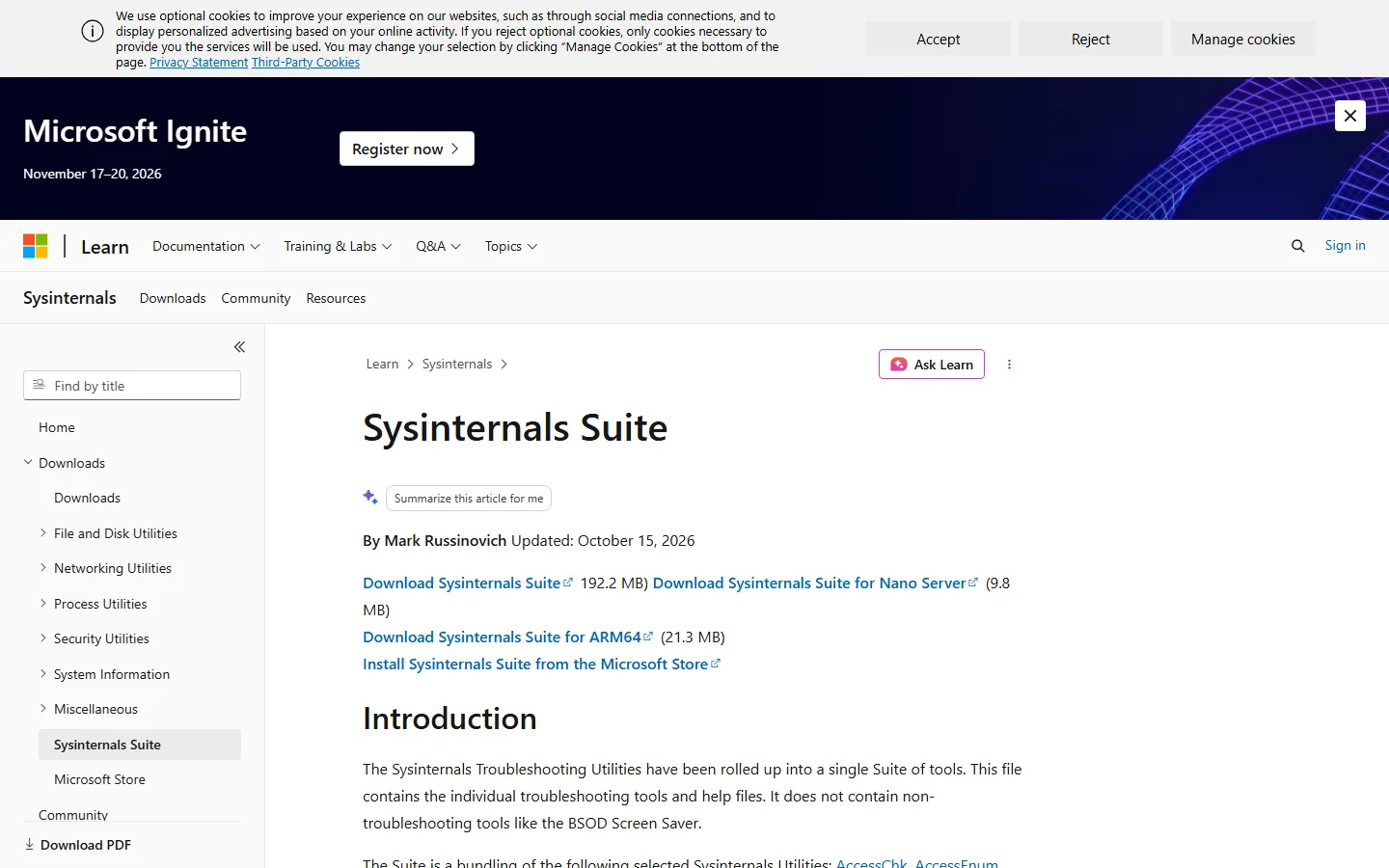
| Microsoft Sysinternals Suite | Office, mail and system diagnostics | page updated 2026-10-15 | Freeware | Actively maintained |
Status reflects the latest release visible on the official download page.
















1. The Must-Have Toolkit: 18 Portable Applications Worth Carrying
Browser
- Firefox Portable — — — The full Mozilla browser in a self-contained folder, with your profile, extensions, and bookmarks stored on the drive itself. Why it matters: it is the reference implementation of the portable-browser idea; an ad-blocking extension, a password manager, and a separate throwaway profile can all live in the same folder without touching the host’s Firefox installation. official site
- Tor Browser Portable — — — The hardened Tor Browser, packaged so the whole browser, its circuit configuration, and its temporary profile live on the drive. Why it matters: it routes traffic through the Tor network and writes nothing to the host disk beyond the temporary profile you can delete on the way out. official site
Text and code editor
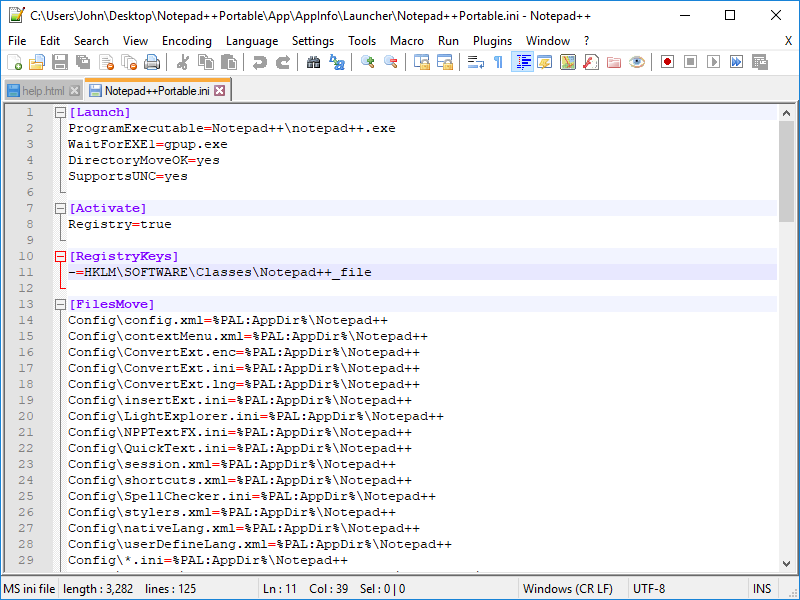
- Notepad++ Portable — — — A powerful plain-text editor with syntax highlighting, tabbed editing, and plugin support for dozens of languages. Why it matters: it turns a borrowed machine into a usable editing station for configuration files, scripts, and code, without an installer and without administrator rights. official site
- Akelpad Portable — — — A light, fast plain-text editor with a plug-in system and a clean, distraction-free window. Why it matters: it opens instantly even from a slow USB 2.0 stick, which makes it the pragmatic choice for quick edits when the heavyweight editor feels sluggish. official site
Compression and archives
- 7-Zip Portable — — — The complete 7-Zip archiver, including the 7z format with strong encryption and a built-in file manager. Why it matters: it handles ZIP, 7z, TAR, GZIP, BZIP2, and RAR, which makes it the single most useful utility on the drive when you need to unpack an archive you did not build yourself. official site
- PeaZip Portable — — — An open-source archiver with a graphical interface, 7-Zip and RAR plug-ins, and secure deletion tools. Why it matters: it covers formats that 7-Zip only reads, and its “wipe” function is useful when you want to erase a sensitive file rather than just deleting it. official site
Media player
- VLC Media Player Portable — — — The full VLC player, including its codec library, running from a folder with no installation. Why it matters: it decodes almost every audio and video format that exists, which removes the single most common reason to install software on a borrowed computer — “the codec for this file is missing” [3]. official site
- Audacity Portable — — — The multitrack audio editor and recorder, bundled in a portable folder with its own effect plug-ins. Why it matters: it lets you record a lecture, trim a podcast, or export a WAV on a machine where nothing may be installed. official site
PDF reader
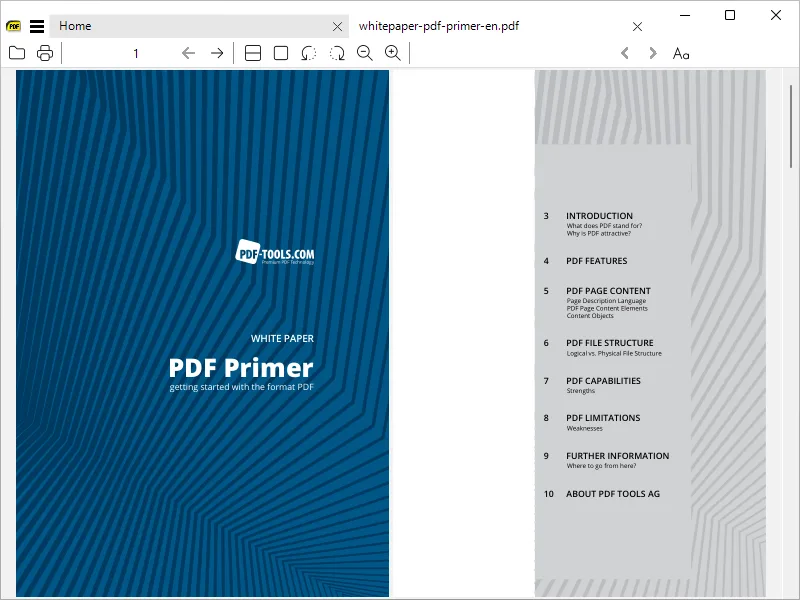
- SumatraPDF Portable — — — A small, fast PDF viewer that also handles EPUB, MOBI, XPS, and DJVU files. Why it matters: it starts in well under a second, which is decisive on a slow stick, and it renders text sharply enough to read long documents without eye strain. official site
Screen capture and screenshots
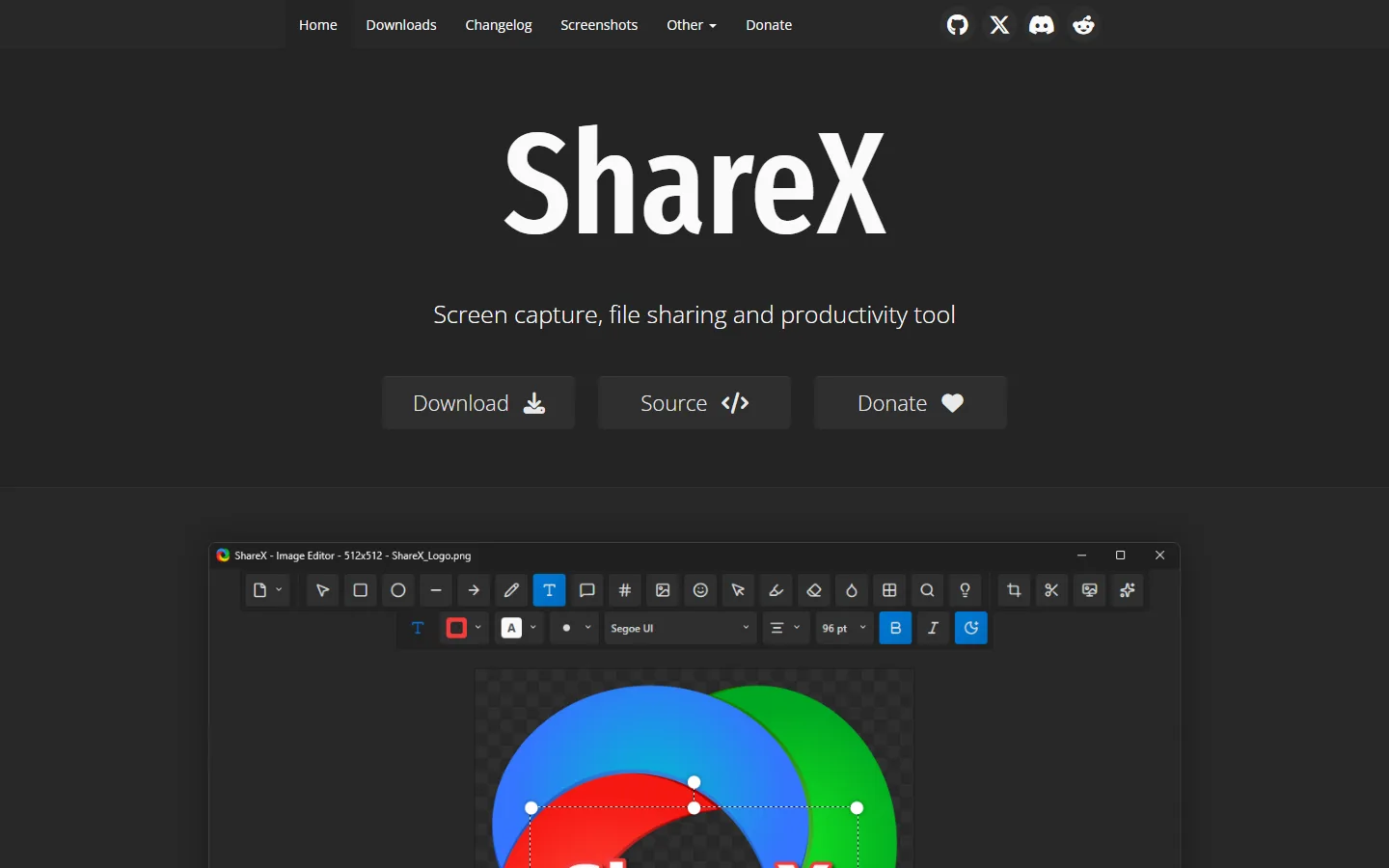
- ShareX — — — A screen-capture and screen-recording utility with annotation, a wide range of export formats, and automated upload targets. Why it matters: it is the tool of choice for bug reports, teaching material, and evidence, and it can be configured to save straight into a folder on the portable drive. official site
- LightScreen Portable — — — A minimal screenshot utility that captures a region, a window, or the full screen and saves it immediately. Why it matters: it has almost no interface overhead, so you can grab evidence or a quick reference shot in a second and move on. official site
File management, search, and clipboard
- FreeCommander Portable — — — A dual-pane file manager with tabbed browsing, built-in archive handling, and file filtering. Why it matters: two panes side by side make dragging, comparing, and bulk-renaming across the drive and the local disk far faster than the standard Windows Explorer. official site
- Everything Search Portable — — — The fast NTFS file indexer, packaged to run from the drive with a local index file. Why it matters: it finds files by name almost instantly even across hundreds of thousands of entries, which is the difference between a usable and an unusable file workflow on a large library. official site
- Ditto Portable — — — A clipboard manager that keeps a history of everything you copied. Why it matters: it survives a reboot and a change of machine, so a snippet copied on one computer can be pasted on another — the feature you miss most once you have worked with several machines in a single day. official site
Disk usage analyser
- WinDirStat Portable — — — A disk usage visualiser that maps every folder as a coloured treemap and a ring chart. Why it matters: it shows at a glance where a 64 GB drive has actually gone, which is the fastest way to decide what to delete before copying the kit to a new stick. official site
- Disk Analyzer Portable — — — An open-source disk usage analyser that scans a drive and reports the largest folders and files. Why it matters: it works on any filesystem Windows can mount, including exFAT and FAT32 cards, and it exports a detailed report you can keep as a record of the kit’s contents. official site
Password manager
- KeePass Portable — — — A local, encrypted password database in a single file, with a portable build that keeps its own configuration. Why it matters: your vault travels with the kit instead of living in a browser profile on a shared machine, and the database is protected by a master password plus a key file. official site
Secure note-taking
- CherryTree — — — A hierarchical note tree that stores everything in a single XML file, with rich text, code highlighting, a search box, and a built-in encryption option. Why it matters: one portable file means one thing to copy, back up, or encrypt, and the tree structure keeps a large personal knowledge base navigable on a small screen. official site
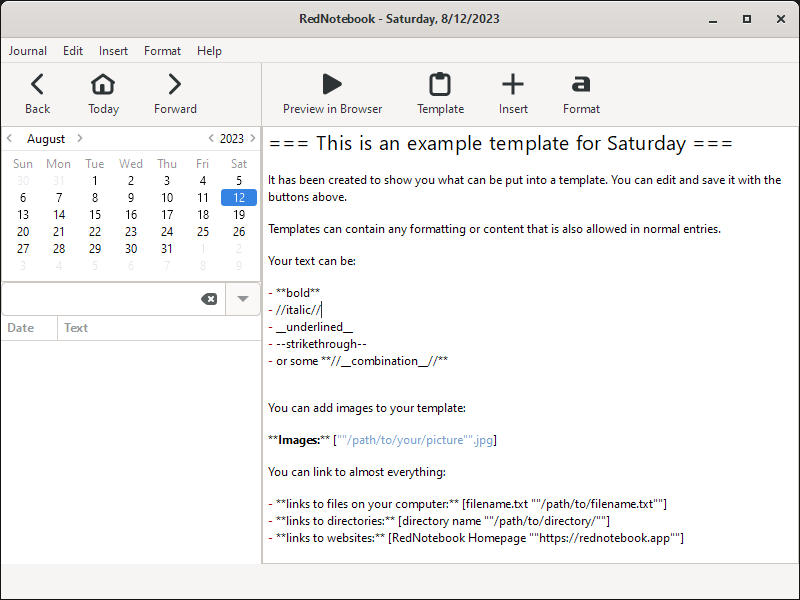
- RedNotebook Portable — — — A journalling application that stores entries in plain, readable text files with a calendar view and tag support. Why it matters: because the data is ordinary text, you can grep it, back it up, and read it years later without a proprietary format getting in the way. official site
Image viewer and image editing
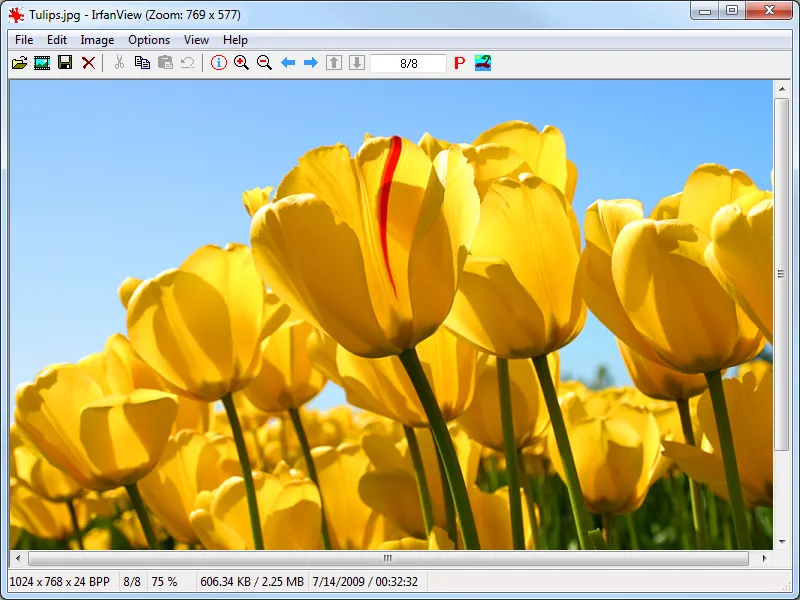
- IrfanView Portable — — — A very fast image viewer with thumbnails, batch conversion, and a surprisingly capable set of editing tools. Why it matters: it opens large photo batches instantly and lets you fix exposure or crop a screenshot before sending it on. official site
- GIMP Portable — — — The full GNU Image Manipulation Program, running from a folder with its own plug-in and brush paths. Why it matters: it turns any borrowed computer into a working image-editing station, and it is the closest free alternative to the industry-standard commercial editor. official site
System cleanup
- BleachBit Portable — — — A cleaner that removes caches, temporary files, cookies, and history from the operating system and dozens of applications. Why it matters: running it before you hand a shared machine back removes the traces of your own session from the disk, and its portable build keeps its own settings on the drive. official site
Bootable USB stick maker
- Rufus — — — A small utility that writes an ISO image to a USB drive and makes it bootable, with support for UEFI and legacy BIOS targets. Why it matters: it turns a spare stick into a self-contained Linux system you can boot on a machine you are not allowed to modify, and it needs no installation to run. official site
- Ventoy — — — A bootable artist that turns one drive into a multi-OS launcher: you copy ISO files onto it and pick one from a menu at boot time. Why it matters: you no longer have to re-write the stick every time you want a different system, and the whole operation is a single file copy. official site
Useful additions
- Thunderbird Portable — — — The full mail client with a profile that lives on the drive. Why it matters: you can read and send mail from a borrowed machine without touching its Outlook installation or leaving your mailbox in the local profile. official site
- PuTTY Portable — — — The classic SSH, Telnet, and serial console client in a portable folder. Why it matters: it is often the only way to reach a server or a router from a locked-down workstation. official site
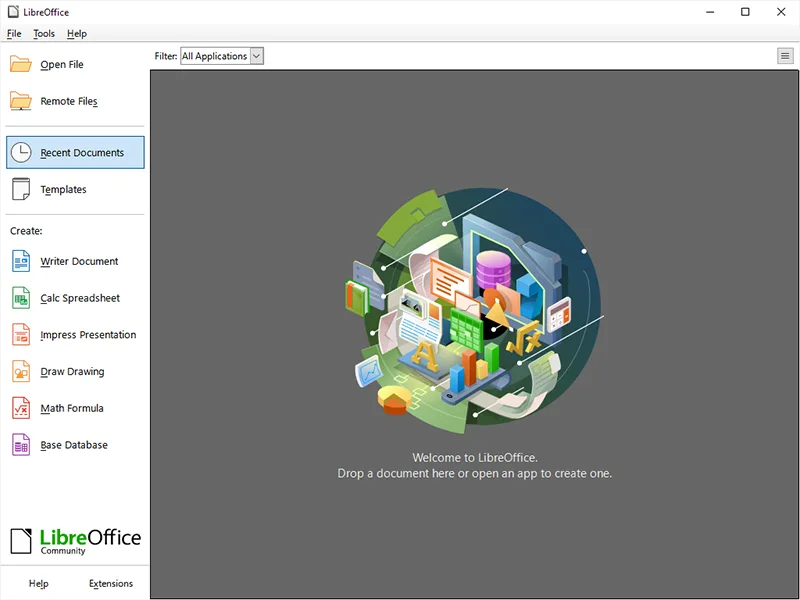
- LibreOffice Portable — — — The complete office suite, including Writer, Calc, and Impress, in a self-contained folder. Why it matters: it is the heaviest but most complete item in the kit — the one that turns a borrowed machine into a real workstation when you have to open a spreadsheet and send it back the same day. official site
2. Build Your Own Portable Workspace
3. Security: Keeping the Toolkit Safe
Why autorun protection matters
Historically, Windows would read a file called autorun.inf from the root of a newly connected drive and act on it automatically. Malicious sticks exploited that behaviour to run a program the instant they were plugged in. Modern Windows blocks the mechanism by default and AutoPlay is disabled on most current systems, but the protection is a setting, not a law, and older or reconfigured machines still execute it [4]. A defensive habit costs nothing: keep a folder named autorun.inf in the root of the drive. Windows treats it as a directory rather than a file, refuses to parse it, and the drive can no longer carry an automatic payload [5].
Encrypting the drive
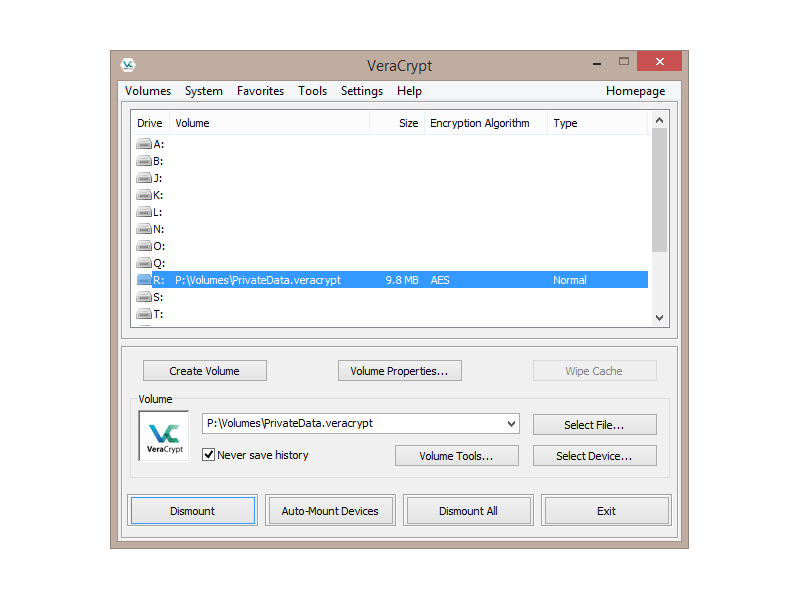
Use VeraCrypt for the portable case. It produces a virtual encrypted volume, supports strong algorithms such as AES-256 and Twofish, and can mount that volume as a normal drive letter on Windows, macOS, or Linux [6]. Open a container on the drive, move your portable kit and your documents into it, and mount it whenever you need the tools; the unencrypted surface of the drive then contains nothing but the container file. On Windows, BitLocker To Go is the built-in alternative for the same job, and it is worth knowing that it is available on some editions only [7].
What not to keep on a shared stick
- Unencrypted secret material. — — Password databases, private keys, and wallet files belong inside the encrypted volume, never loose in the open.
- Anything you would not print. — — Treat the drive as if its contents could be photographed. That single rule resolves most judgement calls about borderline material.
- Legal or professional client files. — — Many workplaces and jurisdictions restrict what may be copied onto removable media, and a portable drive is the classic way to breach that policy. Check the rules before you carry work documents anywhere.
- Licensed software that is not portable. — — A conventional installation tied to a single machine is not improved by being copied to a stick; it is simply unlicensed use.
Wiping the drive
When you retire a drive — or when you hand it back, lend it, or sell it — erase it properly rather than deleting the files. Deleting leaves the data recoverable. Overwrite the free space with a cleaning tool such as BleachBit, and for a drive that is leaving your possession, a full secure erase or a physical destruction is the only reliable answer. If the drive held an encrypted container, the fastest safe route is to destroy the container’s key and the key file together, then wipe the volume.
4. Updates and Maintenance Without Starting Over
References and Sources
[1] Wikipedia, “Portable software”: Portable software — definition and history of the portable application model
[2] Electronic Frontier Foundation, Surveillance Self-Defense: Surveillance Self-Defense project — practical guidance for protecting yourself on shared machines
[3] PortableApps.com, VLC Media Player Portable: VLC Media Player Portable — official package and codec details
[4] CISA, “Using Caution with USB Drives”: Using Caution with USB Drives — national guidance on removable media risks
[5] Wikipedia, “Autorun”: Autorun — how the Windows autorun mechanism works and how it is blocked
[6] VeraCrypt: VeraCrypt official site — open-source volume encryption
[7] Microsoft Learn, BitLocker: BitLocker documentation — full-disk and removable-volume encryption on Windows
[8] NIST Privacy Framework: NIST Privacy Framework — a general model for handling data on portable devices
[9] Wikipedia, “USB flash drive”: USB flash drive — hardware, generations, and capacities
[10] PortableApps.com, main site: PortableApps.com — the largest catalogue of portable freeware
[11] Tails: Tails — reference implementation of a privacy-focused portable operating system
5. Maintenance Audit: What Still Earns Its Place in 2026
A list of portable applications ages badly, because the projects behind them move at very different speeds. Every entry in the toolkit above was checked against its own download page and release notes in October 2026. Two entries from the classic version of this guide did not survive that check and have been replaced.
Two entries that no longer qualify
- LightScreen Portable — the last release is version 2.5, published in 2018, and the project has had no further update since. The PortableApps catalogue still lists the package, so the download link still works, but a screenshot utility that has not been touched in eight years no longer belongs in a 2026 recommendation. ShareX, Flameshot and ScreenToGif cover the same job with annotation, recording and automated upload targets, and all three are actively maintained.
- Disk Analyzer Portable — the diskanalyzer.com address no longer serves that product; the domain now hosts WizTree, and the PortableApps catalogue entry returns a 404. WizTree is in fact the better tool for the same job, because it reads the NTFS master file table directly and finishes a full drive scan in seconds rather than minutes, so it is the entry that stayed and Disk Analyzer is the one that left.
What else changed
- CherryTree is still maintained and is now at giuspen.com/cherrytree. The old cherrytree.app domain was sold on and now serves an unrelated business service, so any older link to it leads somewhere completely different.
- RedNotebook moved from rednotebook.org, which is now a parked page, to rednotebook.app. Ditto lost ditto.ms entirely; its home is now a GitHub repository and a SourceForge project. AkelPad left akelpad.net behind, and that address no longer resolves at all.
- Recuva remains the tool of last resort for recovering deleted files, but it is updated rarely compared with the rest of this list. Use it when nothing else works, not as a first choice.
- WizTree now also ships for macOS, and its free edition covers the whole disk; the paid tier adds the historical comparison that makes growth trends visible.
- Czkawka reached version 12.0.2 and stopped publishing binaries. Its Slint-based successor Krokiet carries the same duplicate finder forward and is the entry to use instead.
- Audacity is now a Muse Group product and version 4.x is the first Muse-era release, but the PortableApps build still packages the 3.7 line. The same gap exists for Ventoy, WinDirStat, BleachBit, LibreOffice and Krita: the portable build usually trails the upstream project by a release or two.
How to read the status column
The table above marks each entry with one of three states. Actively maintained means a release appeared on the official page within roughly the last year. Rarely updated means the project still works and the download is available, but releases are infrequent. Discontinued means the project is finished and the entry is kept only for historical reference. Nothing in the grid carries the last state.
References
- PortableApps.com, Lightscreen Portable: Lightscreen Portable — official package page showing release version 2.5
- Wikipedia, LightScreen: LightScreen — software history and last release date
- PortableApps.com, Disk Analyzer Portable: Disk Analyzer Portable — catalogue entry no longer resolves
- WizTree official site: WizTree — the current occupant of the former Disk Analyzer address
- Wikipedia, WizTree: WizTree — overview, licence and platform support
- PortableApps.com, main catalogue: PortableApps.com — the catalogue used to check every portable build
- GitHub, Czkawka releases: Czkawka 12.0.2 — the final release, superseded by Krokiet
- GitHub, Krokiet readme: Krokiet — the Slint-based successor interface and its licence
- CherryTree, official site: CherryTree — the project’s real address after cherrytree.app was sold
- RedNotebook, official site: RedNotebook — the project after rednotebook.org was parked
- GitHub, Ditto releases: Ditto — the current home after ditto.ms stopped resolving
- GitHub, AkelPad releases: AkelPad — the current home after akelpad.net stopped resolving
- heise download centre, H2testw: H2testw 1.4 — the drive speed and capacity tester, after the F3 page was retired