📍 Part of our comprehensive guide: Ultimate List of 3D Model Sites
BlendSwap is the pioneering community-driven repository dedicated exclusively to sharing native .blend files. Founded in 2010 to foster collaborative learning, BlendSwap houses over 100,000 native Blender project archives—including complex procedural shader node trees, character rigs, and full scene compositions—shared freely under Creative Commons by Blender creators worldwide.
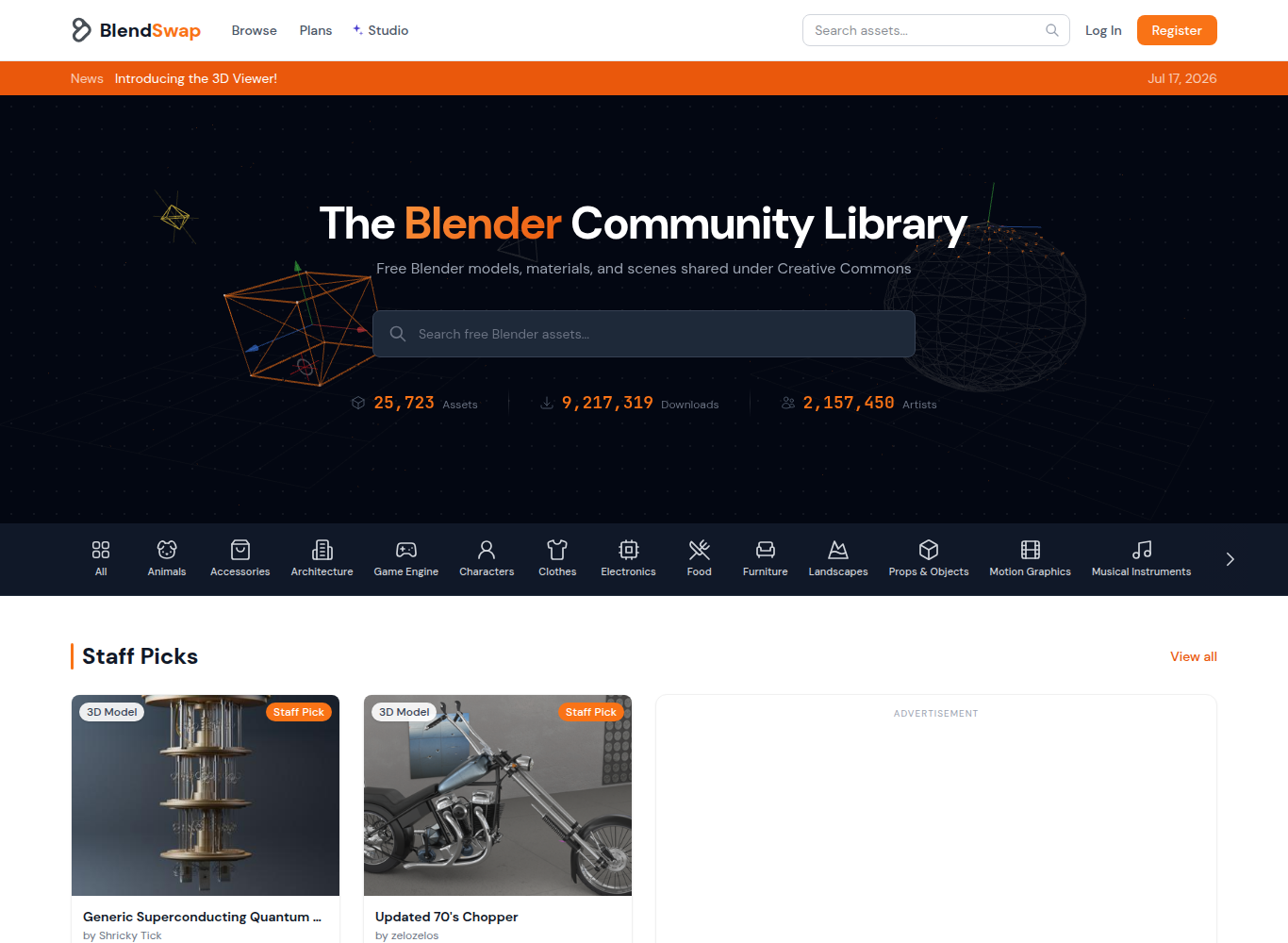
⚡ Platform At a Glance
The Open Heart of the Blender Movement
Since 2010, **BlendSwap** has served as the grassroots learning exchange for the global Blender community. Unlike commercial stores that distribute locked or proprietary formats, BlendSwap is designed as a collaborative peer-to-peer repository.
Artists upload native **.blend files** complete with their full modifier stacks, Geometry Nodes networks, composite node trees, and material setups, allowing other creators to inspect, learn from, and build upon their techniques.
Mastering Procedural Shaders & Node Networks
For artists mastering procedural texturing, BlendSwap is an extraordinary resource. Users can download complex procedural wood, marble, skin, or sci-fi panel shaders, examine the mathematical node connections in the Shader Editor, and adapt the setups for their own commercial renders.
Supported Formats & Software Compatibility
| Format | Target Software / Engine | Best Application |
|---|---|---|
| .BLEND (Blender 2.8 – 4.x) | Blender (Cycles, Eevee) | Native project files with uncollapsed modifier stacks and node groups |
⚖️ Licensing, Copyright & Legal Protection
Creative Commons (CC0 Public Domain, CC-BY Attribution, CC-BY-SA Share-Alike). Most assets can be used in commercial renders with proper artist attribution.
💰 Pricing & Creator Royalty Structure
Free accounts receive a monthly download quota. Paid supporter memberships ($5-$10/mo) provide unlimited fast downloads and support server maintenance.
Pros & Cons Summary
✅ Strengths
- 100% native .blend files with complete modifier and node setup visibility.
- Invaluable learning resource for reverse-engineering complex Blender workflows.
- Supportive open-source community focused on sharing knowledge.
- Vast selection of procedural materials and Geometry Nodes setups.
⚠️ Considerations
- Free accounts have a monthly download bandwidth limit.
- Older files created in Blender 2.7x may require shader updates in modern Blender 4.x.
Frequently Asked Questions
Can I use BlendSwap models in commercial renders?
Yes, if the model is licensed under CC0 or CC-BY. CC-BY models require crediting the original creator in your project.
Why are BlendSwap files provided only as .blend?
Because .blend is Blender’s native format, preserving all procedural nodes, modifiers, armature constraints, and camera settings without data loss.
How do I append a model from a downloaded .blend file into my scene?
In Blender, go to ‘File > Append’, locate the downloaded .blend file, double-click into the ‘Collection’ or ‘Object’ folder, select the model, and click ‘Append’.
Explore Related 3D Platforms
Compare with these top alternative 3D platforms in our directory:
- BlenderKit Review
- Blender Market Review
- Poly Haven Review
- Browse the full index: Ultimate List of 50+ 3D Model Sites