📍 Part of our comprehensive guide: Ultimate List of 3D Model Sites
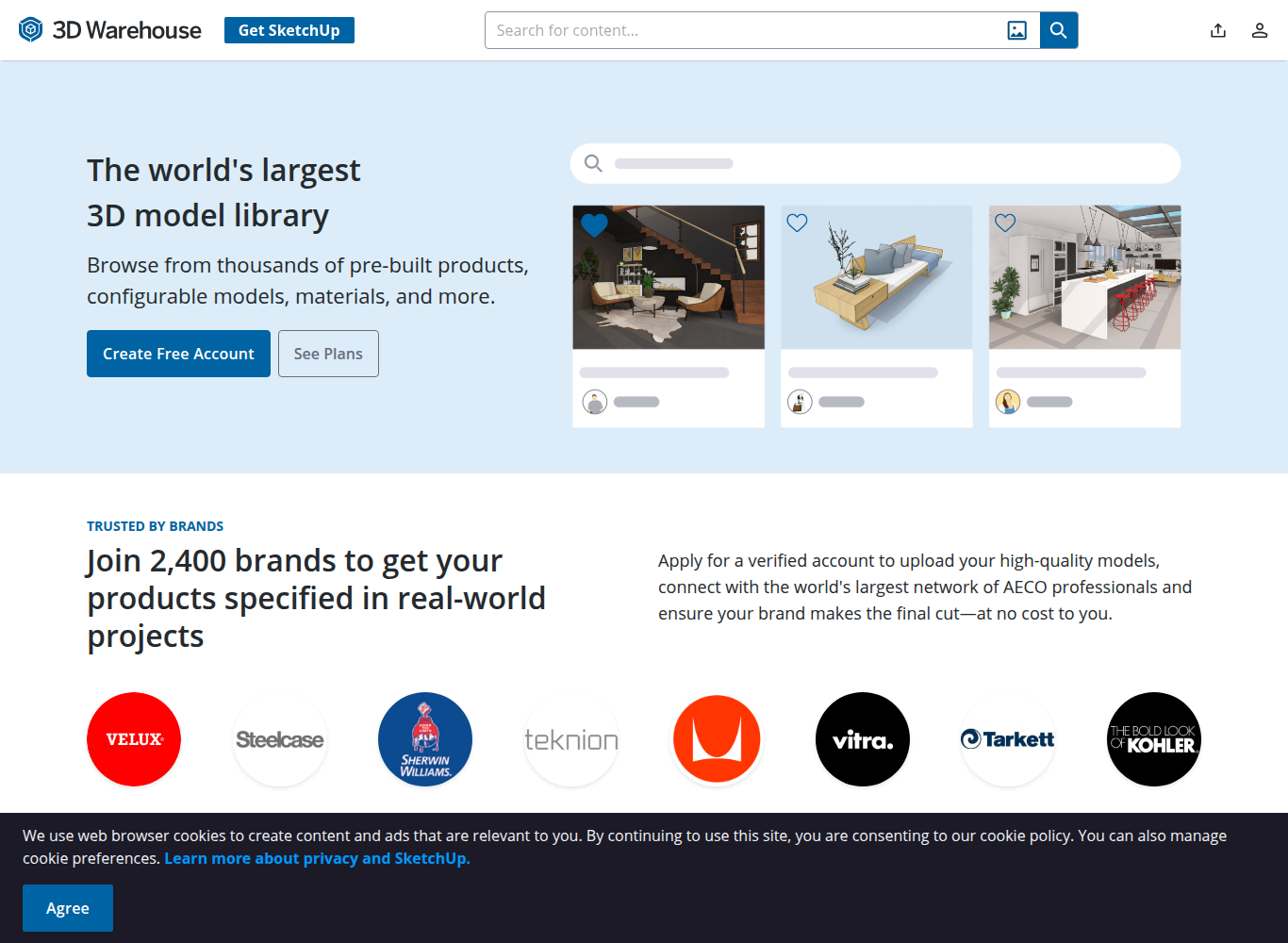
3D Warehouse (operated by Trimble SketchUp) is the world’s largest open repository of architectural, BIM, and interior design 3D models. Housing millions of manufacturer-verified furniture pieces, building materials, and building components, 3D Warehouse is the primary everyday resource for architects, interior designers, and SketchUp modelers worldwide.
⚡ Platform At a Glance
The Global Architectural Component Library
For anyone designing residential homes, commercial office layouts, or landscape plans in **SketchUp**, **3D Warehouse** is the indispensable hub of components. The platform provides millions of pre-built windows, doors, structural trusses, plumbing fixtures, and appliances.
Architects can search the 3D Warehouse directly inside the SketchUp desktop or web app, download a component, and place it into their floor plan with a single click.
Verified Manufacturer Catalogs & BIM Data
A major strength of 3D Warehouse is its partnership with leading global product manufacturers. Brands like **Kohler, Marvin Windows, Bosch, Sub-Zero, and Benjamin Moore** publish exact digital twins of their physical product lines, complete with accurate model numbers, dimensions, and specifications for construction documentation.
Supported Formats & Software Compatibility
| Format | Target Software / Engine | Best Application |
|---|---|---|
| .SKP (SketchUp) | SketchUp Pro, SketchUp Web, SketchUp iPad | Native dynamic components with embedded metadata and dimensional parameters |
| .DAE (Collada) | Blender, Lumion, Twinmotion | Cross-platform architectural visualization import |
| .DWG / .DXF | AutoCAD, Revit | 2D/3D CAD interoperability |
⚖️ Licensing, Copyright & Legal Protection
Free General Model License allows use in commercial architectural designs, client presentations, construction blueprints, and marketing renders without royalty fees.
💰 Pricing & Creator Royalty Structure
100% Free access and unlimited downloads for SketchUp users with a free Trimble ID.
Pros & Cons Summary
✅ Strengths
- World’s largest library of architectural 3D models and building components.
- Official manufacturer-verified products with exact real-world dimensions.
- Seamless in-app browsing and 1-click download directly inside SketchUp.
- 100% free downloads across millions of community and manufacturer models.
⚠️ Considerations
- Mesh quality varies between manufacturer models and amateur user uploads.
- Optimized primarily for SketchUp rather than subdivision PBR rendering in Maya.
Frequently Asked Questions
Can I open 3D Warehouse models in Blender or 3ds Max?
Yes! You can download models in .DAE (Collada) or .SKP format and import them directly into Blender or 3ds Max using native SketchUp import plugins.
Are models on 3D Warehouse free for commercial projects?
Yes! 3D Warehouse models can be used freely in commercial architectural designs, client renderings, and construction drawings.
What are Dynamic Components in 3D Warehouse?
Dynamic Components are smart SketchUp objects that can be configured with user options—such as clicking a door to open it, or adjusting a window frame width.
Explore Related 3D Platforms
Compare with these top alternative 3D platforms in our directory:
- Design Connected Review
- Evermotion Review
- Free3D Review
- Browse the full index: Ultimate List of 50+ 3D Model Sites