📍 Part of our comprehensive guide: Ultimate List of 3D Model Sites
Thingiverse (operated by UltiMaker) is the legendary pioneer and largest open-source 3D printing repository on the planet. Housing over 2.5 million free 3D models with a history spanning since 2008, Thingiverse remains the quintessential open-source maker archive for DIY repair parts, OpenSCAD parametric customizers, and everyday household 3D prints.
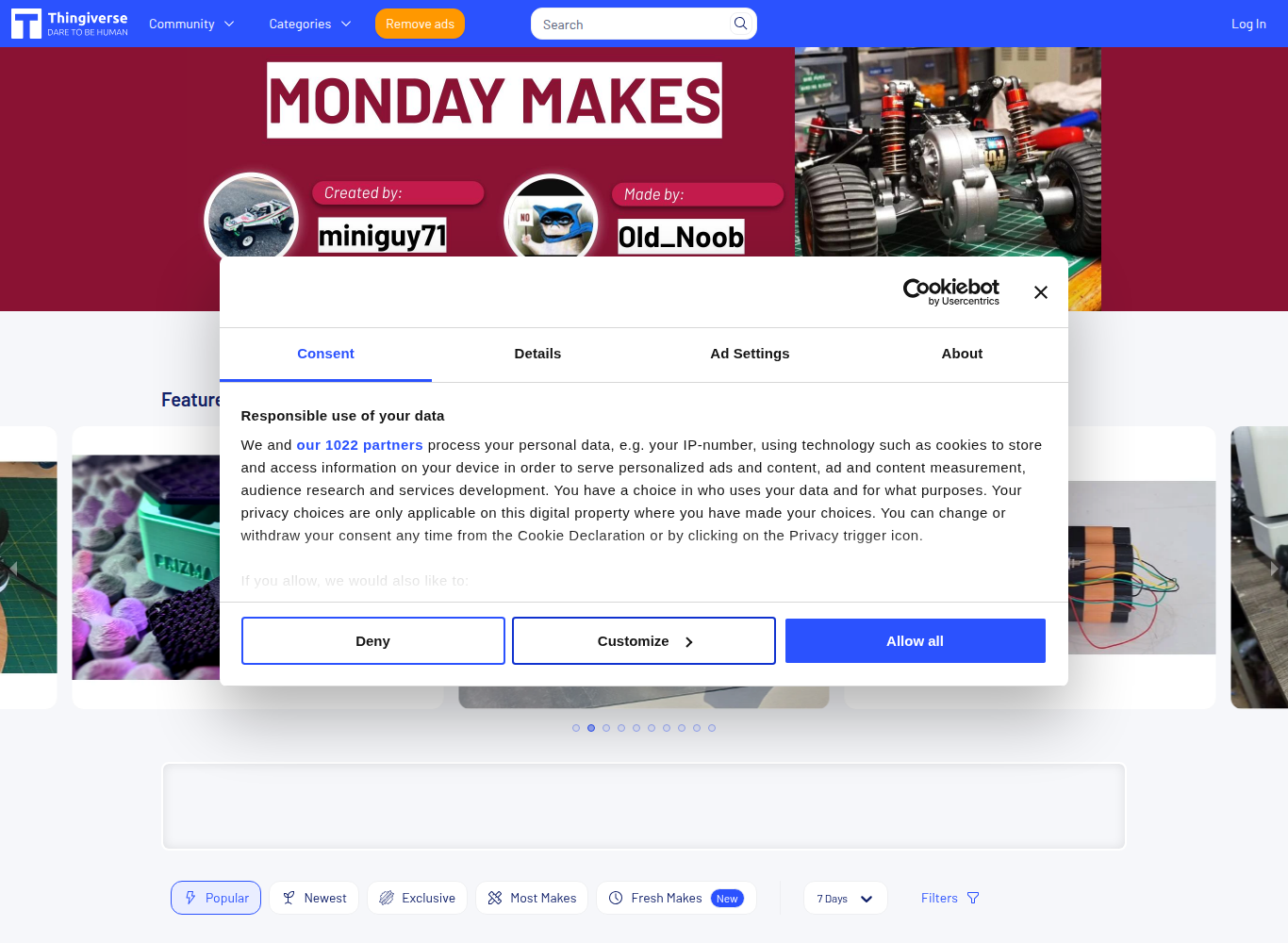
⚡ Platform At a Glance
The Historical Foundation of the 3D Printing Movement
Launched alongside the earliest desktop MakerBot printers, **Thingiverse** is the platform that introduced millions of people to additive manufacturing. Its vast archive contains virtually every conceivable household fix—from replacement dishwasher rollers and vacuum hose adapters to custom drone frames and calibrated test prints (like the iconic *3D Benchy*).
Thingiverse is built on a radical open-source ethos: every model on the platform is completely free to download without subscription fees or paywalls.
Thingiverse Customizer & Parametric OpenSCAD Design
One of Thingiverse’s defining technological pillars is the integrated **Thingiverse Customizer**. Utilizing code-based **OpenSCAD** scripts, creators can publish parametric models with interactive UI sliders. Non-technical users can adjust dimensions, bolt diameters, or text engravings directly in their browser and generate a custom-fitted STL file in seconds.
The UltiMaker Modernization
Following the merger of MakerBot and Ultimaker into **UltiMaker**, Thingiverse underwent extensive server and UI overhauls, resolving legacy database search latency, modernizing image rendering, and improving mobile responsiveness.
Supported Formats & Software Compatibility
| Format | Target Software / Engine | Best Application |
|---|---|---|
| .STL | All 3D Slicers (Cura, PrusaSlicer, Bambu Studio) | Standard universal triangular mesh |
| .SCAD | OpenSCAD / Thingiverse Customizer | Parametric code-based 3D generation with editable variables |
| .3MF | Modern Slicers | Multi-part assemblies and print orientation presets |
⚖️ Licensing, Copyright & Legal Protection
100% Creative Commons licensed (CC-BY, CC-BY-SA, CC-BY-NC, CC0, GNU-GPL). Every download clearly displays remix attribution rules and commercial usage permissions.
💰 Pricing & Creator Royalty Structure
100% Free downloads across all 2.5 million models. Users can voluntarily send tips to creators via integrated PayPal/Ko-fi buttons on creator profiles.
Pros & Cons Summary
✅ Strengths
- Largest historical archive of free 3D printable files in the world (2.5M+ items).
- 100% free downloads without paywalls or required paid tiers.
- In-browser OpenSCAD Customizer allows instant parametric adjustments.
- Vast selection of functional household repair parts and DIY maker projects.
⚠️ Considerations
- Historical catalog includes outdated models without modern .3MF slicer profiles.
- Search and tagging can surface duplicates due to the massive volume of remixes.
- No direct creator marketplace monetization compared to Printables Clubs or Cults3D.
Frequently Asked Questions
How do I customize a model using Thingiverse Customizer?
Click the ‘Open in Customizer’ button on a compatible .SCAD model page, adjust the dimensional sliders (e.g., box width, hole diameter), and click ‘Create Thing’ to generate a downloadable customized STL.
What is a ‘Remix’ on Thingiverse?
A Remix is a modified version of an existing model. Thingiverse automatically links remixes back to the original parent model to ensure proper open-source creator attribution.
Can I sell 3D prints of Thingiverse models on Etsy or eBay?
Only if the model’s Creative Commons license does not include the ‘NC’ (Non-Commercial) icon. Always check the license displayed on the left sidebar of the model page.
Explore Related 3D Platforms
Compare with these top alternative 3D platforms in our directory: