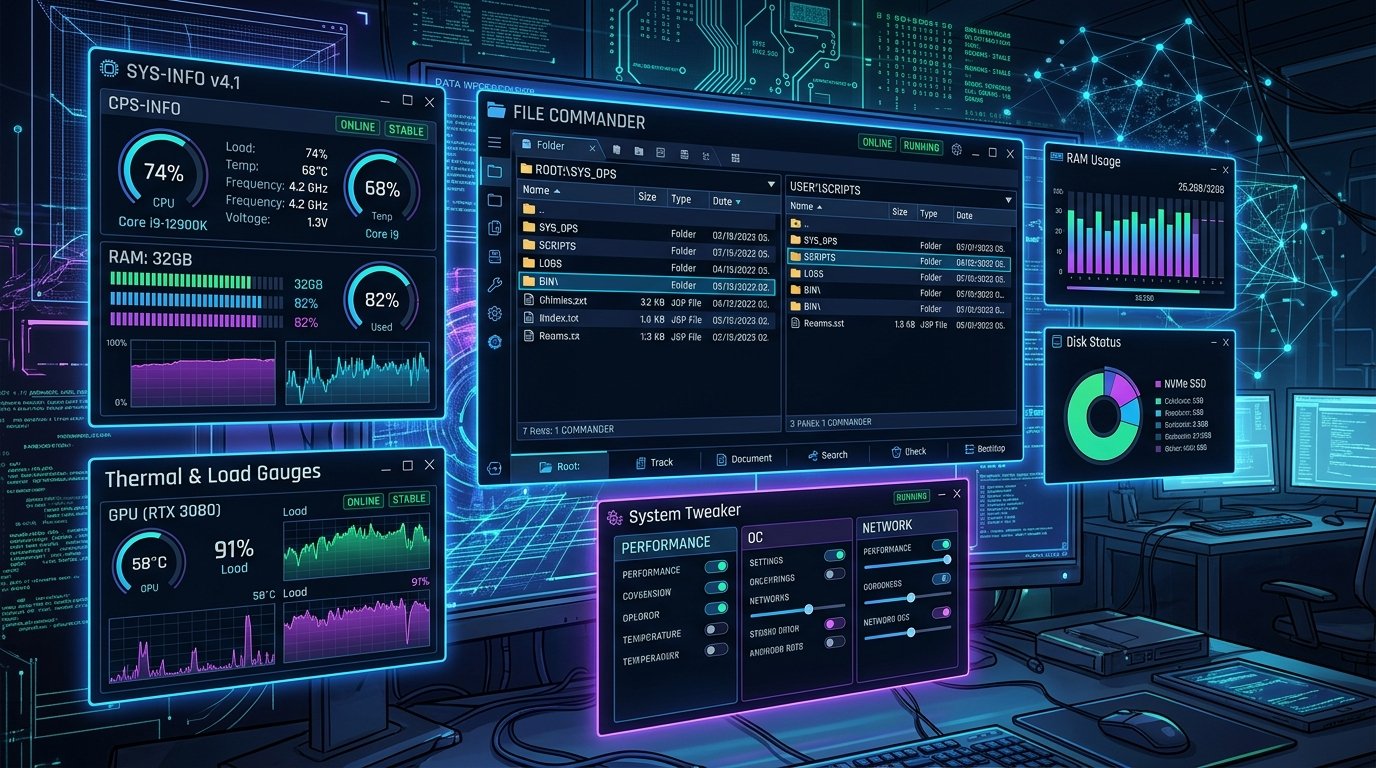
I suggest that very useful system tools. (AnalogX, CPUID, DScaler, LavaSoft, PowerToys, MooSoft, Samurize, SiSoft, SouthBay, Total Commander, Ultimate Boot CD.)
AnalogX
Description : AnalogX, a programmers website who write all of free and very small programs. We suggest wide variety of software.
CPUID
Description : You can get a lot of info about your processor by freeware CPU-z which very successful application.
LavaSoft
Description: AdAware PC Cleaner Free, produced by LavaSoft is detect and clean malware and spyware on your system.
FutureMark
Description: FutureMark (formerly MadOnion) company’s web site which produced important PC test / benchmarking software such as 3DMark and PCMark.
Microsoft PowerToys
Description: Free, small tools by Microsoft useful for Windows 11. Especially don’t miss TweakUI.
MooSoft
Description: Moosoft’s product is The Cleaner, protect your system against Trojan programs which are dangerous but seem like useful applications.
Samurize System Info
Description: Samurize is a full system monitoring application. Most important feature is that program uses almost zero processor load and memory need.
SiSoft
Description: Developer of talented test tool Sandra.
SouthBay PC
Description: NoAds stops popup web ads from getting in your way. NoAds is fully configurable, allowing you to specify which popups will be stopped automatically. FastRes lets you quickly change your screen resolution and color depth, from the system tray. AutoSizer automatically resizes programs for you, keeping them at a specific size or keeping them maximized
Total Commander
Description: Popular File manager that looks like DOS’s Norton Commander.