 EN
EN TR
TR DE
DE FR
FR ES
ES📍 Part of our comprehensive guide: Ultimate List of 3D Model Sites
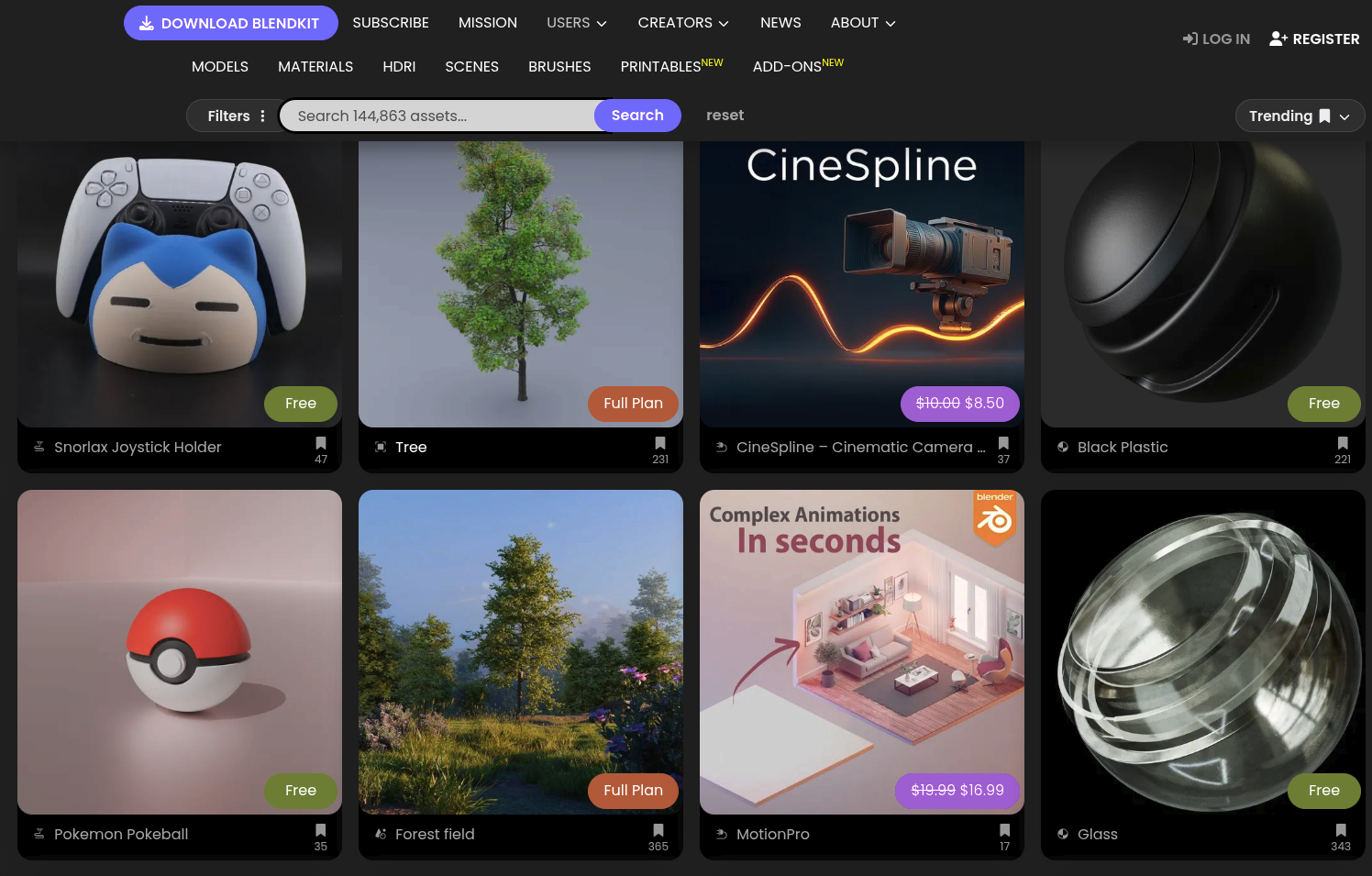
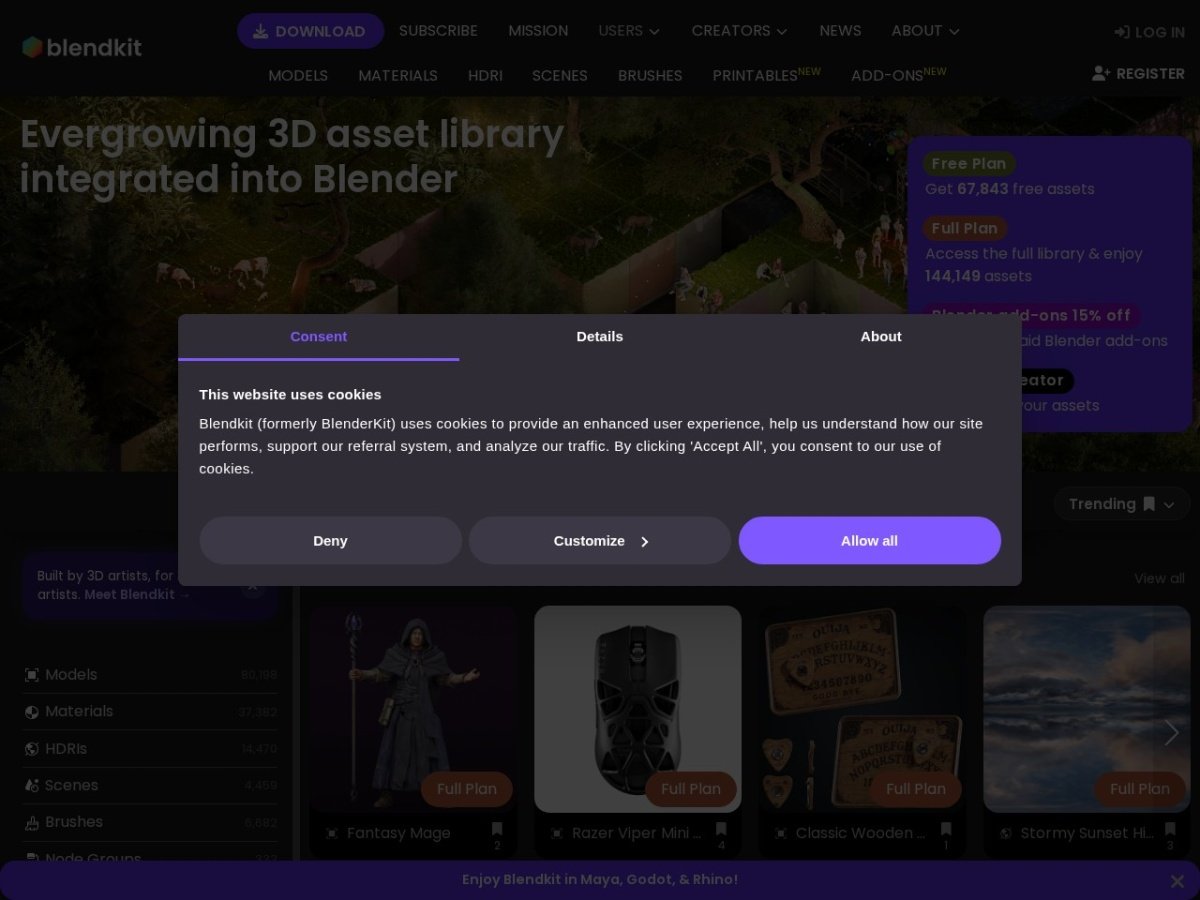
BlenderKit is an open source-based ecosystem plug-in that integrates directly into the Blender 3D software workspace (3D Viewport), providing a drag-and-drop workflow independent of the web browser, and hosting tens of thousands of 3D models, procedural materials, HDR lighting maps and brushes[1][2].The platform, which eliminates the hassle of downloading external ZIPs and reconnecting lost textures of classical marketplaces, stands out with its “Fair Share” model, which transfers subscription revenues to contributing artists according to dynamic usage rates[2][3].
⚡ BlenderKit Data at a Glance
Founding Story and Relationship with Blender
BlenderKit was designed in the Czech Republic in 2017 by Blender artist and software developer Vilém Duha and backend architect Petr Dlouhý[2][4].Duha’s main purpose is;The aim was to build a seamless working panel that would reset the hours lost by artists going into the browser, downloading ZIP archives, exporting models, and repairing broken material nodes one by one[2].
The platform quickly resonated with the Blender community and was included in the official core add-on suite by the Blender Foundation with the release of Blender 2.80 (2019)[3][5].Users could enable BlenderKit in Blender settings and connect directly to the library without any additional downloads[5].
However, ahead of Blender 3.0 (late 2021), the Blender Foundation has established new add-on guidelines to maintain neutrality, security and code maintainability in official software distribution[5].It was decided to separate plug-ins that communicate with external servers in the cloud, require membership login, or include commercial subscription models from the core installation file[5].Following this policy change, BlenderKit was separated from the official Blender structure and began to operate as an independent community service and open source independent plugin[2][5].
Working Mechanics: One Click Drag and Drop in Viewport
The process of purchasing or downloading models in traditional 3D asset stores is multi-step: go to the website, choose from format options (FBX, OBJ, BLEND), save the ZIP archive to disk, extract it, and then add it into Blender with the “Append” or “Link” command.BlenderKit completely eliminates this cumbersome process[1][7]:
- Direct Viewport Search: The artist types the keyword (“modern leather sofa”, “marble”, “sky”) into the search bar in the N panel on the right of the Blender screen and instantly displays the results with thumbnails[1].
- Smart Surface Snapping: When the model is dragged with the mouse and dropped on an object in the work area, its base point and normal angles are automatically detected and it is placed in the correct direction on the floor or wall[1][10].
- Dynamic Downloading in the Background: A lightweight geometry preview of the model appears instantly in the scene, while high-resolution textures are downloaded in the background and Cycles or Eevee shaders are seamlessly linked[1][7].
- Procedural Material Integration: When applied to complex surfaces without UV expansion, the textures are scaled to the real world scale without distortion, thanks to procedural triplanar coordinate algorithms[7][10].
Content Validation (Validator) and Quality Control Architecture
One of the most important elements that distinguishes BlenderKit from random file dumps is that every work uploaded to the platform goes through the Validator approval process.[10][11].The system enforces strict standards when artists make their work public:
| Criterion | BlenderKit Standard | Why is it mandatory? |
|---|---|---|
| Scale | 1 Blender Unit = 1 Meter (Real World Scale)[10] | `Ctrl+A -> Apply Scale` is mandatory to prevent a chair dropped on stage from appearing huge or microscopic. |
| Front Facade Direction | -Y Ekseni (Blender Front View)[10] | Prevents models from being placed facing the ceiling or away from the camera or working angle. |
| Topology and Normal Aspects | Manifold geometry, non-inverted surface normals[10][11] | It prevents black spots and shading errors in light calculations and rendering stages. |
| Material Standard | Standard PBR or Purely Procedural Nodes[10] | Ensures Cycles and Eevee compatibility by avoiding external third-party rendering engine dependencies. |
| Auto Preview | Square 512×512 px auto studio render[10][11] | Provides consistent lighting and a clean visual showcase in the library interface. |
“Fair Share” Revenue Model and Artist Royalties
BlenderKit has adopted the “Fair Share” revenue model, where the subscription pool is shared instead of traditional single product sales[3][4]:
- Subscription Revenue Pool: Approximately 70% to 85% of revenues collected from Full Plan subscribers are allocated for distribution to artists providing content[4][7].The remaining portion goes towards server costs, platform development, and Blender Foundation donations.
- Usage-Based Distribution: The models that a subscriber downloads and uses in his projects throughout the month are recorded by the system.The subscriber’s monthly payment is distributed directly to the producers of the content downloaded that month, according to the usage rate[3][4].
- Open Source Development Contribution: Adhering to its open source philosophy, BlenderKit regularly transfers a portion of its revenues to the Blender Development Fund[3][5].
Licensing Model: CC0 and Royalty-Free Distinction
Assets in the BlenderKit library are available under two main licenses, and both licenses are open to commercial projects[8][9]:
| License Type | Commercial Use | Attribution | Resale and Distribution Restriction |
|---|---|---|---|
| Creative Commons Zero (CC0) | Completely Free[8] | Not Required[8] | There are no restrictions;It has public domain status. |
| BlenderKit Royalty-Free (RF) | Free (Game, Movie, Visualization)[8][9] | Not Required[9] | Strictly Prohibited: Selling assets as raw 3D files or packages on other platforms is prohibited[8][9]. |
Strengths and Sectoral Limits
Although BlenderKit provides unprecedented speed, especially in the areas of rapid scene preparation, architectural visualization and concept modeling, it has some usage limits:
- Speed and Efficiency Advantage: Placing hundreds of chairs, plants or coverings on the stage with one click reduces the time to fill the stage from hours to minutes[1][7].
- Generous Free Tier: Approximately half of the library is available to free plan users;This provides a powerful resource for students and independent artists on a budget[6][7].
- Platform Limitation: BlenderKit is optimized to run only in the Blender environment.Maya does not provide direct asset transfer to external platforms like 3ds Max or Unreal Engine[1].
- Continuous Internet Need: Since assets are instantly pulled from the cloud, high polygon models or 4K textures landing on the stage may cause delays in weak internet connections[7].
References and Verified Sources
[1] BlenderKit Official Platform and Asset Browser Documentation: blenderkit.com
[2] BlenderKit History and Founder Information: blenderkit.com/about-us
[3] BlenderNation, BlenderKit “Fair Share” Revenue Model and Community Structure: blendernation.com
[4] BlenderKit Artist Revenue Share and Community Distribution Policies: blenderkit.com/docs/fair-share
[5] Blender Foundation, Blender 3.0 Plugin Deployment and Integration Guidelines: blender.org/news
[6] BlenderKit Plans and Pricing Table: blenderkit.com/plans
[7] CG Channel, BlenderKit Independent Ecosystem and Review Analysis: cgchannel.com
[8] BlenderKit Licensing Terms (CC0 & Royalty-Free): blenderkit.com/docs/licenses
[9] Blender Artists Community Forum, BlenderKit Licensing Rights Discussion: blenderartists.org
[10] BlenderKit Asset Validation and Technical Installation Guidelines: blenderkit.com/docs/asset-validation
[11] Blender Addons Directory, BlenderKit Quality Standards Review: blender-addons.org