📍 Part of our comprehensive guide: Ultimate List of 3D Model Sites
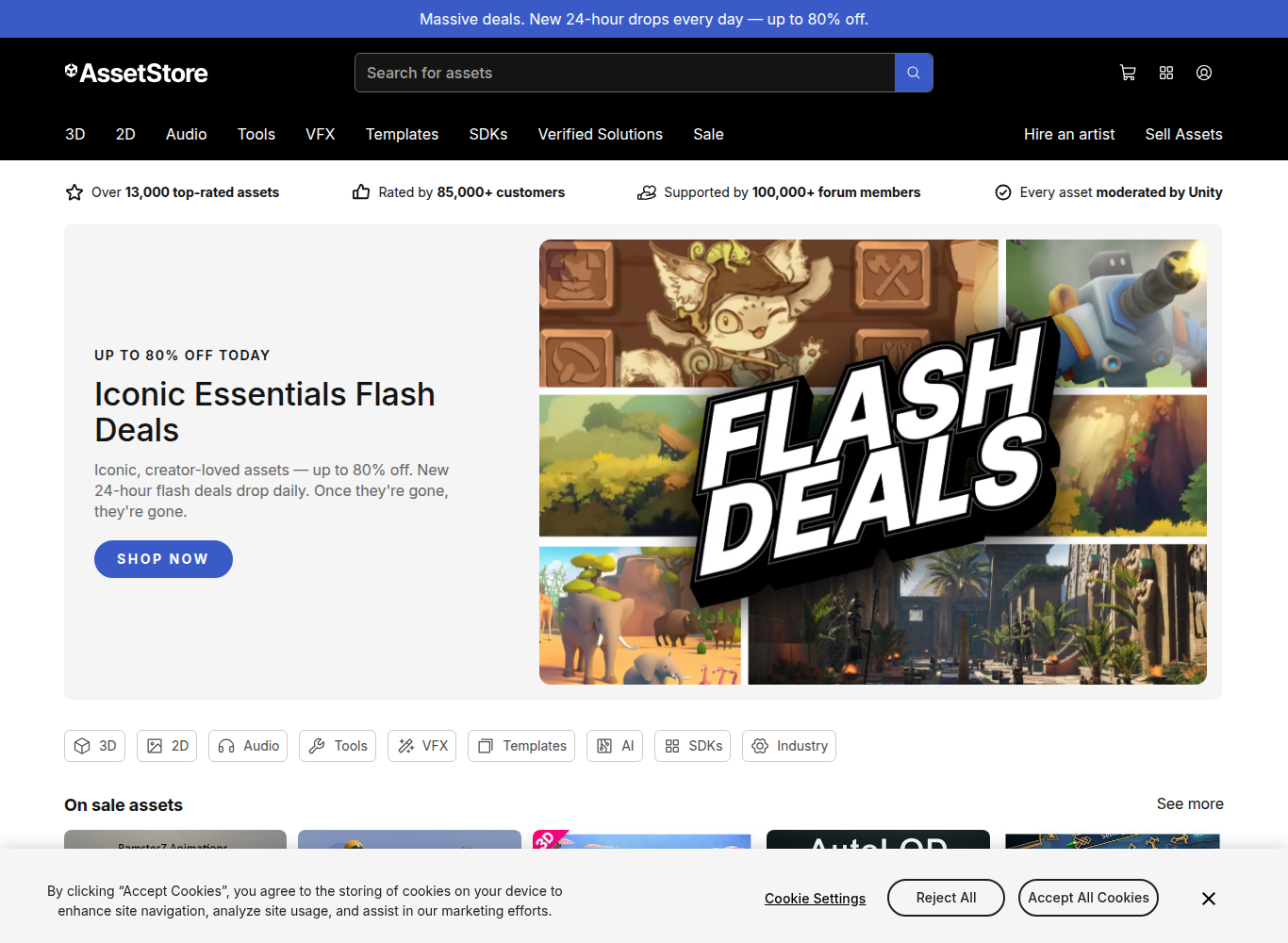
The Unity Asset Store is the premier digital ecosystem for real-time game developers, interactive simulation studios, and indie creators building in the Unity engine. Providing a comprehensive marketplace of over 70,000 game-ready 3D modular environments, rigged animated characters, specialized C# editor scripting tools, post-processing shaders, and audio packs, it remains an indispensable foundation for rapid video game development.
⚡ Platform At a Glance
The Backbone of Indie & Mobile Game Development
Unlike general 3D model stores that deliver loose polygon meshes without software logic, the **Unity Asset Store** distributes complete, turnkey software packages (.unitypackage). When purchasing a 3D medieval castle or an animated sci-fi character, developers receive pre-configured **GameObjects, Prefabs, LOD (Level of Detail) groups, collider meshes, and Mecanim animation controllers** ready to drop into an active game hierarchy with zero setup.
This holistic approach has enabled thousands of hit commercial titles—from *Hollow Knight* and *Cuphead* to *Subnautica* and *Monument Valley*—to accelerate production timelines by months or even years.
Rendering Pipeline Compatibility: URP vs. HDRP vs. Standard
Modern Unity development relies on scriptable render pipelines. Top-tier publishers on the Asset Store provide multi-pipeline shader support:
• **Universal Render Pipeline (URP):** Optimized for high-framerate mobile, Nintendo Switch, VR headsets (Meta Quest), and low-end PC hardware.
• **High Definition Render Pipeline (HDRP):** Designed for photorealistic PC, PlayStation 5, and Xbox Series X graphics with volumetric lighting, screen-space reflections, and ray tracing.
• **Pipeline Converters:** Most modern packages include 1-click material upgrade scripts to prevent missing ‘magenta shader’ texture errors.
Extensibility & Visual Scripting Plugins
Beyond 3D geometry, the store is legendary for productivity plugins. Industry-defining tools like **Odin Inspector** (custom inspector controls), **A* Pathfinding Project** (advanced AI navigation), **Amplify Shader Editor** (node-based shader creation), and **Rewired** (universal controller input management) serve as de facto standard extensions for serious Unity programmers.
Supported Formats & Software Compatibility
| Format | Target Software / Engine | Best Application |
|---|---|---|
| .unitypackage | Unity Editor (2021 LTS, 2022 LTS, Unity 6) | Turnkey game packages with prefabs, shaders, and scripts |
| .FBX | Blender, Maya, 3ds Max, Unity | Skeletal character meshes and Mecanim humanoid avatar rigs |
| Custom Shaders (.shader / Shader Graph) | URP & HDRP | Subsurface scattering, water physics, and cel-shaded materials |
| .C# Scripts | MonoBehaviour / Visual Studio | Interactive character controllers and procedural generation systems |
⚖️ Licensing, Copyright & Legal Protection
Single Entity Standard License grants royalty-free commercial rights to distribute compiled game binaries across Steam, Apple App Store, Google Play, and consoles. Assets cannot be redistributed as raw source files or open-source templates.
💰 Pricing & Creator Royalty Structure
Asset publishers retain 70% of gross sales revenue. Pricing ranges from free community starter kits to $15-$50 for modular asset packs, and $50-$200+ for enterprise-grade toolkits and full game templates. Frequent Mega Bundles offer up to 90% discounts.
Pros & Cons Summary
✅ Strengths
- 1-click Package Manager integration imports assets directly into the Unity Editor.
- Complete packages with pre-configured colliders, materials, LODs, and Mecanim rigs.
- World’s largest ecosystem of game programming tools and productivity plugins.
- Massive community reviews, star ratings, and active Discord publisher support.
⚠️ Considerations
- Asset packages are engine-specific and require export tools for use in Unreal or Godot.
- Render pipeline fragmentation (URP vs HDRP) requires checking version compatibility.
- Asset flipping risk requires customizing purchased assets to stand out aesthetically.
Frequently Asked Questions
Can I use Unity Asset Store 3D models in Unreal Engine or Godot?
Technically yes, if you extract the FBX and texture files from the Unity project, but scripts, custom shaders, and prefab logic will only function natively inside Unity.
How do I update an asset to URP if it appears pink or magenta?
In Unity, go to ‘Window > Rendering > Render Pipeline Converter’, select ‘Built-in to URP’, check ‘Material Upgrade’, and click ‘Convert Assets’.
What happens to my purchased assets if Unity releases a new LTS version?
Purchased assets remain tied to your Unity account permanently. Publishers regularly update their assets for newer Unity LTS versions.
Explore Related 3D Platforms
Compare with these top alternative 3D platforms in our directory: